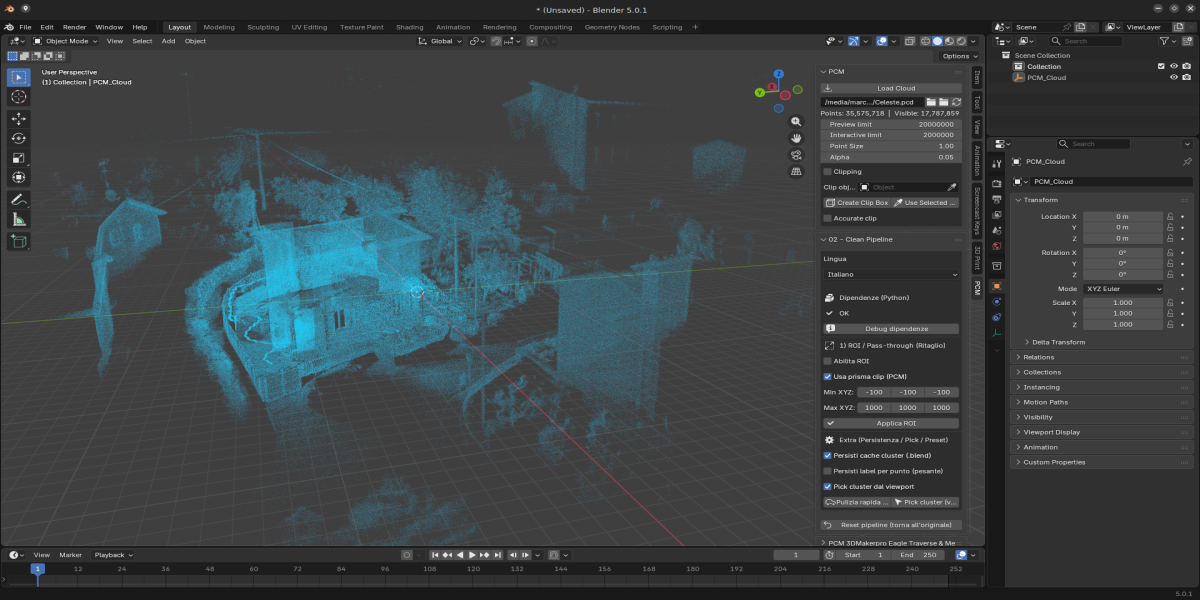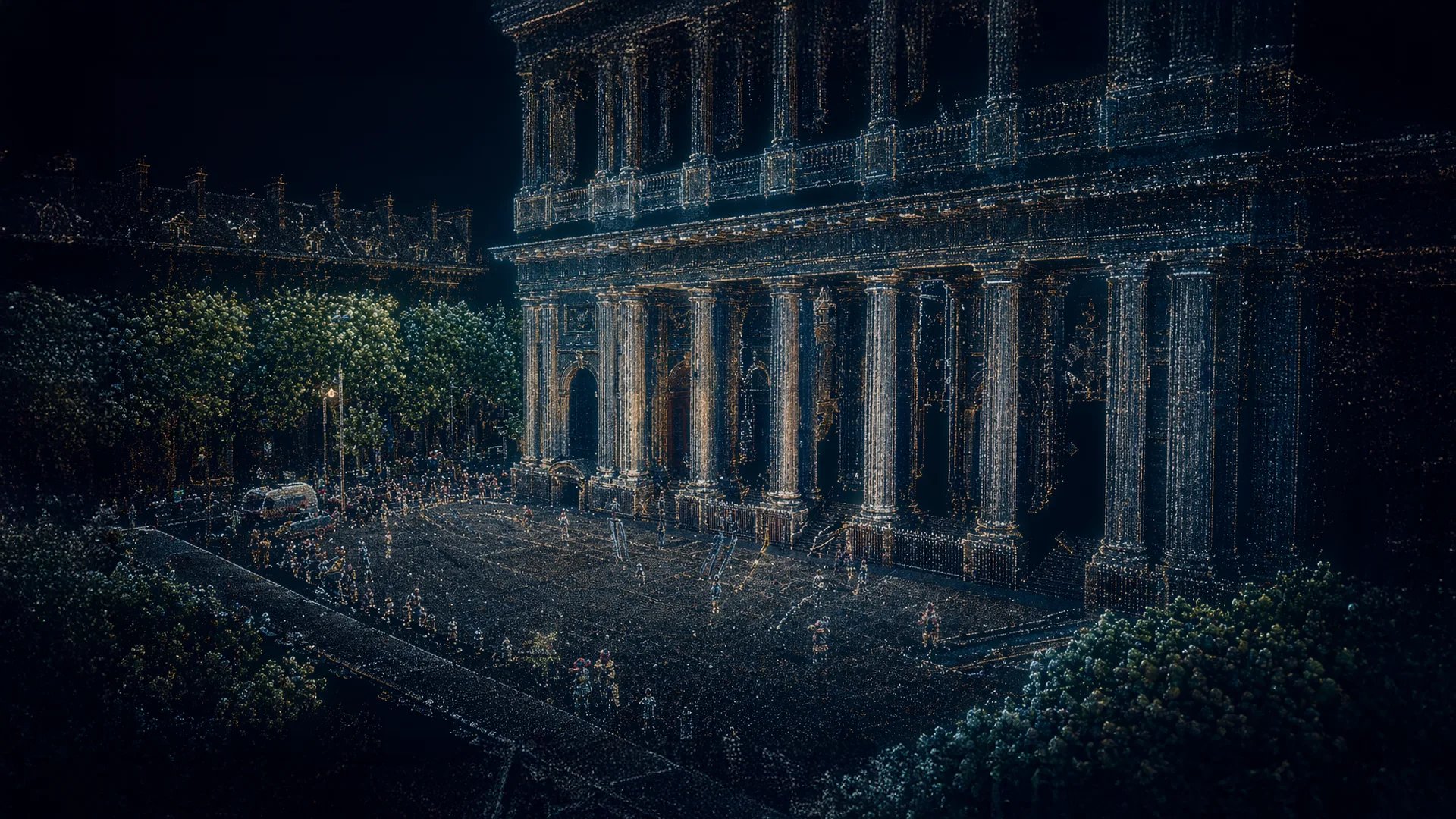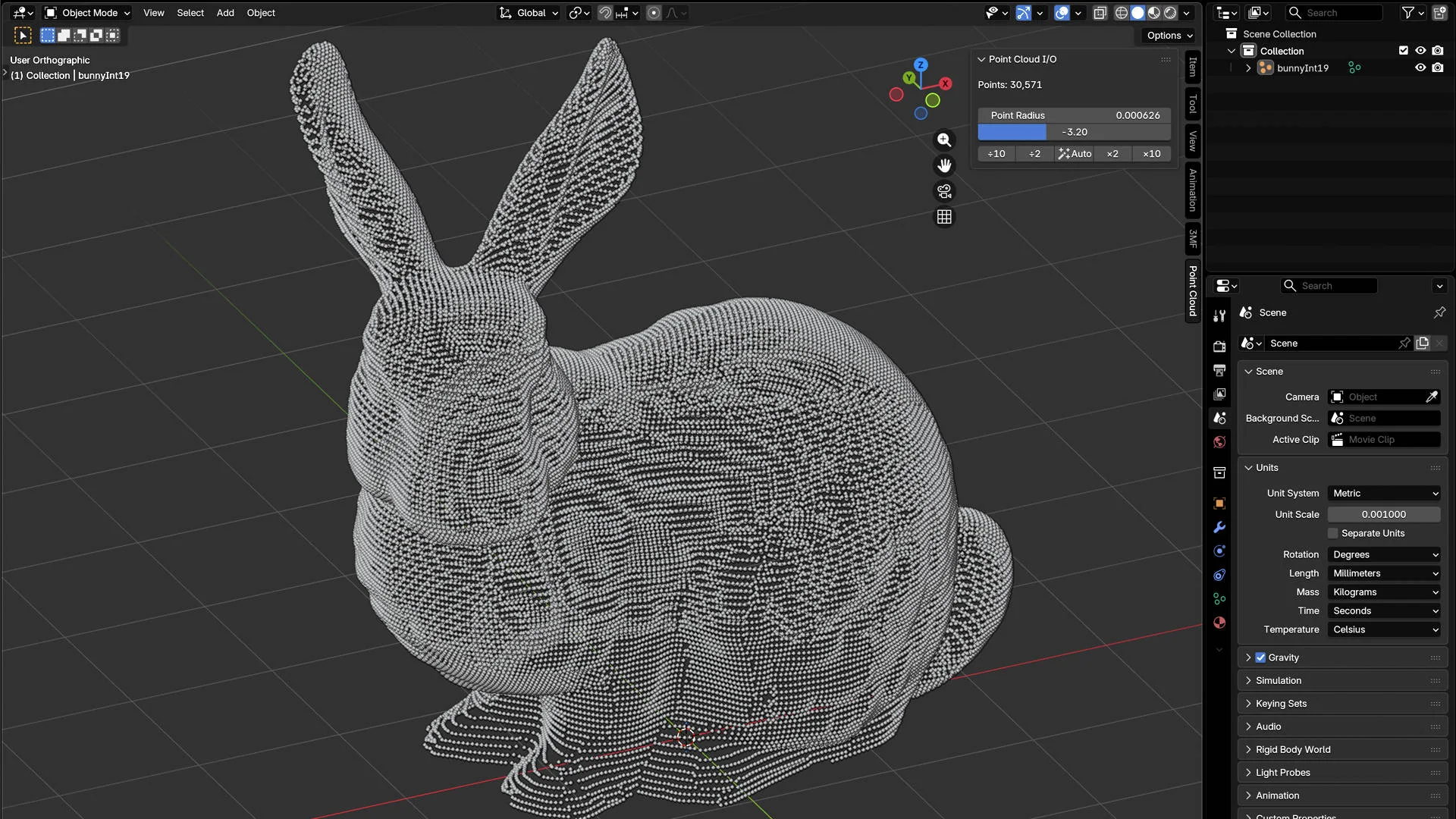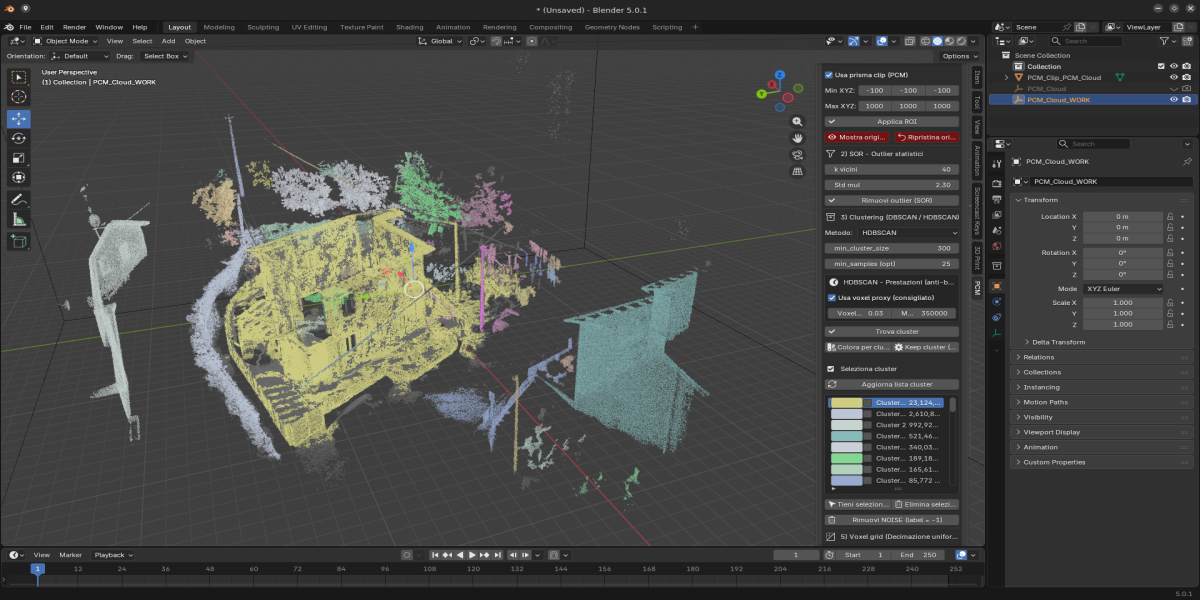
PCM_Clean is a Blender add-on for cleaning and simplifying point clouds imported through the required PCM_Core plugin. It combines statistical outlier removal, clustering and voxel reduction to help prepare LiDAR and SLAM scans for architectural modeling, plans, sections, elevations and CAD export. The workflow works on a selected region and keeps the original cloud unchanged while you edit a working copy.
Cleaning and segmentation tools
Statistical Outlier Removal (SOR) uses distances to neighboring points to identify statistical outliers. Clustering with DBSCAN or HDBSCAN helps isolate structures and separate nearby groups. Voxelization reduces point density; larger voxel sizes can smooth edges and remove more fine detail, so the settings need to fit the task.
PCM_Clean also generates a full point cloud for measurement and sections, plus a lighter proxy for viewport navigation and managing large scenes. After reviewing the result, you can commit it as a new PCM_Cloud for further architectural interpretation.
A typical PCM_Clean workflow
- Import and inspect the scan with PCM_Core.
- Select a region of interest to create a WORK cloud. The manual describes this as an editable copy of the selected portion; the original remains unchanged.
- Apply SOR, then use DBSCAN or HDBSCAN to group and isolate structures. Review cluster boundaries before removing points: the manual warns that DBSCAN settings can either join nearby objects or fragment a structure.
- Choose a voxel size for the intended output. The manual’s examples range from 0.005 m, described as nearly unchanged, to 0.03 m, where detail loss makes it suitable for preview only.
- Generate the full and proxy outputs, then commit the result as a new PCM_Cloud.
Choosing settings for a scan
The right settings depend on point density and the features you need to retain. The manual notes that a high neighbor count in SOR can smooth thin edges, while an aggressive statistical threshold can remove points along wall edges. In DBSCAN, a radius that is too large may join a wall with nearby furniture; one that is too small may split a wall into several clusters. Inspect thin features such as handrails and sharp edges before accepting a cleaned result.
For large datasets, the manual recommends working on slices smaller than 5 million points and recommends a GPU for clouds above 10 million points. These are the manual’s workflow recommendations, not a guarantee of performance on every system.
Requirements and limits
PCM_Clean requires PCM_Core, which handles point cloud import and visualization. The product listing identifies Blender 5.0, marks the add-on as Blender Extension compatible and lists a GPL license; check the product listing for current details. The manual says PCM_Clean does not fix SLAM acquisition errors and does not replace meshing. It prepares point clouds for later interpretation and modeling. See the PCM_Clean technical manual for its parameter guidance and workflow details, and the PCM_Core documentation for import and visualization information.