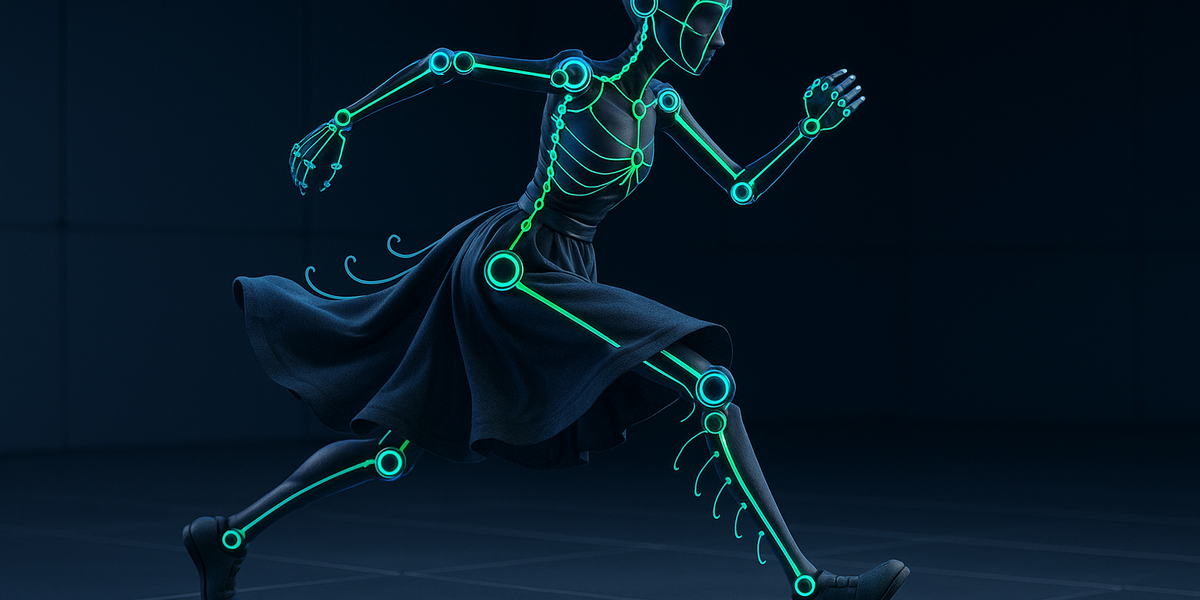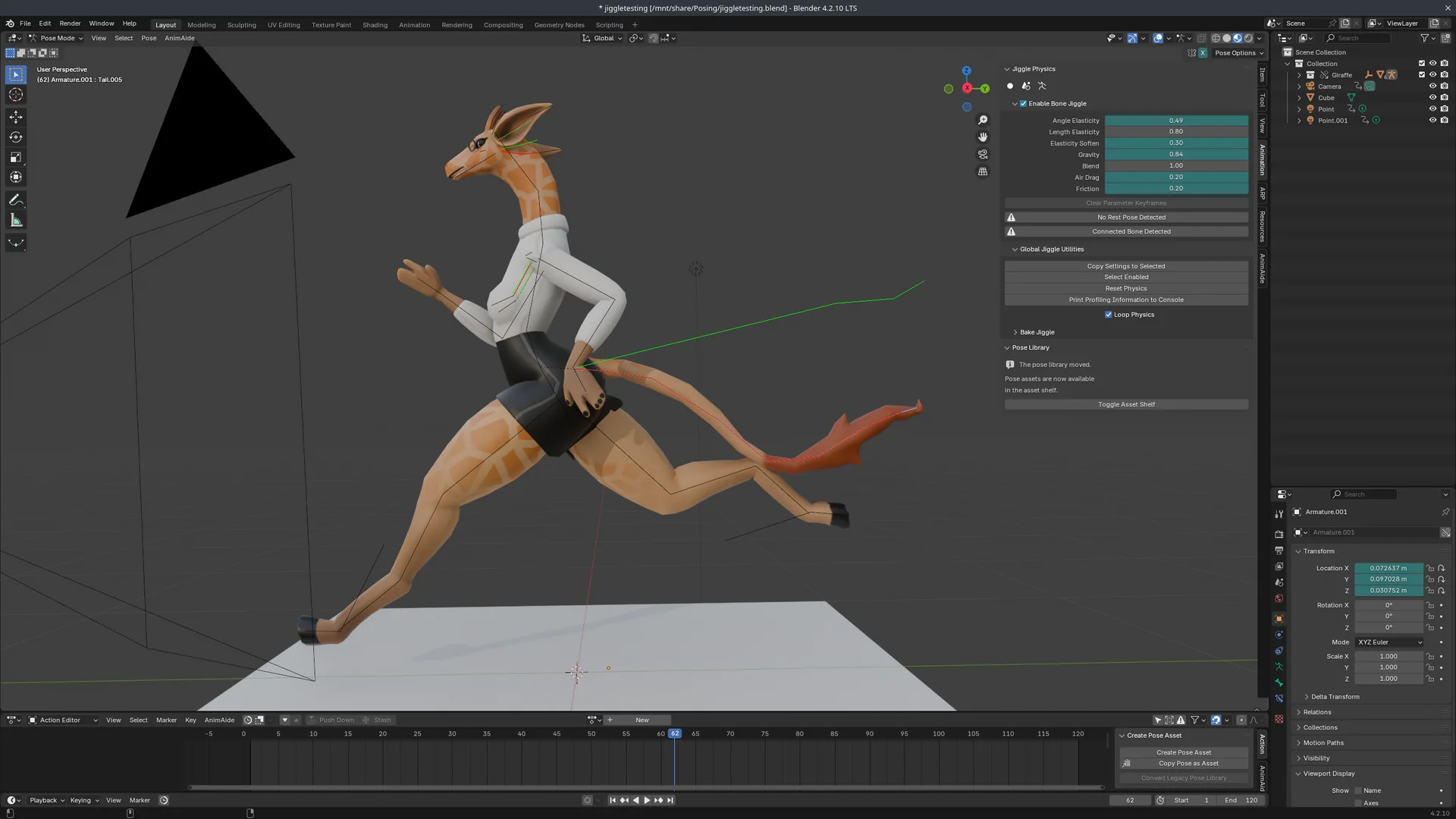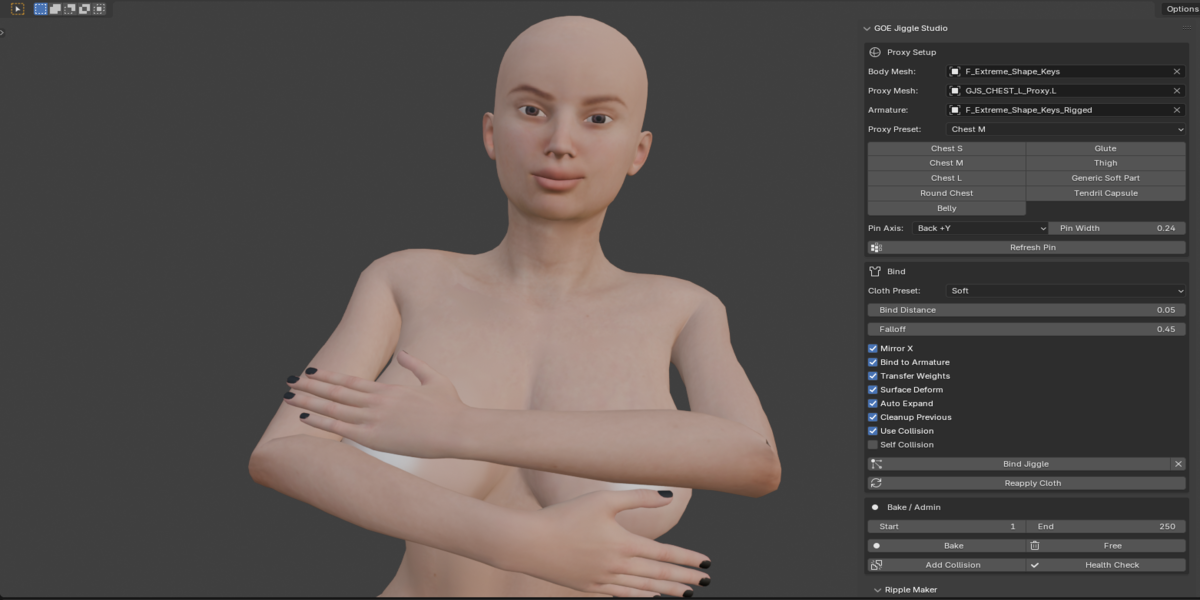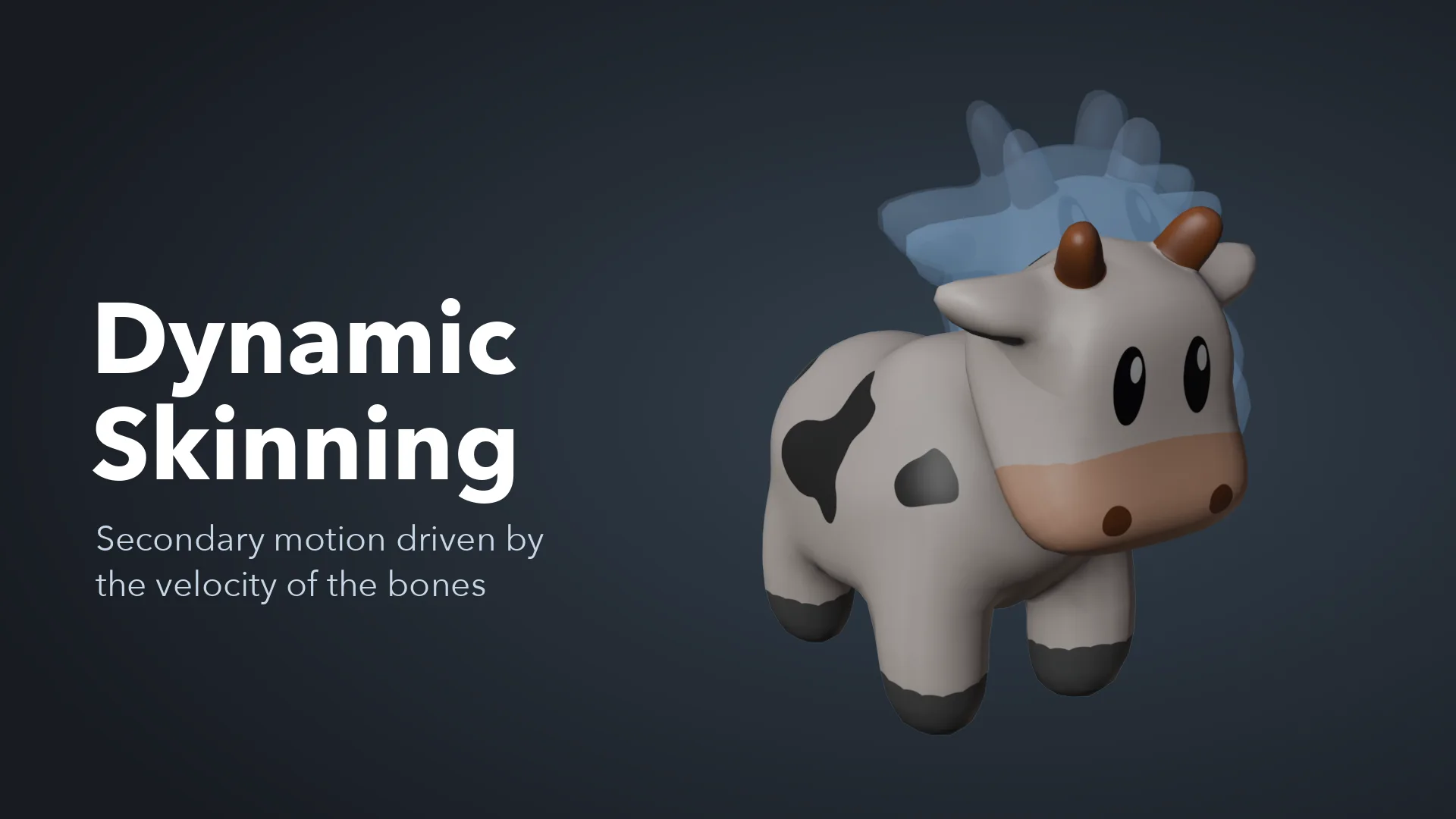
Pegaso Springify is a Blender add-on for adding spring-driven secondary motion to armature bones. It can give wings, tails, hair, clothing, and other dangling parts a follow-through effect as a rig moves. The product listing describes its main features, while the documentation explains setup and controls.
Preview spring motion while posing
In Interactive Mode, spring bones react to live movement from the rig or colliders in the viewport. This is useful for checking a tail, hair strand, or accessory while moving a parent bone, without first baking the motion. The add-on also has an animation workflow: its documentation says the Start Animation control bakes spring motion on active bones into keyframes across the scene frame range, for final rendering or export.
The product overview calls its keyframed workflow Animation Mode and says it layers spring motion over the animation; the documentation names the bake control Start Animation.
Bone settings and collision controls
The product listing describes rotation-only and position-plus-rotation options for selected bones; the documentation describes spring behavior as rotation-based. The documentation lists Bouncy, Speed, Gravity, and Spring Influence controls, along with rotation settings, collision toggles, and axis locks during collisions. The product overview uses some different control names, including damping and stiffness, so refer to the matching documentation when you need a specific parameter.
For collision handling, the documentation describes mesh objects and bones in the same armature as colliders. Collider distance and force can be adjusted, and axis locking can help prevent unwanted twists or penetration during contact. This is intended for cases such as a tail moving near a character's back or other spring bones.
Installation and compatibility
The documented setup is to install the downloaded ZIP through Blender's Edit > Preferences > Add-ons panel and enable Pegaso Springify. In the 3D Viewport, press N to open the sidebar and choose the Pegaso Springify tab. Select an armature, switch to Pose Mode, and select a bone to access its spring settings.
The supplied documentation lists version 1.0.0 and Blender 3.0 through 4.4. Check the product page for updated compatibility details if you use another Blender release. The panel also includes Cleanup All Spring Data, which removes the add-on's spring settings, collider settings, and temporary data from the entire scene; note that scene-wide scope before using it.