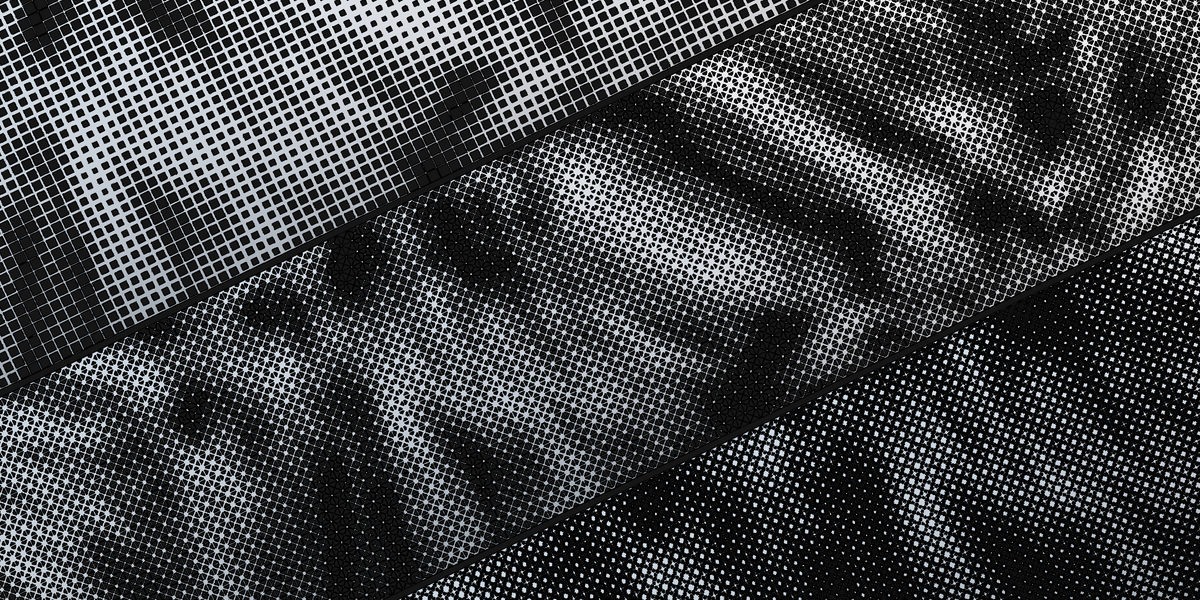
Perforated Panel is a Blender add-on by Abbos Mirzaev that uses Geometry Nodes to create perforated surfaces on curve objects. Add the modifier, then adjust the hole pattern through its controls. It generates geometry rather than a texture effect, and stays editable in Blender's modifier stack.
Adjust the pattern
Controls cover hole size, shape, spacing, offset, and rotation. Choose a square or hexagonal grid to change the layout. The modifier can be stacked with other modifiers, keeping the pattern adjustable as you develop a model.
Where it fits
The add-on is described for perforated screens, vents, facade panels, grilles, wall dividers, acoustic panels, furniture details, and stylized assets. Its curve support suits designs that follow a path or rounded panel shape. The product listing describes the node system as optimized for viewport use with dense geometry, but provides no performance measurements.
Included files and setup
The download is described as an add-on ZIP, a Blender file containing the Geometry Nodes group, a sample demo file, and installation instructions with video tutorial support. You can mark the node group as an asset and reuse it from Blender's Asset Browser. The listing says no third-party dependencies are required.
- In Blender, install the ZIP through Edit > Preferences > Add-ons > Install, then enable the add-on.
- Open the included Blender file and mark the Geometry Nodes group as an asset.
- Add the Perforated Panel modifier to a curve object and adjust the pattern.
Version and license details
The seller's description says Blender 4.0 or later, while the product details list versions 4.4 to 4.5. Check the current product listing for compatibility before installing. The listing identifies the license as GPL.