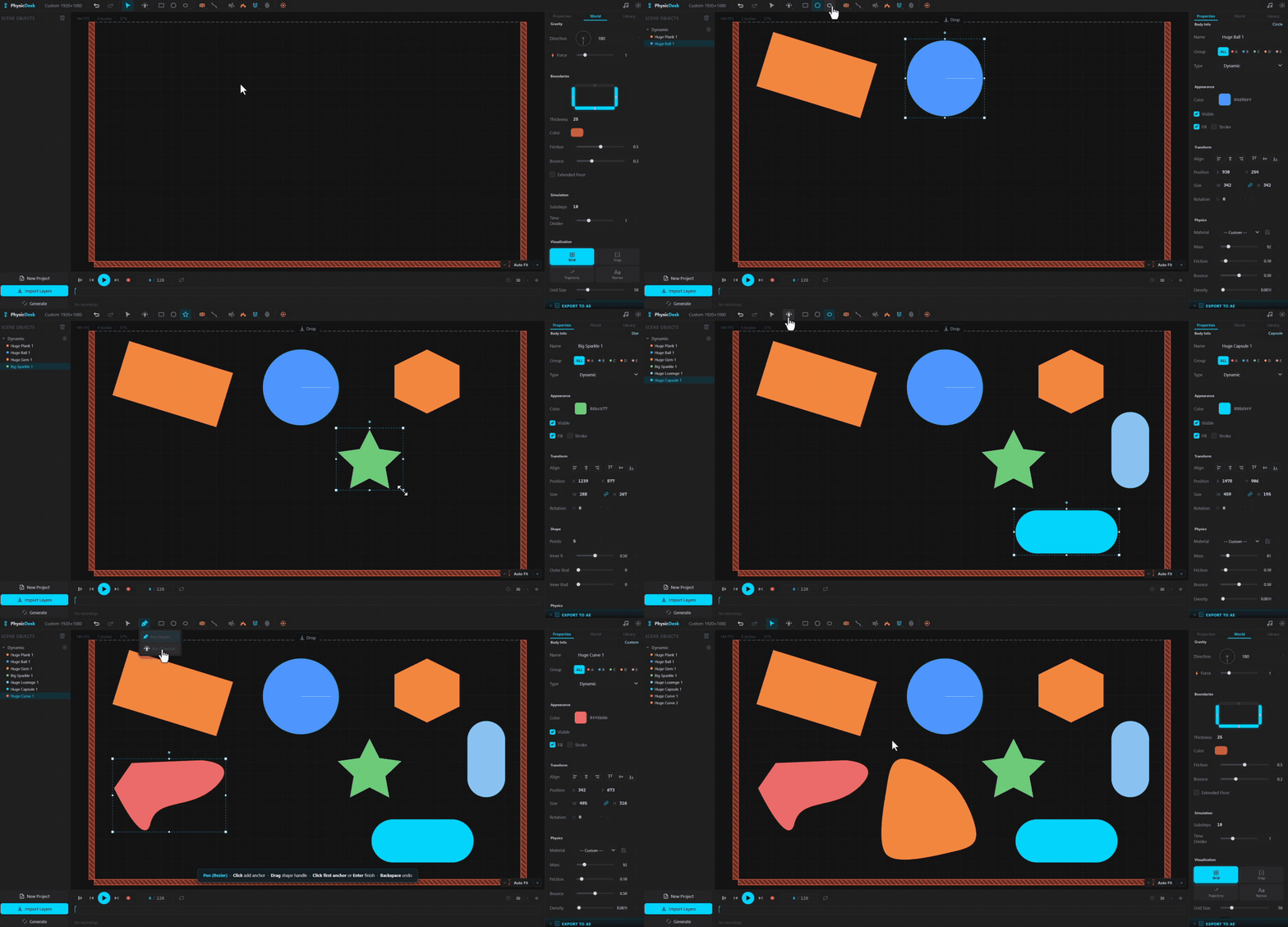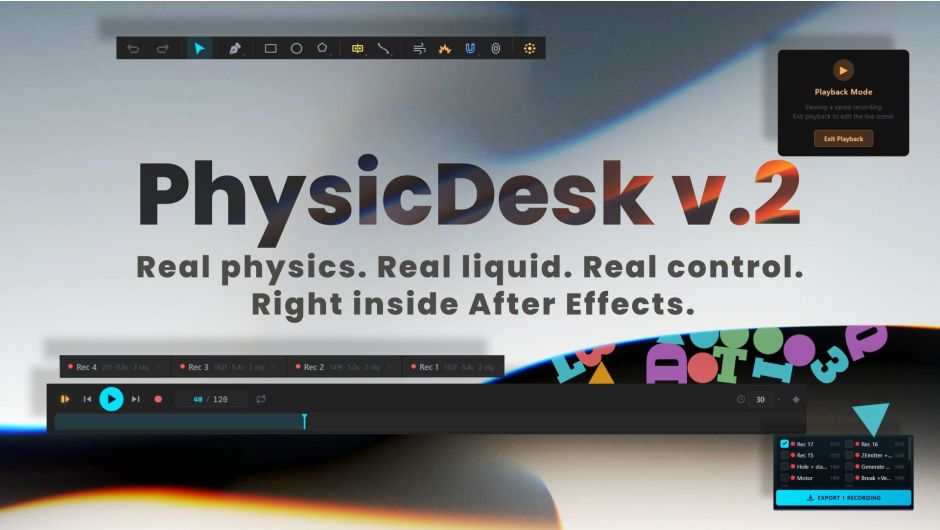
PhysicDesk by MotionDesk is a real-time 2D physics simulator for Adobe After Effects. Build and run a scene in its panel, then bake the motion into editable After Effects layers. It suits motion designers who want physics-driven movement in a composition and still need control over the animation on the timeline.
Build and connect physics scenes
Draw shapes in the panel or import shapes, text, images and masks from a composition. Assign bodies different behaviors: Dynamic bodies move and collide, Static bodies stay fixed, Motors drive continuous motion, and Soft Bodies deform. Other modes include Path Follow, Elastic and Sleeping. You can adjust properties such as mass, friction and bounce, then connect bodies with pin, weld, pivot, spring, piston or wheel joints. Rope tools create ropes and chains between shapes.
For layers that already have animation, PhysicDesk can import and sync their keyframes. Keyframed and PhysLink modes let imported motion play back or interact with the simulation while retaining collisions.
Add particles, forces and liquid
Particle emitters can use built-in shapes, custom paths, letters and text. Wind, magnets, repellers, portals and explosions add forces and movement to a scene. PhysicDesk also supports fracture, sound-driven motion and squash and stretch. Its liquid tools include pour and pool modes, viscosity, splashes, foam, whitewater and drain zones.
PhysicDesk 2 adds tools for directing motion: the Goal Solver finds a physical trajectory to a selected target, while Path Spring makes bodies follow a drawn path. These options can help when a shot needs a particular destination or route alongside simulated movement.
Refine motion on the After Effects timeline
Record simulations as takes in the Record Pool to compare different runs. Save scenes, capture snapshots and use Auto-Save to preserve work. When a result is ready, export it as native After Effects keyframes or use the expression-driven option. Keyframes can be retimed and edited in the composition; expressions allow motion to be offset or retimed together. The exported layers also include an Offset slider for shifting their timing.
Liquid exports as editable shape layers, so drops, splashes and foam can be restyled or adjusted on the timeline. PhysicDesk does not require an external renderer for this workflow.
Compatibility and version
The aescripts listing says PhysicDesk works on Windows and macOS and supports After Effects in any language. Its compatibility list names After Effects 2027, 2026, 2025, 2024, 2023 and 2022. The version history's latest entry shown is 2.3.880, dated October 8, 2026. Check the PhysicDesk product page for the current compatibility details and trial.