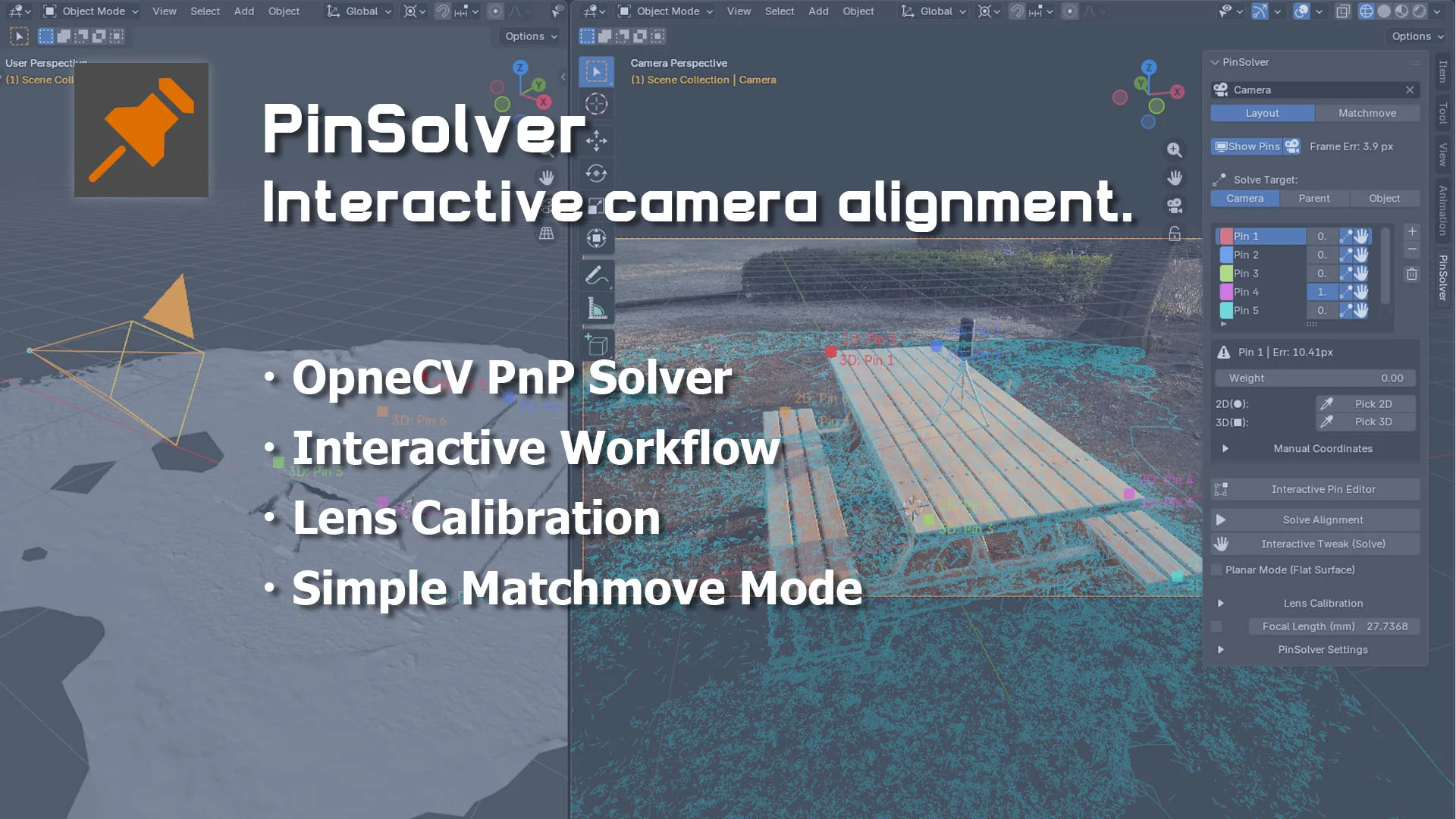
PinSolver is a Blender add-on for aligning cameras and objects to reference images or footage. It uses OpenCV's Perspective-n-Point (PnP) method to relate points on a 2D image to corresponding points in 3D space. The add-on includes a single-frame layout workflow and a matchmove workflow for tracked footage.
How pin-based alignment works
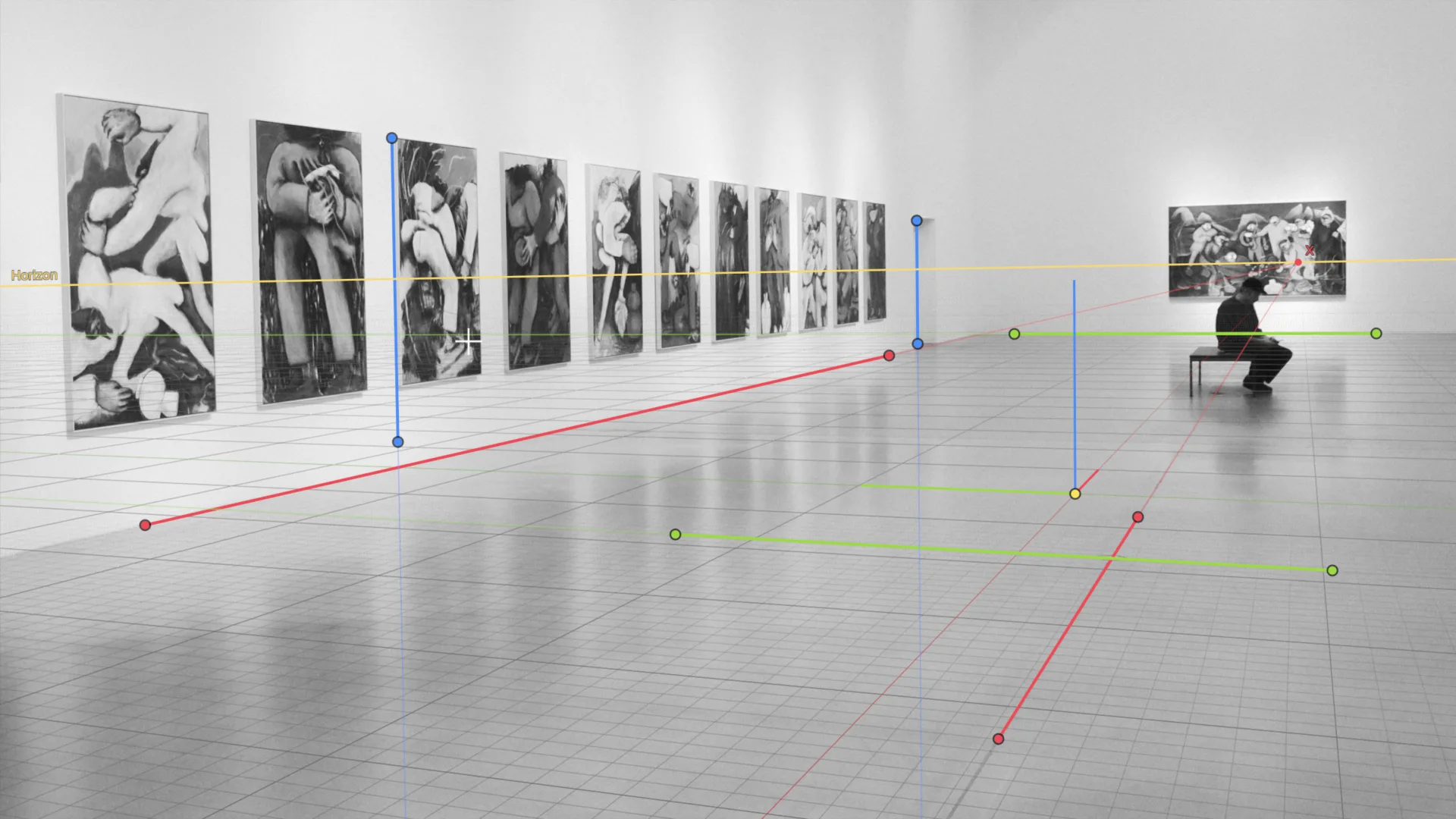
You place matching pins on the image and on the 3D model. One pin can position a target along the camera's viewing ray. Two pins calculate basic orientation and translation, while three or more pins can solve position and rotation across six degrees of freedom. PinSolver's project documentation recommends using models with accurate real-world scale when precision matters, since incorrect scale can produce inaccurate results.
Layout and Matchmove modes
Layout Mode is for matching a camera to a still image or placing a prop in a single frame. You can set image and model pins in the viewport, run Solve Alignment, then adjust the result with Interactive Tweak. Matchmove Mode uses tracking data from Blender's Movie Clip Editor. Sync the 2D trackers, place or raycast their corresponding 3D pins, set a reference frame, and use Sequence Solver to bake camera or object movement across a frame range. At least four active trackers are required for syncing.
The project documentation recommends establishing the camera alignment in Layout Mode before using Matchmove. It describes sequence solving as a simplified workflow that may not fit every shot, and says it is suited to footage with minimal parallax or subtle camera movement. See the PinSolver documentation for its setup steps and limitations.
Choose what moves during the solve
Camera Mode moves the active camera. Parent Mode moves the camera's parent, which can help when a rig has constraints or existing animation. Object Mode keeps the camera fixed and moves the selected 3D object to match the image perspective. Selecting a parent object in Object Mode can move multiple objects together.
Lens calibration and distortion
Automatic lens calibration requires at least six active pins. It can estimate settings such as focal length and optical center. Distortion calculation requires a Movie Clip assigned as the Target Clip, and the background image's Render Undistorted option should be enabled in Camera View when using distortion correction. Matchmove supports focal length changes for zoom lenses, but animated lens distortion is not supported.
Pin Align for meshes and point clouds
PinSolver also has a Pin Align workflow for matching a source mesh or point cloud to a target. Set corresponding points on both objects with at least three alignment pins, preview the result, and apply or revert the transform. Optional ICP refinement can improve the alignment; a source mask can limit which part of the source contributes.
Compatibility and installation
The Blender Extensions listing identifies PinSolver version 1.3.6, maintained by K_Naoki, with Blender 4.2.0 as the minimum version. It lists packages for Windows x64, macOS Intel, macOS Apple Silicon, and Linux x64. The extension is licensed under GPL-3.0-or-later. Check the listing for the package that matches your system, then follow Blender's Install from Disk instructions.