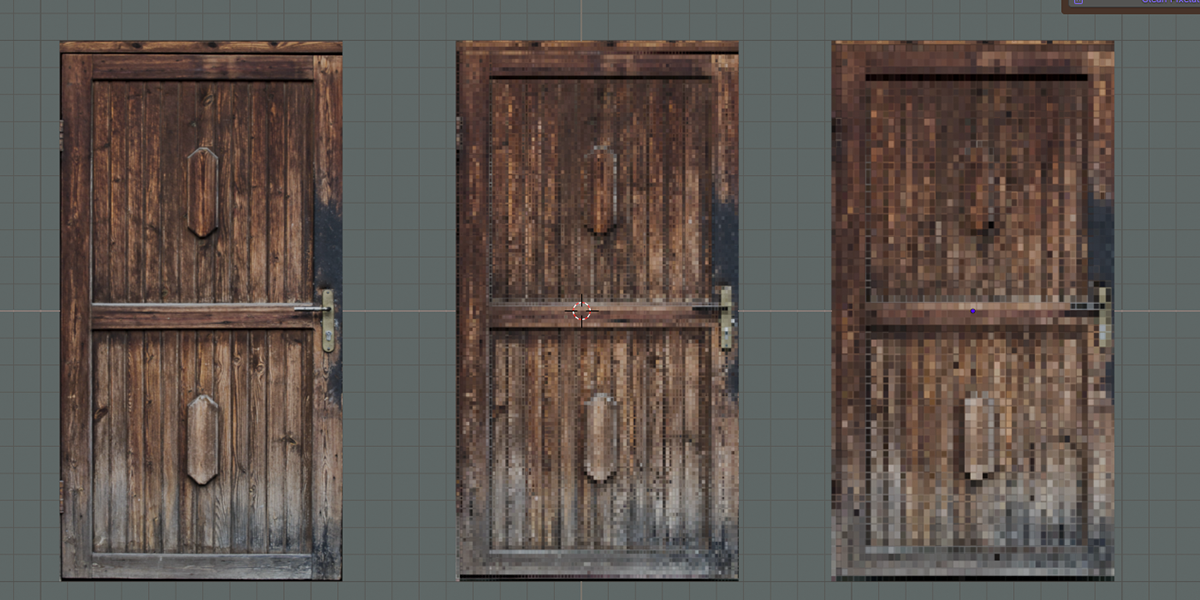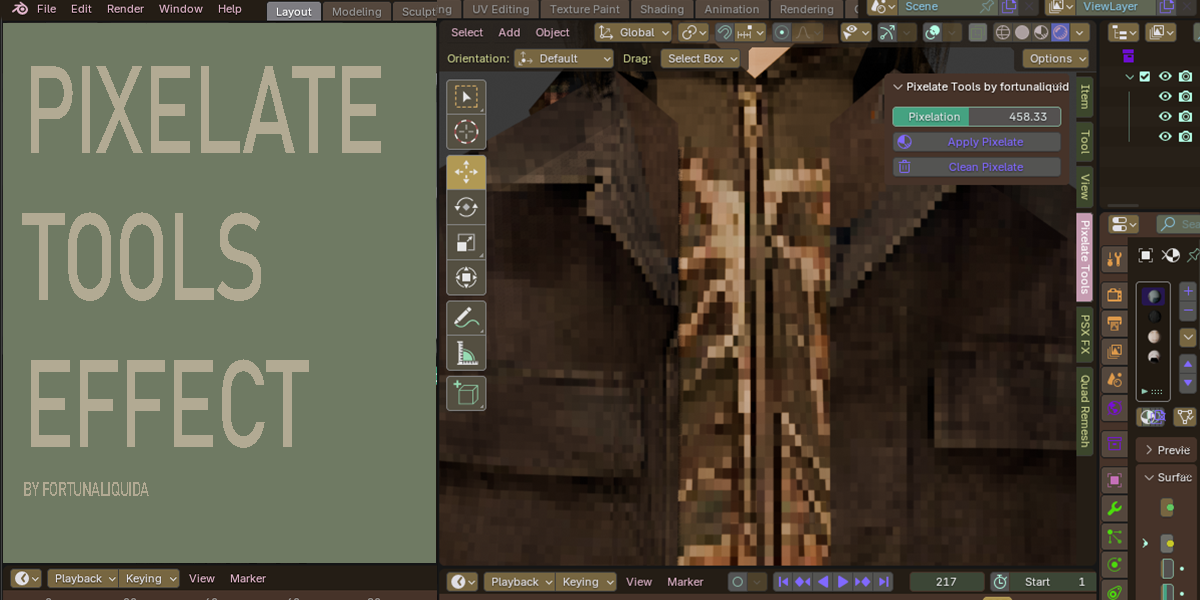
Pixelate Tools by fortunaliquida is a Blender add-on credited to cat_tivi production on its marketplace listing. It applies real-time pixelation to the active camera using shaders, for PS1, N64, or Saturn-inspired scenes, old-school cutscenes, low-resolution dioramas, and stylized previews.
Adjust the camera effect from the sidebar
The Pixelation Slider changes pixel size live in the viewport, from a softer look to chunkier pixels. Apply Pixelate sets up compositor nodes for the active camera in one click. The listing describes this process as non-destructive. When you want to remove the effect, Clean Pixelate removes it and restores the original render look.
Use it for retro and lo-fi looks
The add-on is intended for stylized renders, animation, game or mockup visuals, and previews at a lo-fi resolution. It can also add intentional visual damage to a render or UI. Its controls focus on applying pixelation to the camera output, with pixel size adjusted through the viewport slider.
Blender versions and package details
The product description says Blender 3.6 or newer. Its compatibility details list Blender 3.6, 4.0, 4.1, 4.2, 4.3, and 4.4. The description names Eevee, Cycles, and Workbench, while the render-engine field lists Eevee and Cycles. Confirm Workbench support with the creator if you rely on that engine. The listing marks the add-on as Blender Extension compatible and names pixelate_tools_by_fortunaliquida.zip as the included file; it also describes a native sidebar panel.
See the Superhive product listing for current compatibility and product details.