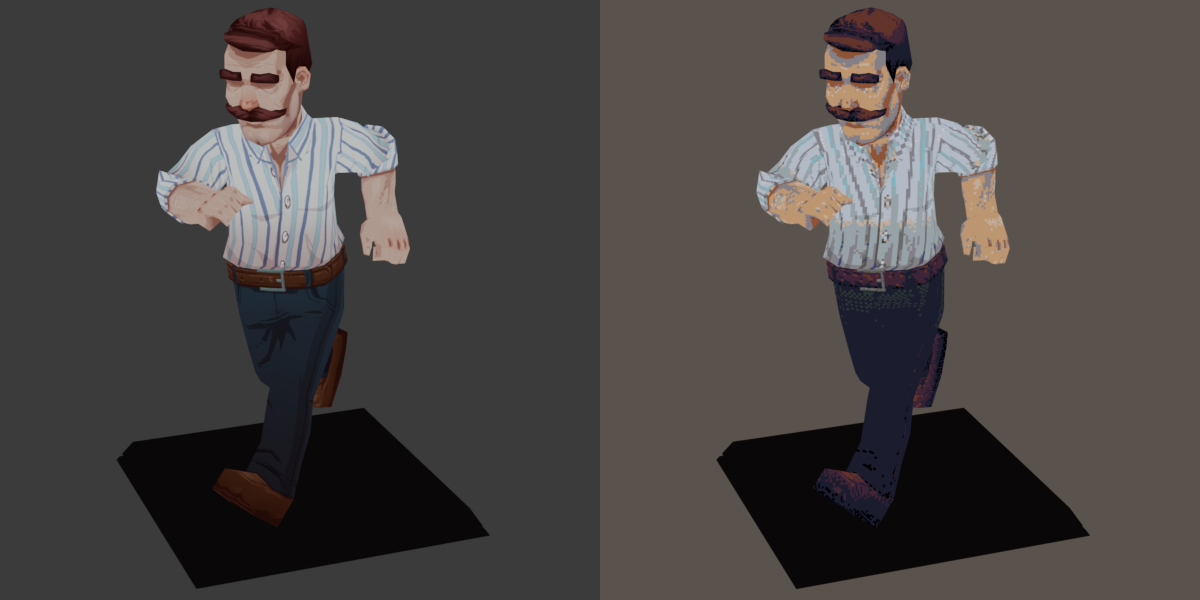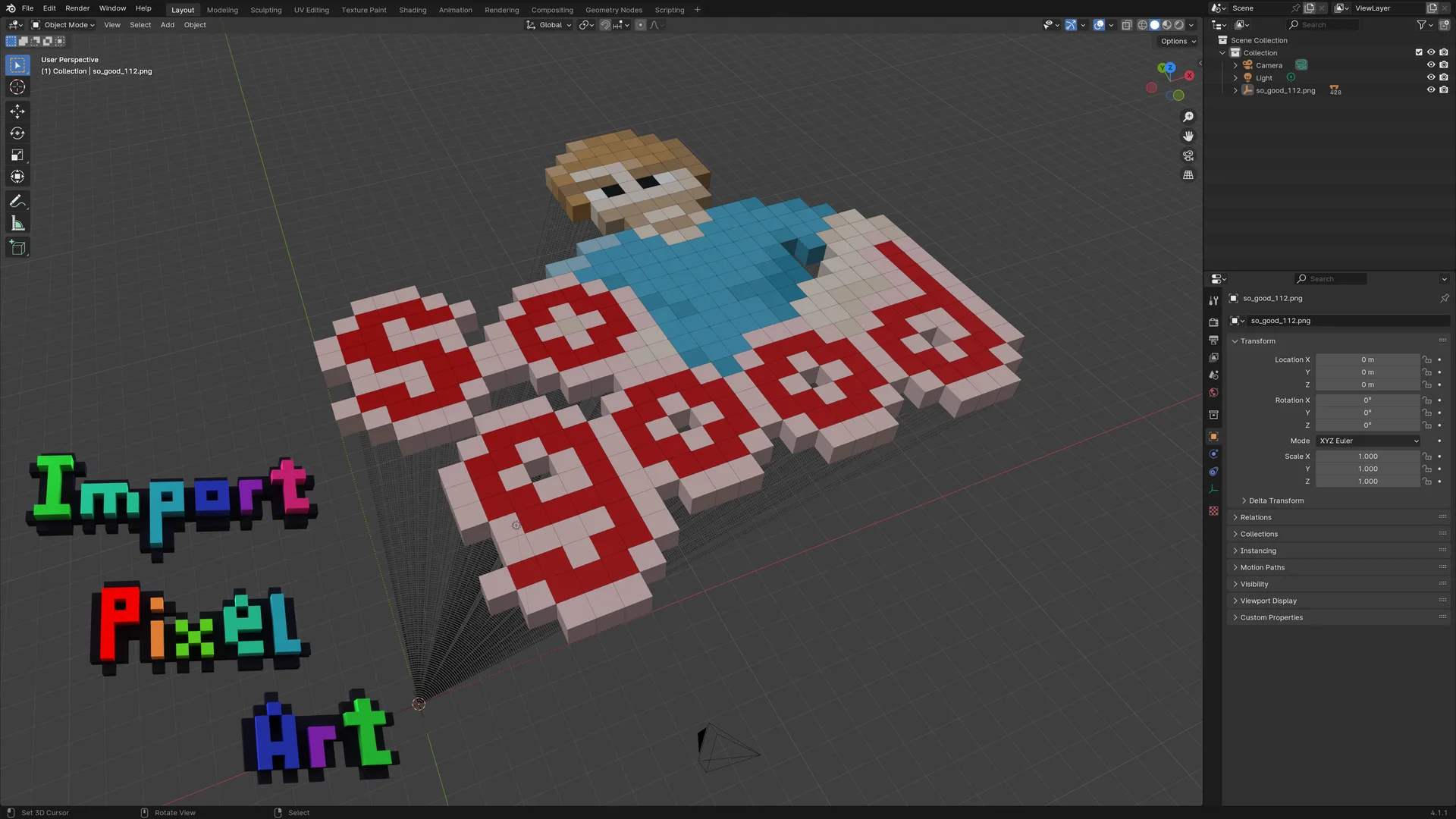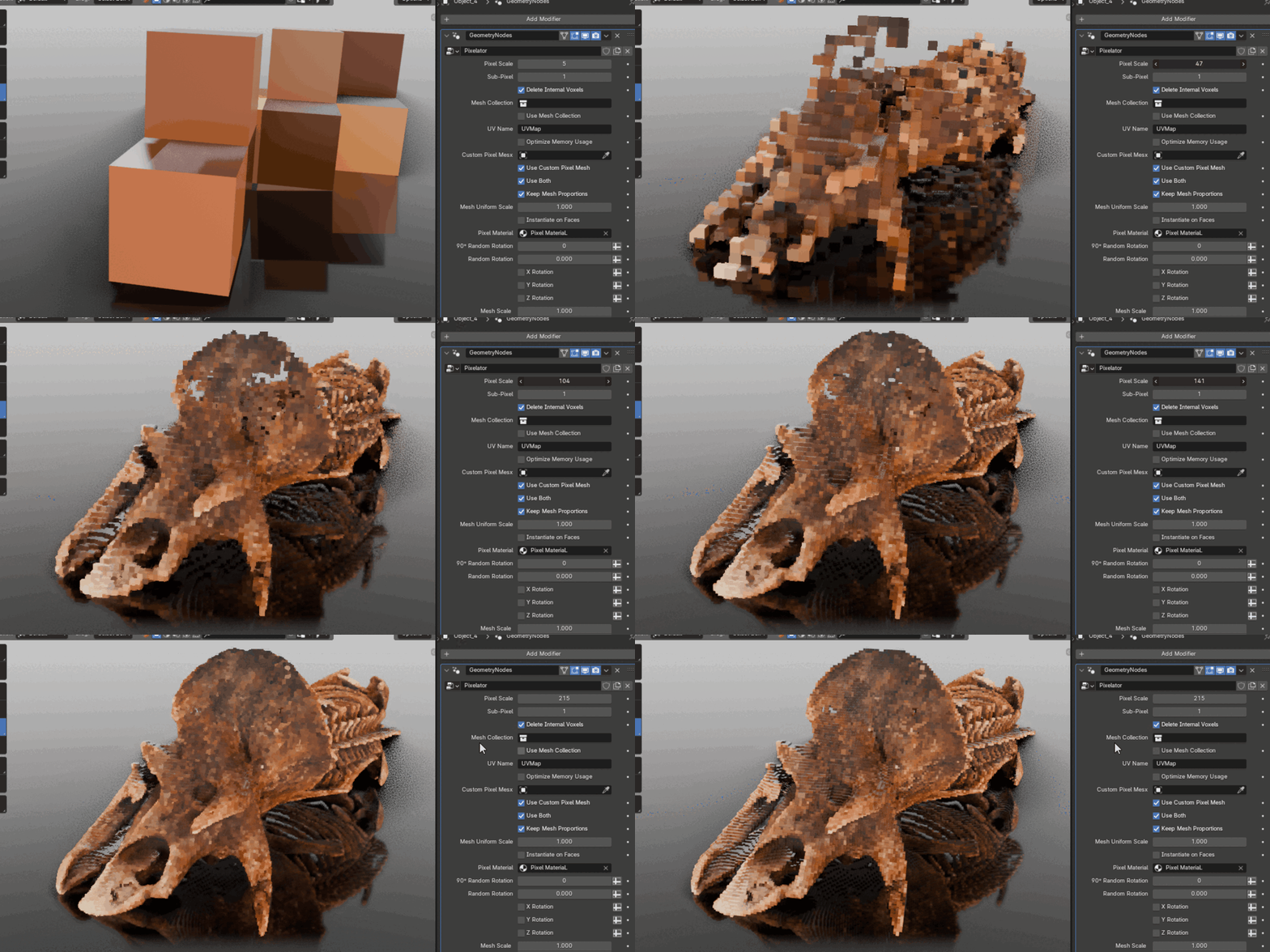
Pixelator Add-On is a Blender tool from Blender Easy for converting 3D meshes into pixel art. Its procedural setup lets you customize the pixel look, and a custom geometry option can instance your own voxel assets. The Superhive product listing describes mesh conversion as instant and the setup as production-ready.
Procedural mesh-to-pixel-art conversion
Use a mesh as the starting point for a pixel-art treatment inside Blender. The listing describes the result as customizable, though it does not detail individual controls or settings.
Instance your own voxel assets
Pixelator's custom geometry option lets you instance voxel assets you supply. The product details do not specify asset limits or a particular setup for custom geometry.
Blender version and installation
The listing names Blender 5.0 through 5.1. Its “Render Engine Used” field names Cycles, Eevee, Arnold, Octane, V-Ray, Freestyle, Luxrender, Mental Ray, Blender Internal and Blender Game Engine. It does not pair each engine with a Blender version, so check the product listing for details about your setup.
For installation, keep pixelator_pro.zip zipped. In Blender, go to Edit > Preferences > Add-ons, click Install, choose the ZIP file and confirm with Install Add-on. Then search for “Pixelator Pro” in the add-ons list and enable it.
License and included support
The product listing identifies the license as MIT, includes 12 months of support from Blender Easy, and lists product updates as included. Check the listing for current product details before installing.