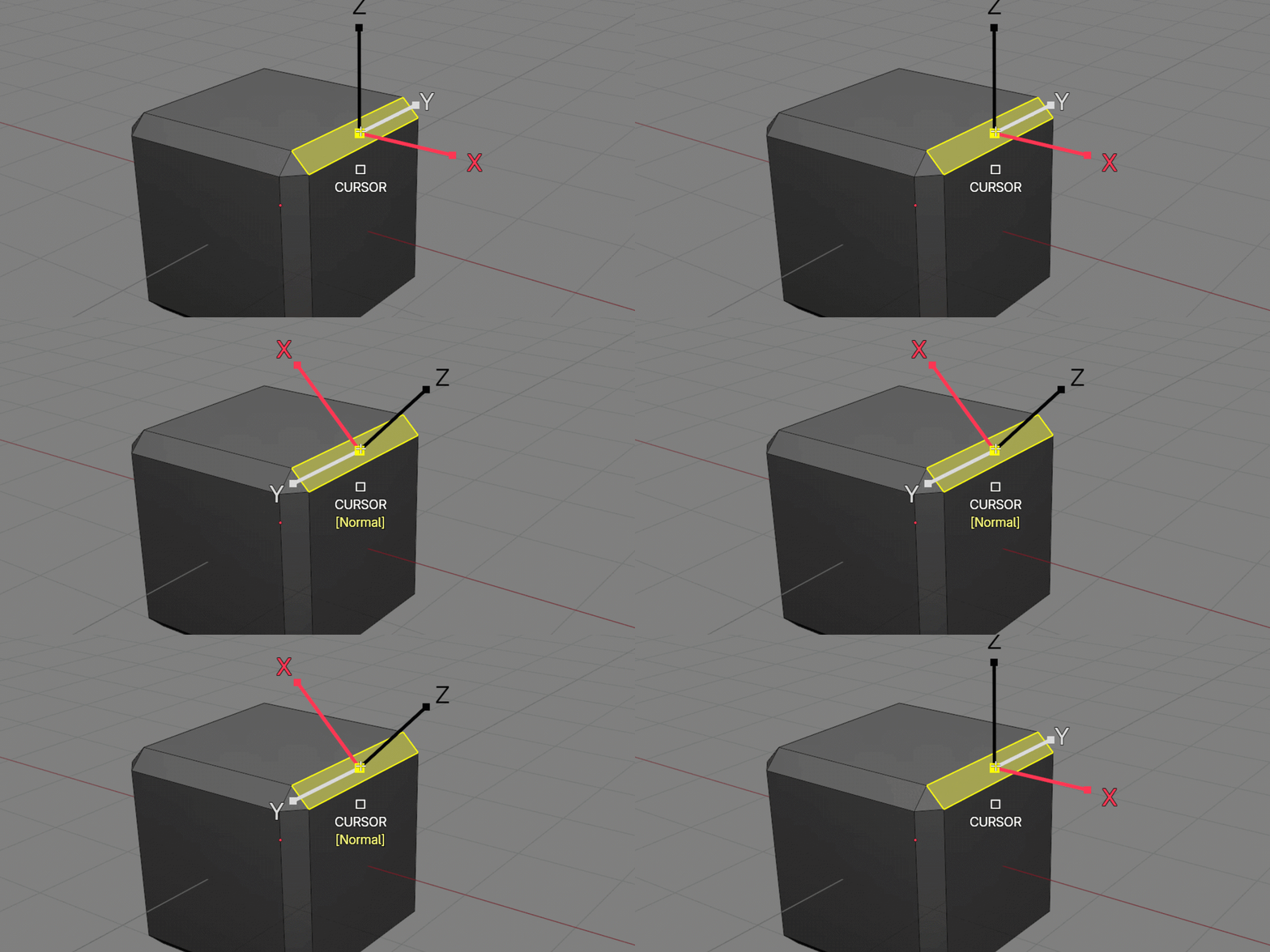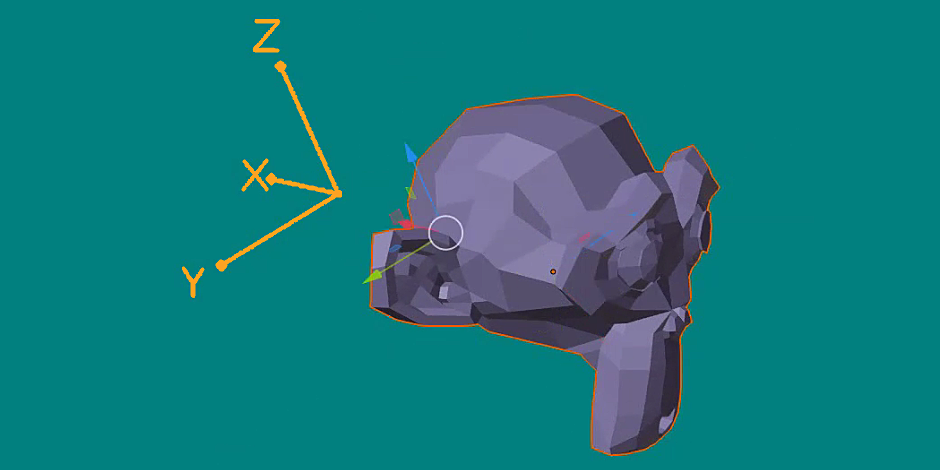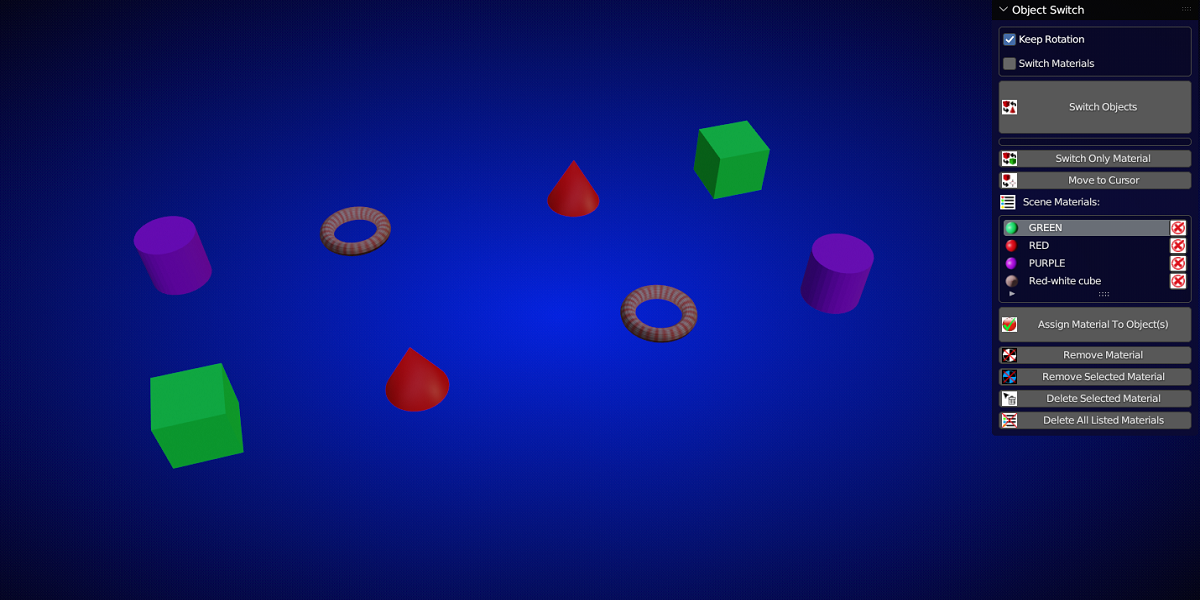
Pixie Pivot is a Blender add-on for setting a custom pivot point. It uses Blender's 3D Cursor to re-align gizmos, set object origins by placing or rotating them, and define a custom plane for flattening geometry or aligning edges. The developer describes it as inspired by pivot systems in Maya and 3ds Max.
Align pivots to mesh geometry
Pixie Pivot can align gizmos to edges or face normals, snap to mesh centers and bounding-box elements, and use up to three alignment points. A click-and-drag action can align a gizmo with another element without changing your selection.
Use it with gizmos or standard transforms
The add-on also works without gizmos during Blender's G, R and S transforms. You can switch between Object and World orientation, then customize hotkeys, actions, startup defaults and colors. Its built-in HUD displays the available actions and keys while you work.
Compatibility and license
The Superhive product page lists Blender 4.5 through 5.2 and a GPL license. Check the listing for current compatibility details and documentation.