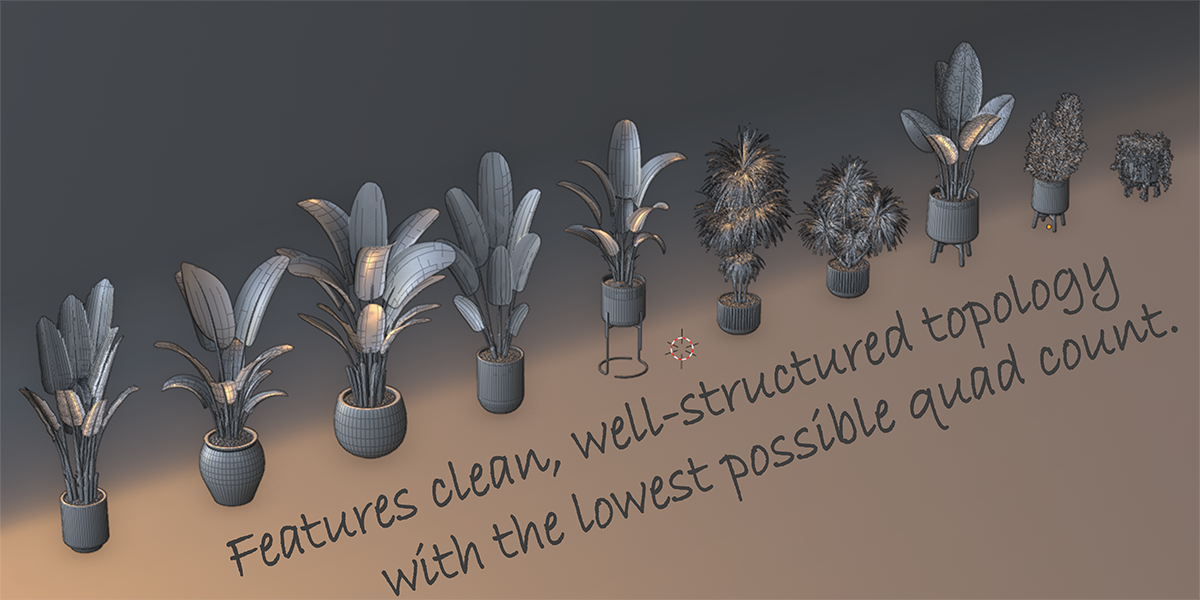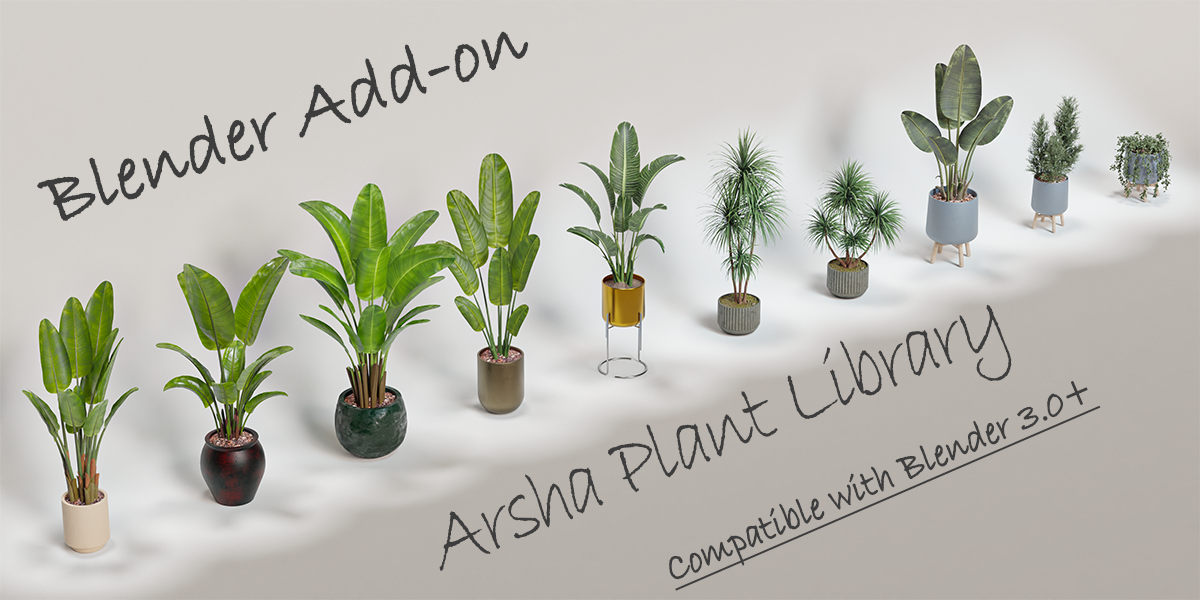
Plant Library is a Blender add-on by arsha 3D plant designer for bringing plant models into a scene from a Plants panel. It suits artists who want to browse a visual library while working, instead of searching file paths for an asset to try.
Choose and place a plant
Open the Plants panel, browse the thumbnails, and select a model. It appears at the 3D cursor and is already selected, ready to move, rotate, or render. The thumbnail previews help you see which plant you are adding before it enters the scene. For an interior render, this gives you a direct way to try greenery in the composition and adjust its position.
Objects, collections, and an expandable library
The creator says Plant Library works with objects or collections and describes the library as expandable. The listing does not explain the steps for adding assets or specify the full contents of the library. If those details matter to your setup, check the product documentation and demo before relying on a particular asset or expansion workflow.
Compatibility and support
The seller lists Blender 3.0 through 4.5 and the Cycles and Eevee render engines. The add-on is released under the GPL. The product listing says updates and initial support are included, and invites users to contact the creator about problems or feature requests. Its FAQ also mentions two educational videos.