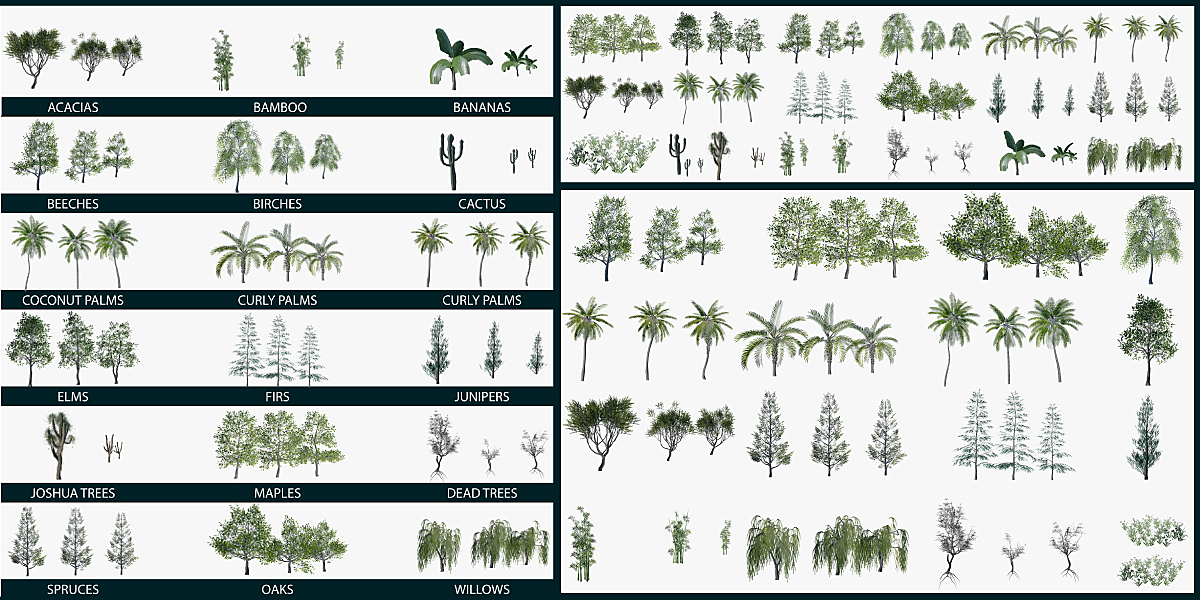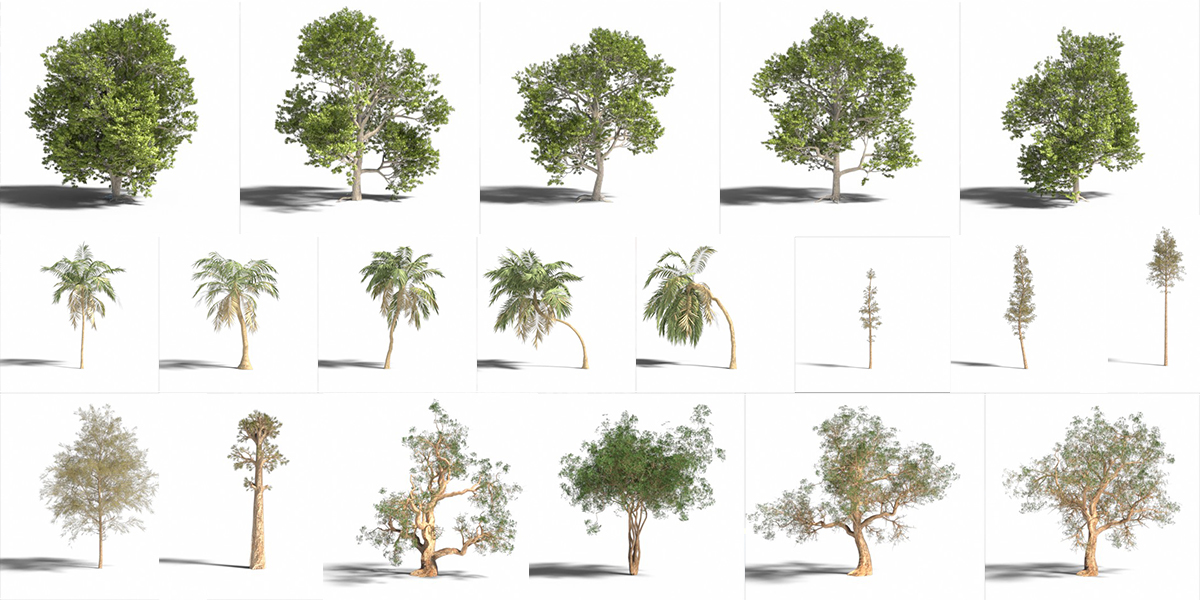
Shizen is a Blender add-on by Deezl for adding trees to a scene. Press Ctrl+D to open its window, choose a tree species and a numbered variation, and Shizen places the selection at the center of the scene.
Choose and place a tree
The add-on window lists tree species and variations numbered 01, 02, and 03.
Install Shizen
- Unzip the
Deezl – Shizen Containerfolder. - For Blender versions named by the seller, open Edit > Preferences and select the Add-ons tab. Choose Install, select
deezl_shizen.zipfrom the container, install it, and enable the add-on. - Open the add-on’s properties, click the folder icon, and locate the
Path Destinationfile inside the container. Save your preferences. - Press Ctrl+D to open the Shizen window.
Edit the tree in Blender
You can modify a placed tree and its textures or leave them as supplied. The Subsurface Modifier can smooth the tree’s shape.
Compatibility and license
The Superhive listing names Blender 2.79, 2.8, 2.81, 2.82, 2.83, 2.9, 2.91, 2.92, 2.93, and 3.0. It labels the license Royalty Free. The listing does not confirm compatibility with later Blender versions, so check with Deezl before relying on Shizen in a newer release. Refer to the seller’s listing and linked license terms for current price and permitted uses.