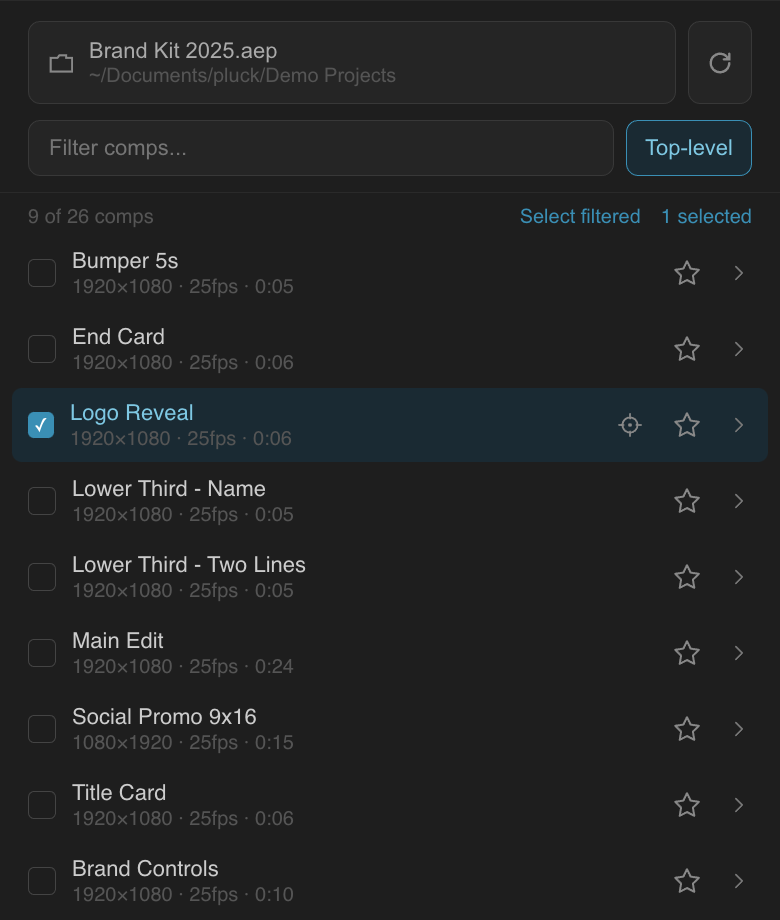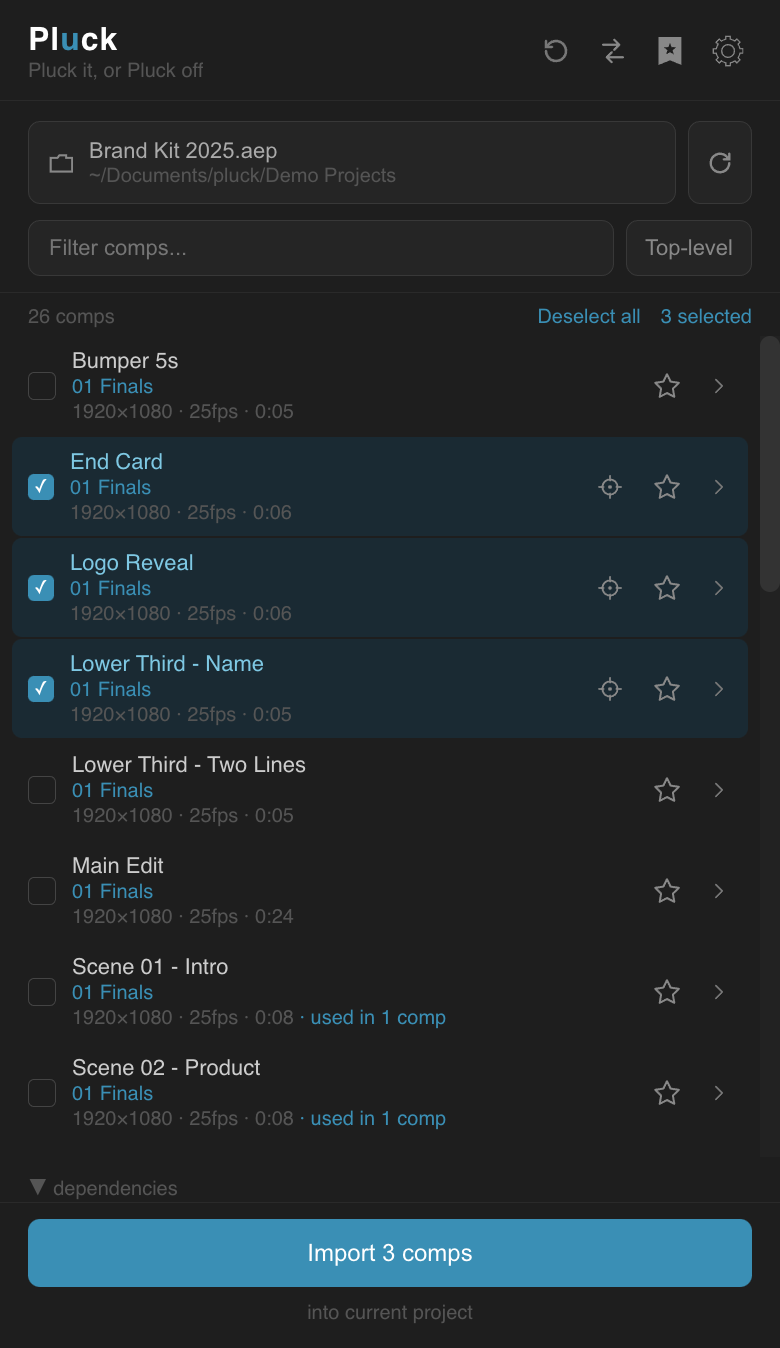
Pluck by Mooviemakers helps you reuse compositions from other After Effects projects without importing everything. Drop a saved .aep file onto the panel or browse to it. Pluck lists its compositions so you can choose one or several, then imports the selections with the items they need.
Choose comps without opening the source
Pluck reads the source project to show each composition's size, frame rate, duration and, optionally, its folder. Search and filter the list, or use the top-level filter to hide comps used inside other compositions. This can make a large template easier to browse when you need one of its final comps.
On import, precomps and required footage come along. Controller comps referenced by expressions are collected too, and Pluck flags broken expression references before import. Footage already in your project that points to the same file is relinked instead of duplicated.
Import individual layers
Open a comp's layer list to select particular layers. Pluck can include their parent chains, track mattes, effect targets and expression-linked layers. With Ask first enabled, it shows which extra layers are needed and why. Selected only imports the checked layers without their dependencies; selected layers with omitted parents arrive unparented, and track mattes or effect references to omitted layers are cleared.
You can place the selected layers at the top of a comp already in your project, keeping their order and rebuilding parenting and track mattes. For whole comps, Pluck can also import them as layers into the open composition at the current playhead.
Manage duplicates and source changes
When a comp or footage item has the same name as one in your project, choose whether to replace it, use the existing item or keep both. Pluck can keep imported items in a Plucked folder, mirror the source folders, sort items by type or use a custom folder.
The History tab records which comps came from each source project. In a saved project, it can show when a source has changed and update the imported comp; one Undo reverses the update. If the source file moves, you can relink it. Favourites can be grouped into libraries for quick reuse.
Export comps with their dependencies
Drop comps from the Project panel onto Pluck to create standalone projects with their dependencies. Export as an .aep with footage alongside, an .aep plus ZIP, or a ZIP alone. Multiple comps can be exported separately or bundled. Pluck builds exports from a reduced copy, then reopens your project; it refuses an unsaved project or an export that would overwrite the open project file.
Compatibility
The After Effects compatibility section lists versions 2022 through 2026 for macOS and Windows. The Pluck 1.8.2 release note describes a Windows text-encoding fix: on Japanese-language Windows, unreadable script characters could block every Import and Export; Chinese or Korean Windows may also have been affected. Pluck can read projects saved by older After Effects versions, but After Effects cannot import a project saved by a newer version than the one you are running.