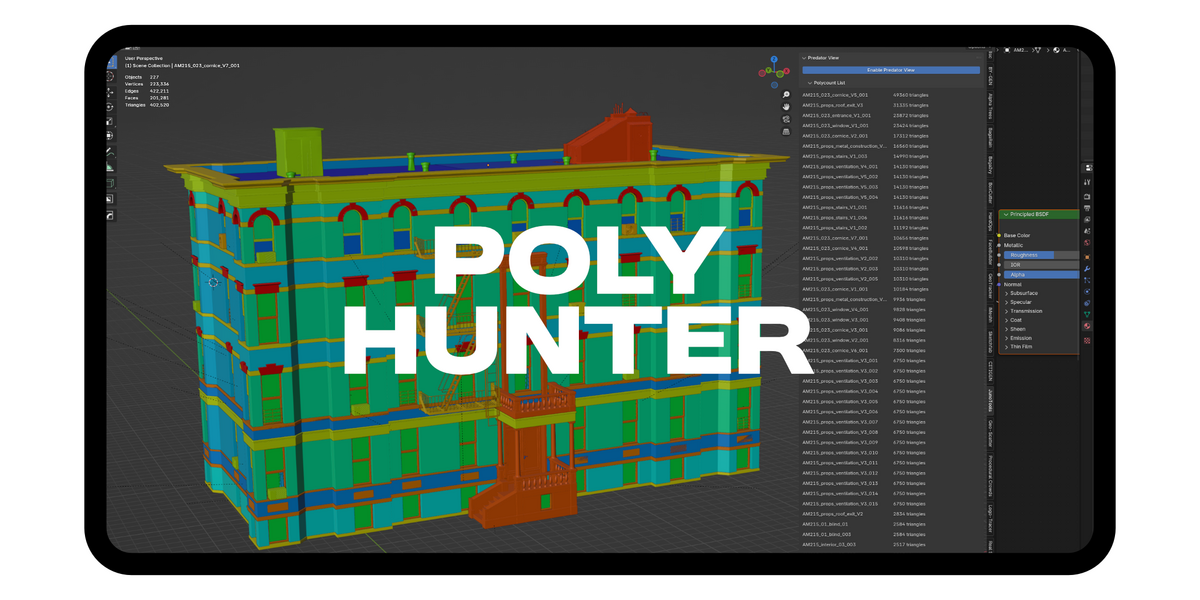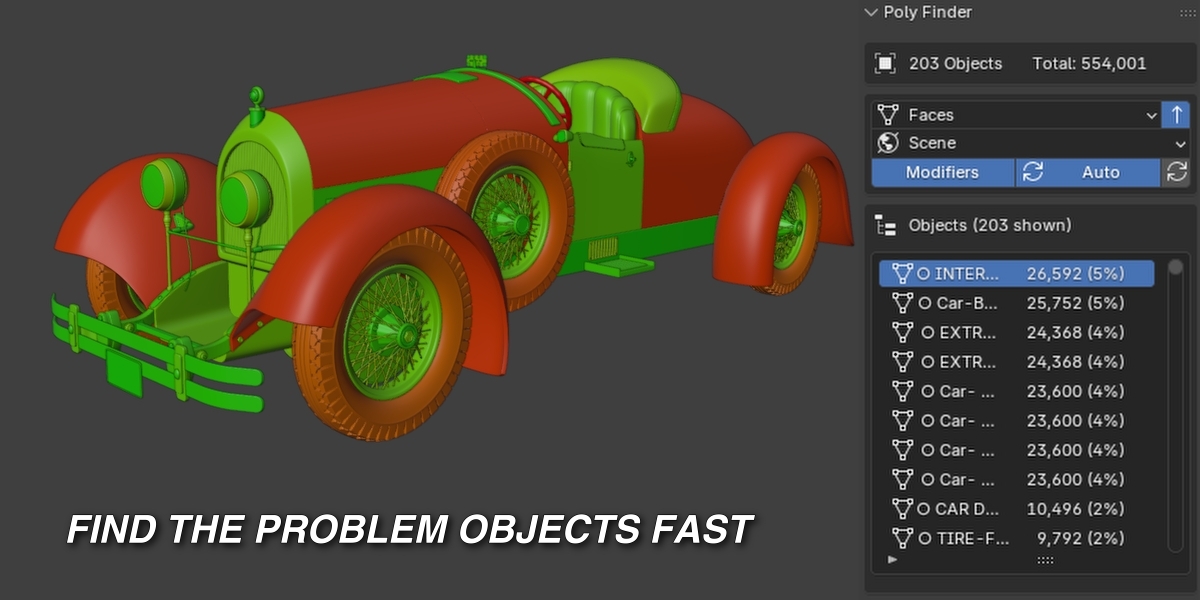
Poly Finder is a Blender add-on for finding the mesh objects that contribute most to a scene’s polygon count. It ranks objects by geometry metric, shows their relative impact in a viewport heatmap, and lets you select or isolate likely troublemakers before optimizing them.
Rank objects by the measure you need
Choose Faces, Triangles, Vertices, or Edges to sort the mesh list from heaviest to lightest by that measure. Each object also shows its percentage impact on the scene. For game and real-time budgets, the documentation recommends Triangles, which it describes as the final triangle count. The Include Modifiers toggle lets you compare base mesh counts with geometry from modifiers such as Subdivision Surface and Boolean.
Focus on a scene, selection, or collection
Poly Finder can analyze the entire scene, visible objects, selected objects, or one collection. A per-object polygon budget helps identify meshes over your chosen limit, and Top 3, 5, or 10 controls bring the heaviest objects into focus. Click, Ctrl-click, or Shift-click entries to select objects from the list.
See and isolate the heavy meshes
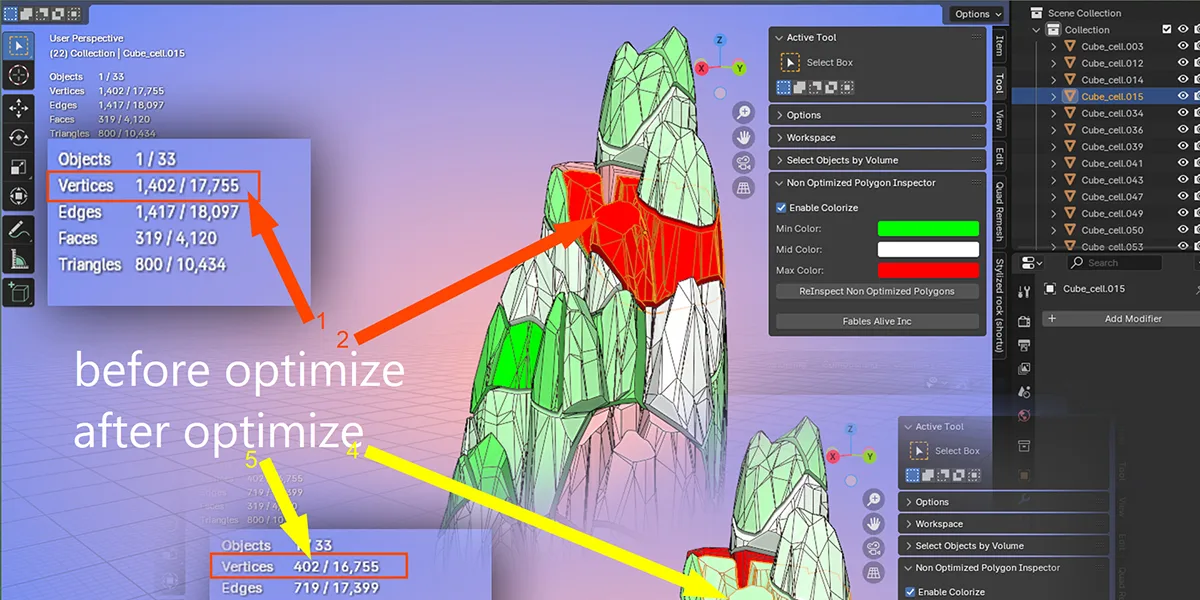
The viewport heatmap colors lighter objects green, medium-weight objects yellow or orange, and the heaviest objects red. Solid Object Color is the default display; an experimental GPU Overlay is available as an option. In version 2.3.12, clicking a list item, Top N, or Over Budget can isolate those objects in local view. Use Show All Objects to leave that view.
Choose how to optimize
After inspecting the problem meshes, you can remove Subdivision Surface modifiers in bulk, add Decimate modifiers with a custom ratio, or apply decimates together. Review the selected objects before applying batch changes, since applying modifiers changes the scene. The heatmap is viewport-only and does not affect renders. The Poly Finder documentation describes the panel and its typical workflow.
Session controls and compatibility
The master switch is off by default. The product listing says timers, scanning, and heatmap work remain inactive until you enable it. Disable clears the list, heatmap, and isolate state. The listing identifies version 2.3.12 and says the add-on requires Blender 4.2+, while its specifications list Blender 4.2–5.0. Check the current product listing for the supported range for your Blender release.