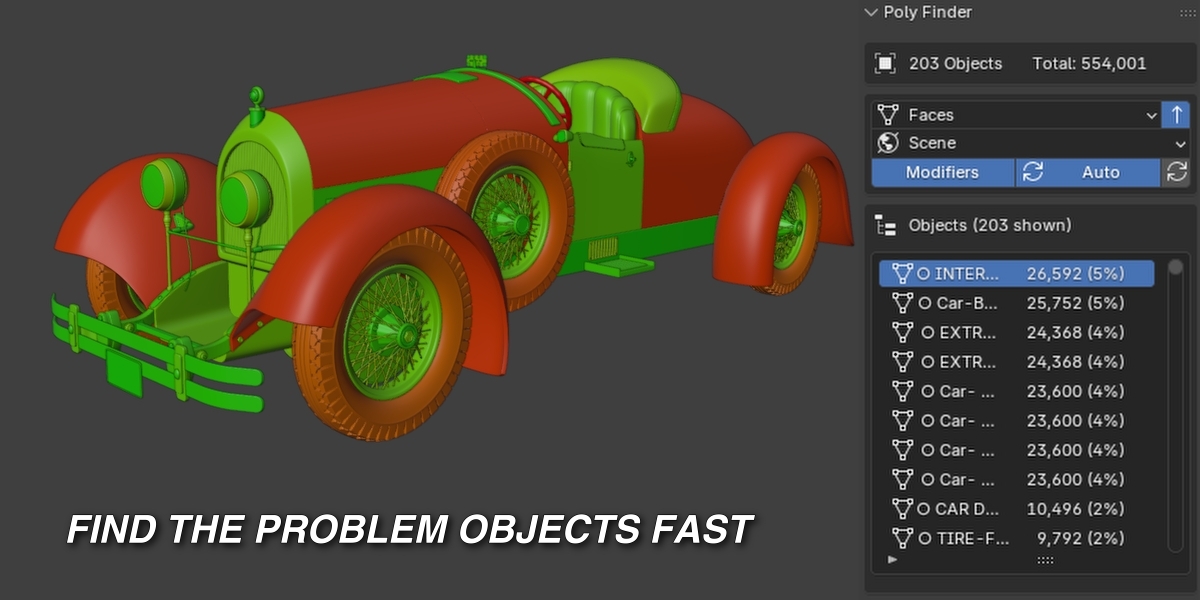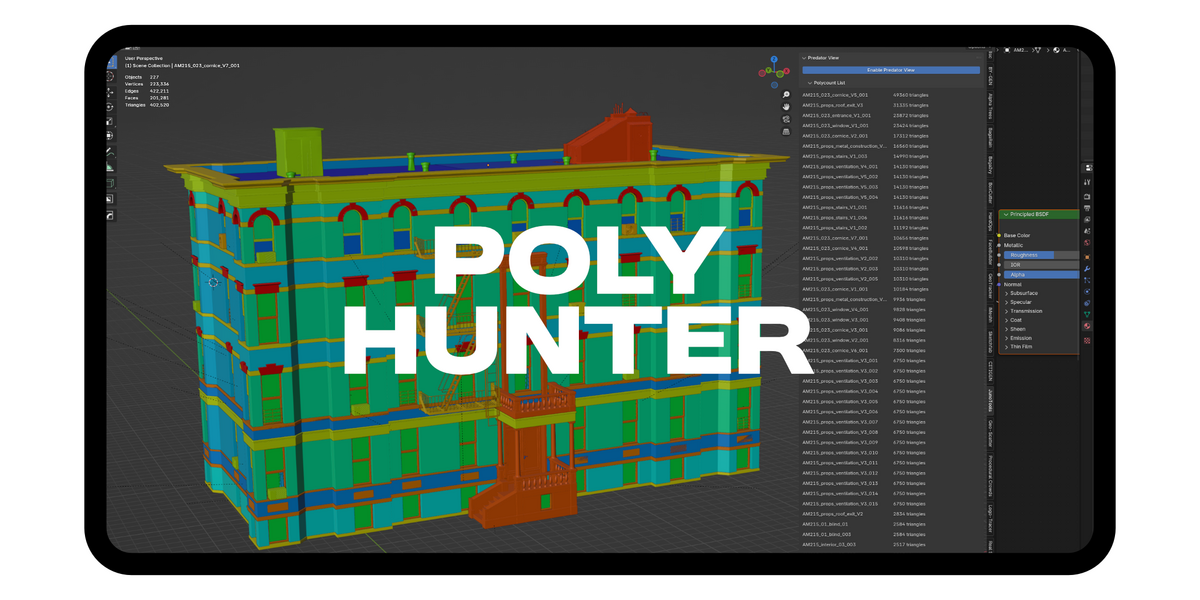
Poly Hunter is a Blender add-on by Juno Mars 3D for inspecting mesh density and managing a decimation workflow. Its viewport display, called Predator View on the product page, shows poly counts and colors objects by count. The documentation describes a sorted list of visible mesh objects, with the highest triangle counts first.
Find dense meshes in the viewport
Open the 3D View sidebar with the N key, then choose the JunoTools tab and enable Poly Hunter. The documentation says the viewport switches to Solid shading with Object color mode while the tool is active. Visible meshes receive colors that progress from blue for lower triangle counts through green and yellow to red for higher counts. The colors update as you model or modify objects. Disabling the tool restores the viewport's previous shading and color settings.
The polycount list gives you another way to inspect the scene: click an object's name to select it, or Shift-click to add it to the current selection. Sorting by triangle count can help you locate dense meshes before deciding what needs attention.
Manage a decimation pass
- Select the mesh objects you want to review, then use the Decimate control to move them into a collection named Decimate.
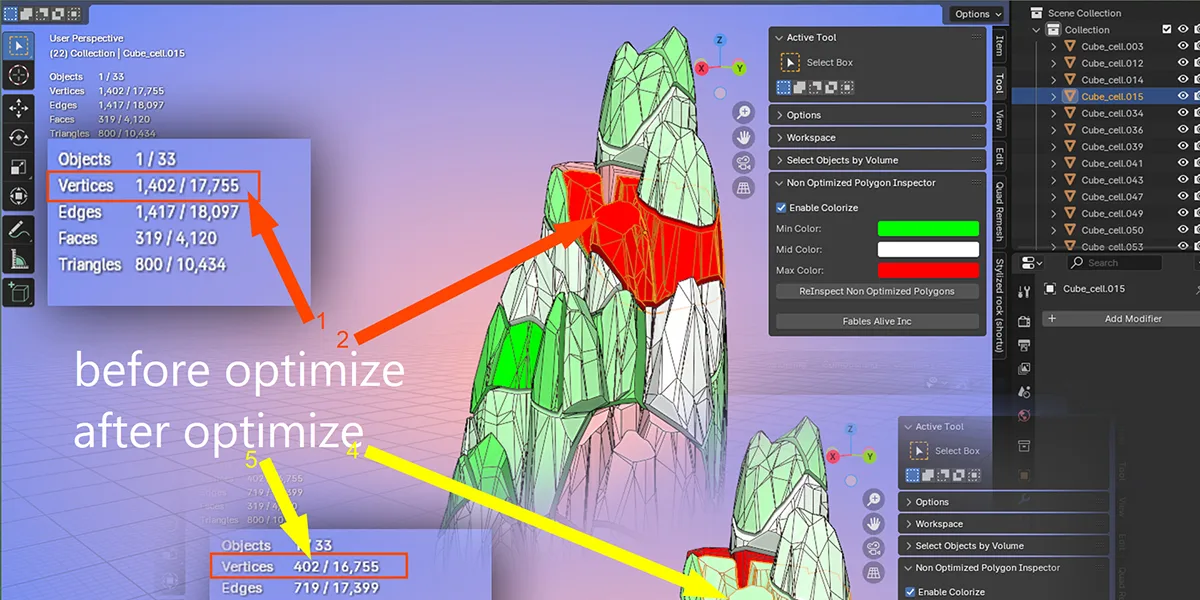
- Choose Process Decimates to add a Decimate modifier to objects in that collection and enable Shade Auto Smooth. You can adjust the modifier ratio in Blender's Modifiers tab.
- Before using Undo Decimates, check the objects in the Decimate collection for modifiers you need to keep. The control removes all modifiers from those objects and restores the Auto Smooth settings saved by the add-on.
Compatibility and license
The product listing gives a Blender compatibility range of 4.0 to 5.2. The documentation's version field says 1.6.0, and its compatibility line says Blender 4.0 or higher without stating an upper limit. Check the listing for your Blender version before installing. The listing identifies the add-on as GPL licensed.
Poly Hunter is one part of Juno Mars 3D's JunoTools collection, which the product page describes as under development for modeling, file optimization, and organization workflows. It may suit Blender artists who want to find high-count meshes in the viewport and organize a decimation pass from the same sidebar.