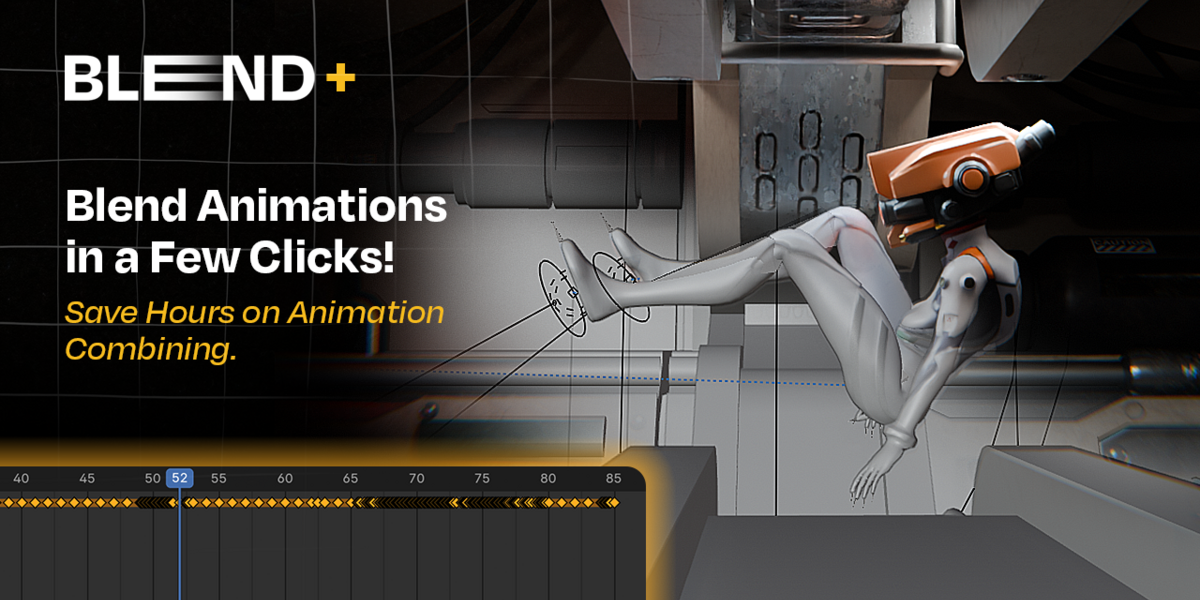
PolyBlend is a Blender add-on from Poly Playground for combining animation actions. It lets you set loop and speed options, adjust root offsets and rotations, generate a blended action, and export the result to FBX. The product listing and documentation describe its controls and workflow.
Blending and exporting an animation
Start with an armature that already has an animation action. In Blender's Object Mode, select it and click Add Selected Armature in the PolyBlend panel. The armature and its animation appear in the entries list.
Select the entry to set the animation length and blend frames. You can also enable Loop Blend or Extend, adjust playback with Speed Scale, move the root bone vertically with Y Offset, and tune its pose with the Rot X, Rot Y, and Rot Z controls. The documentation says changes update automatically so the preview reflects the current settings.
Click Update Blended Animation to create an action named Blended_Animation. PolyBlend applies it to the first armature in the list. To export, click Save Combination, choose a file name and location, and save the FBX. The documented export includes the armature and any attached meshes with the blended animation baked in.
Compatibility and license
The product listing names Blender 3.6, 4.0, 4.1, 4.2, and 4.3 as supported versions and lists the license as GPL. Check the current listing and documentation for details before using a different Blender version.
PolyBlend may suit a Blender workflow that needs adjustable animation loops or speed, root-position and rotation controls, and an FBX export from the same add-on. Its documentation covers installation and the available settings.