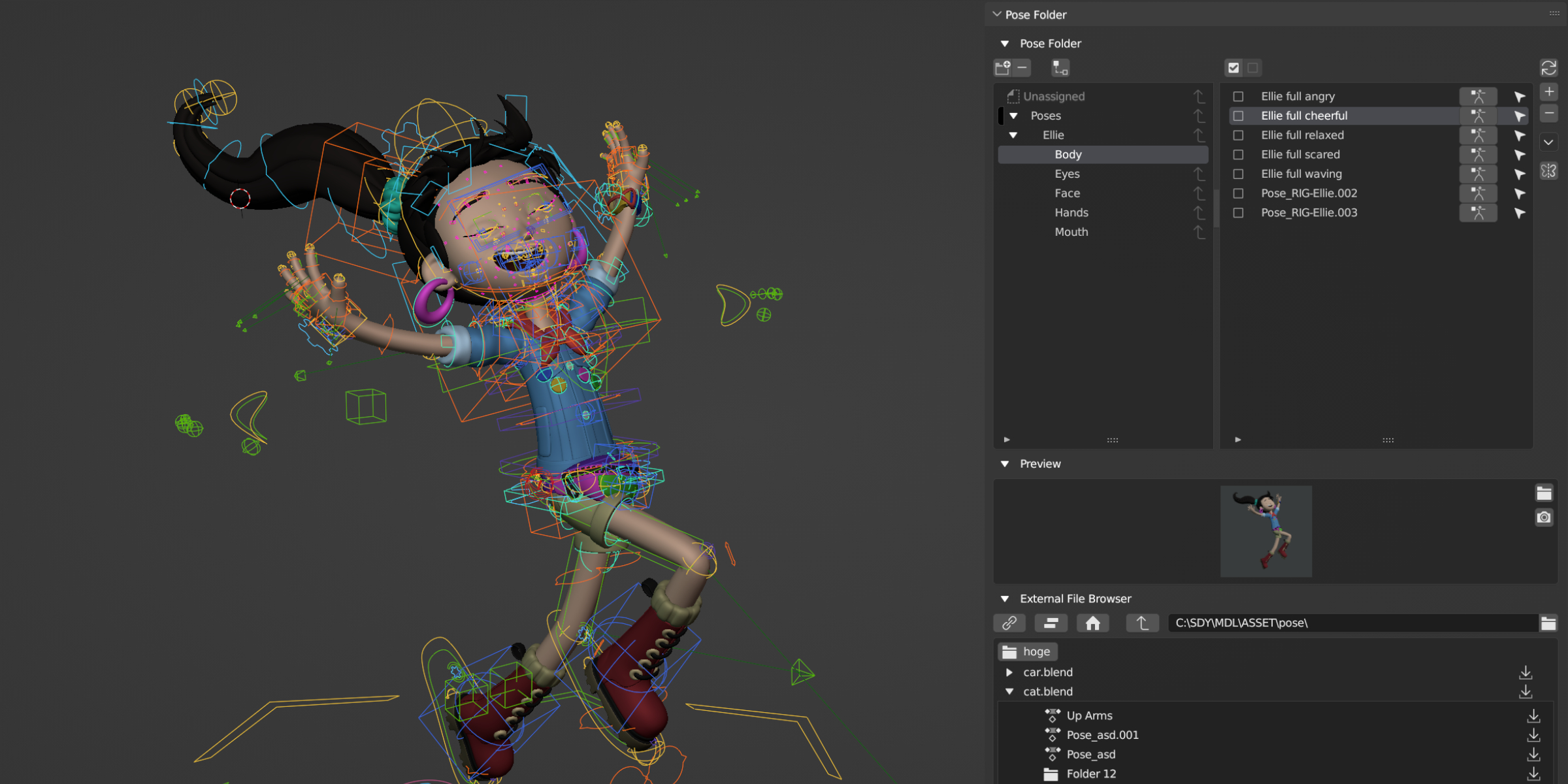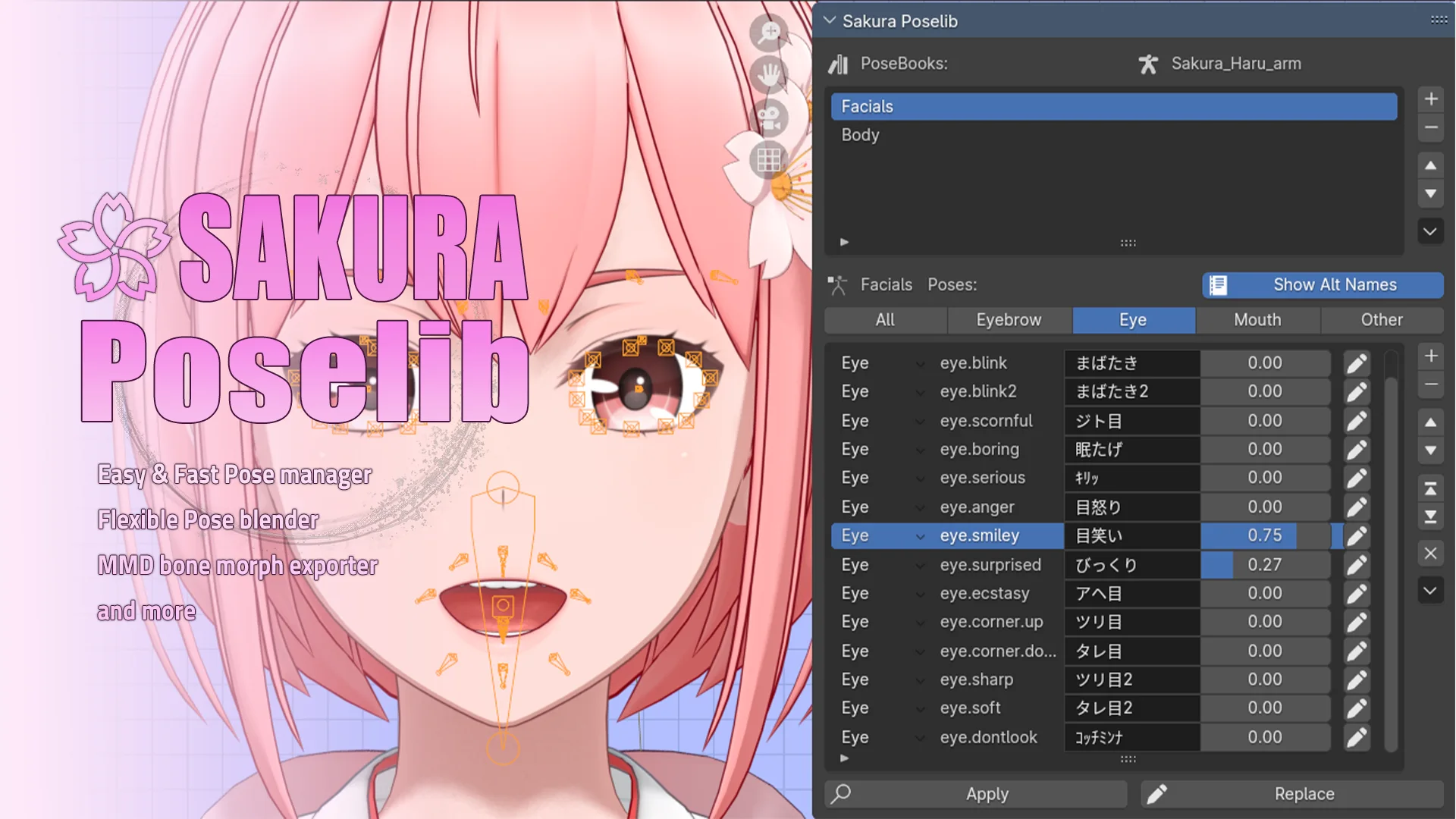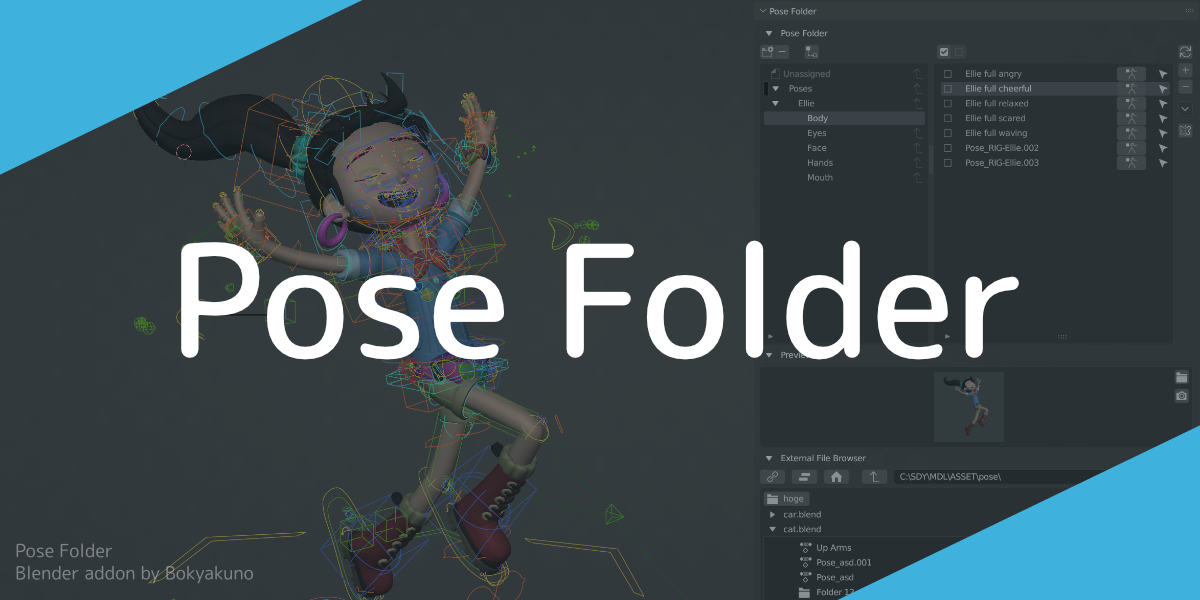
Pose Folder is a Blender add-on for organizing pose data in hierarchical folders and lists. Its compact interface keeps poses accessible without relying on thumbnail displays.
Save and manage pose data
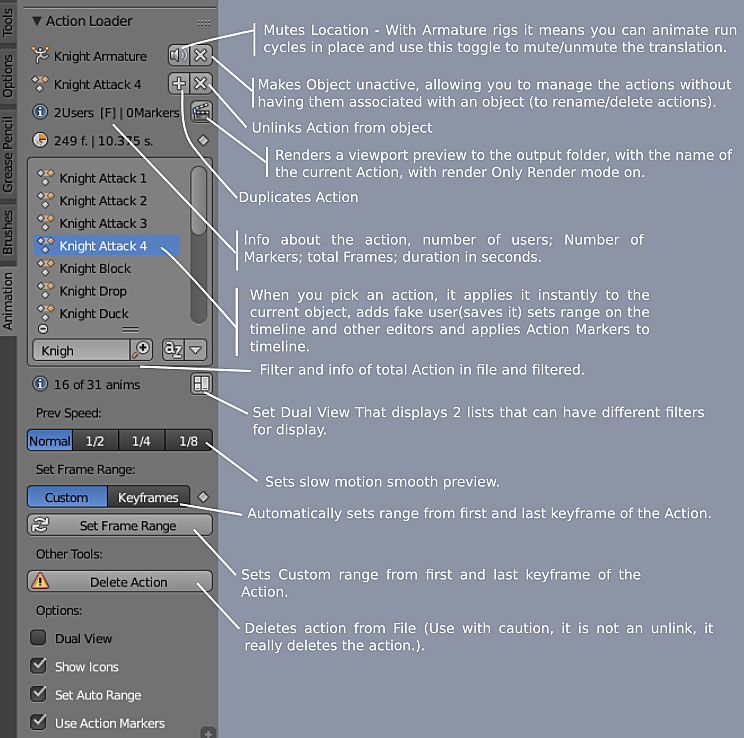
The Pose List displays poses and actions in the current blend file. You can mark poses made outside the add-on as assets and show them in the list. Save the pose of the selected bones as separate action data, overwrite the active pose item with the current selection, or delete multiple selected poses. Pose Folder also manages action data beyond poses.
Mix poses from libraries
Pose Folder mixes pose data onto the selected bones. Move the mouse to adjust the mix amount, or use the flip option to mix poses flipped on the X axis. It also supports poses managed in the asset library.
For external files, a simple browser lists blend files in a specified folder. Select a file to see its actions, then mix poses or partially import them. The display also supports folder hierarchies created by add-ons.
Compatibility and license
The Superhive product listing states compatibility with Blender 3.6 to 5.0 and lists the license as GPL. Check the listing for current details.