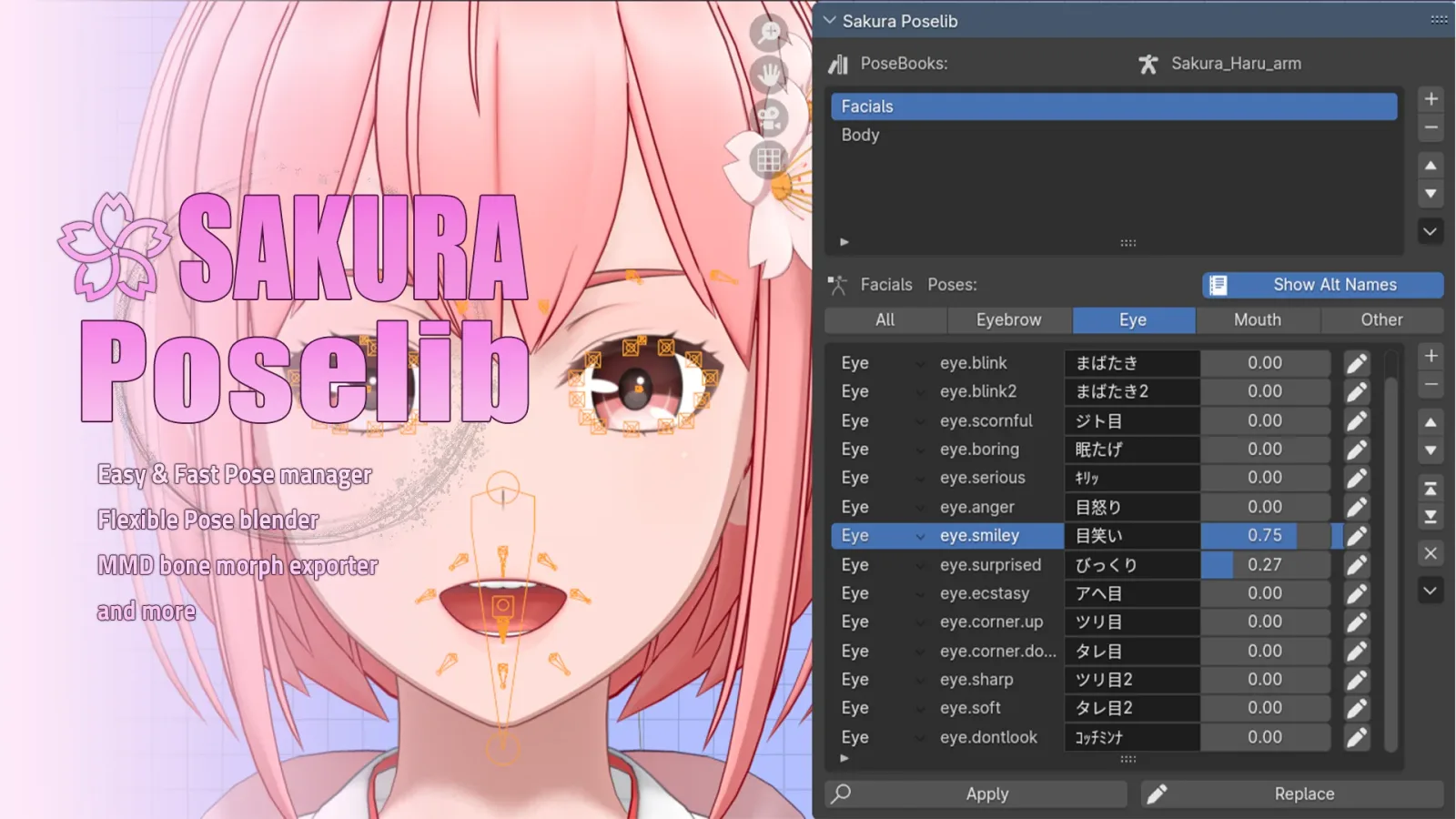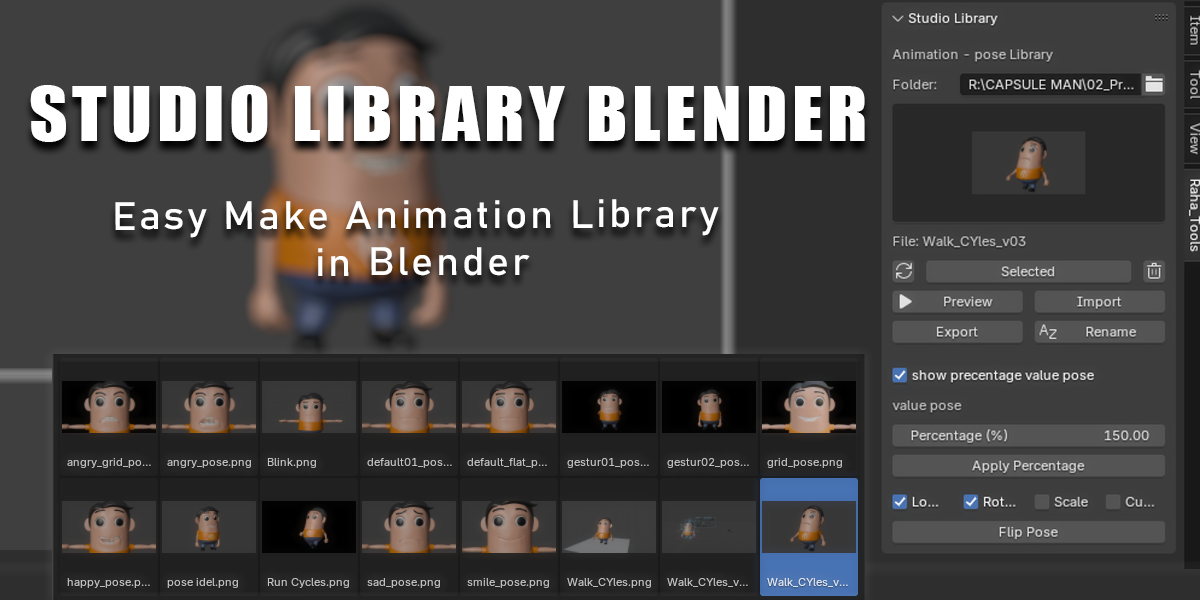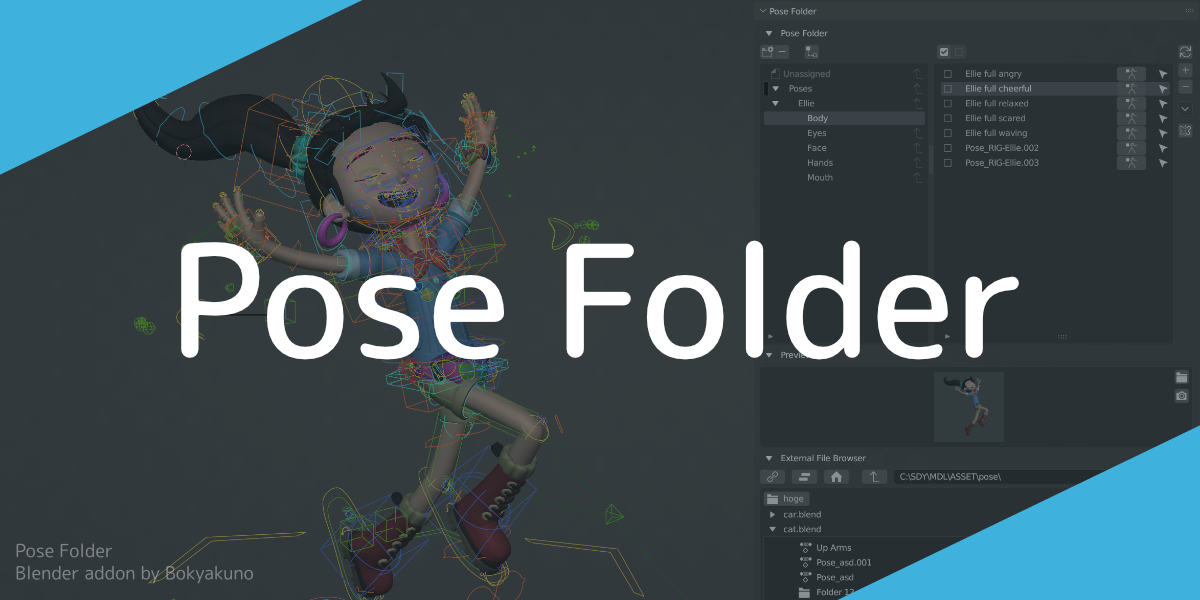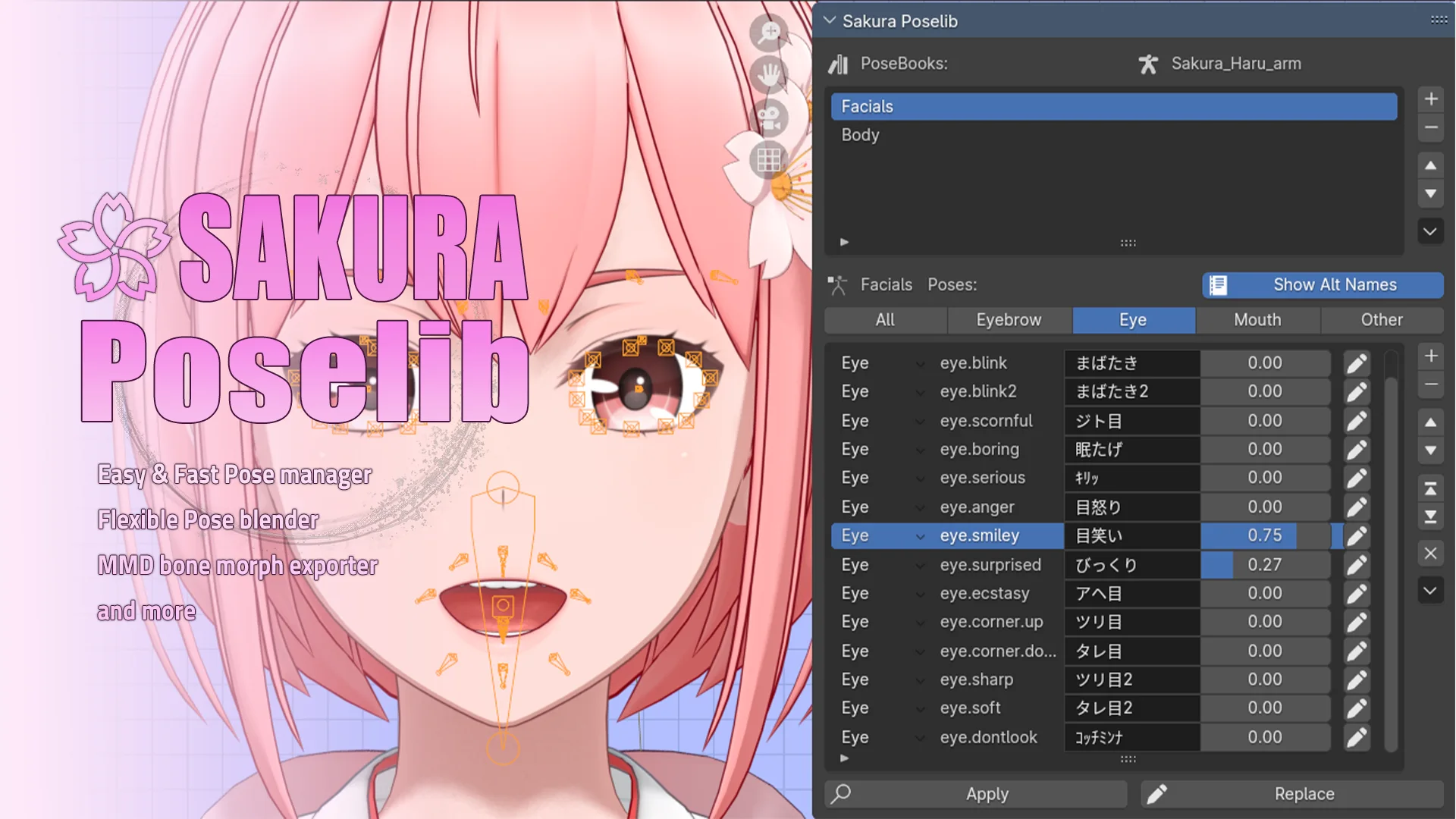
Sakura Poselib is a Blender add-on for saving and reusing armature poses. It can capture the current pose, group poses by identifiers in their names, and batch-rename them. The Blender Extensions catalog lists version 1.4.4, Blender 4.2.0 as the minimum version, and Kafuji as the maintainer.
Create and blend poses
After capturing poses, you can apply them to an armature and combine them with sliders. The sliders work like Shape Key influence values and let you preview one pose or combine several. To keyframe pose values in an animation, switch to Animation Compatible Mode; poses cannot be edited while this mode is active. Creating a new pose by combining poses during preview is intended for preview only and is not compatible with Blender's animation system.
This makes Sakura Poselib useful when a project needs a reusable set of poses for iteration or animation. After installation, the Sakura tab appears in the 3D Viewport side panel, where Sakura Poselib's features are available. The developer provides English documentation for the add-on.
Reuse pose data in Blender and MMD workflows
The developer documentation lists Blender's former pose library, mmd_tools bone morphs, and PMX Editor CSV bone-morph files as import sources. Blender supported the former library through 3.4, but Sakura Poselib's import operator requires the legacy Object.pose_library property, removed in Blender 3.5; the extension's Blender 4.2 minimum therefore excludes that import. JSON files are for sharing PoseBooks between models that use Sakura Poselib; CSV import and export are compatible with PMX Editor. For MMD workflows, a pose set can be exported to mmd_tools bone morphs or CSV for PMX Editor; individual poses can be saved as VPD. The project's v1.4.0 change note says CSV conversion can struggle with some poses with complex bone rotations and recommends mmd_tools export or VPD for those poses.
Check the developer's documentation for the steps and format details that match your source application. The Sakura Poselib repository is the place to review the project and its code.
Compatibility and installation
The Blender Extensions record sets Blender 4.2.0 as the minimum version and lists the add-on under Animation. It also records file access for saving and loading pose library data as JSON or CSV. If an earlier add-on version is already installed, a third-party product listing says to uninstall it before installing the extension. Check the current Blender Extensions page for release details before installing.