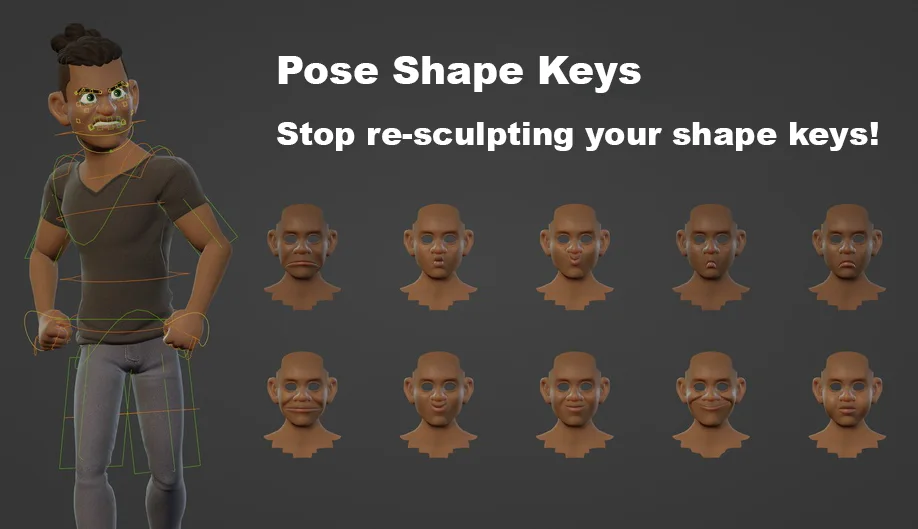
Pose Shape Keys is a Blender add-on by Mets for character riggers who need sculpted corrective shapes to survive changes to vertex weights or bone constraints. It stores a posed mesh separately and lets you reapply its sculpt to a modified base mesh, provided the topology has not changed.
What the add-on preserves
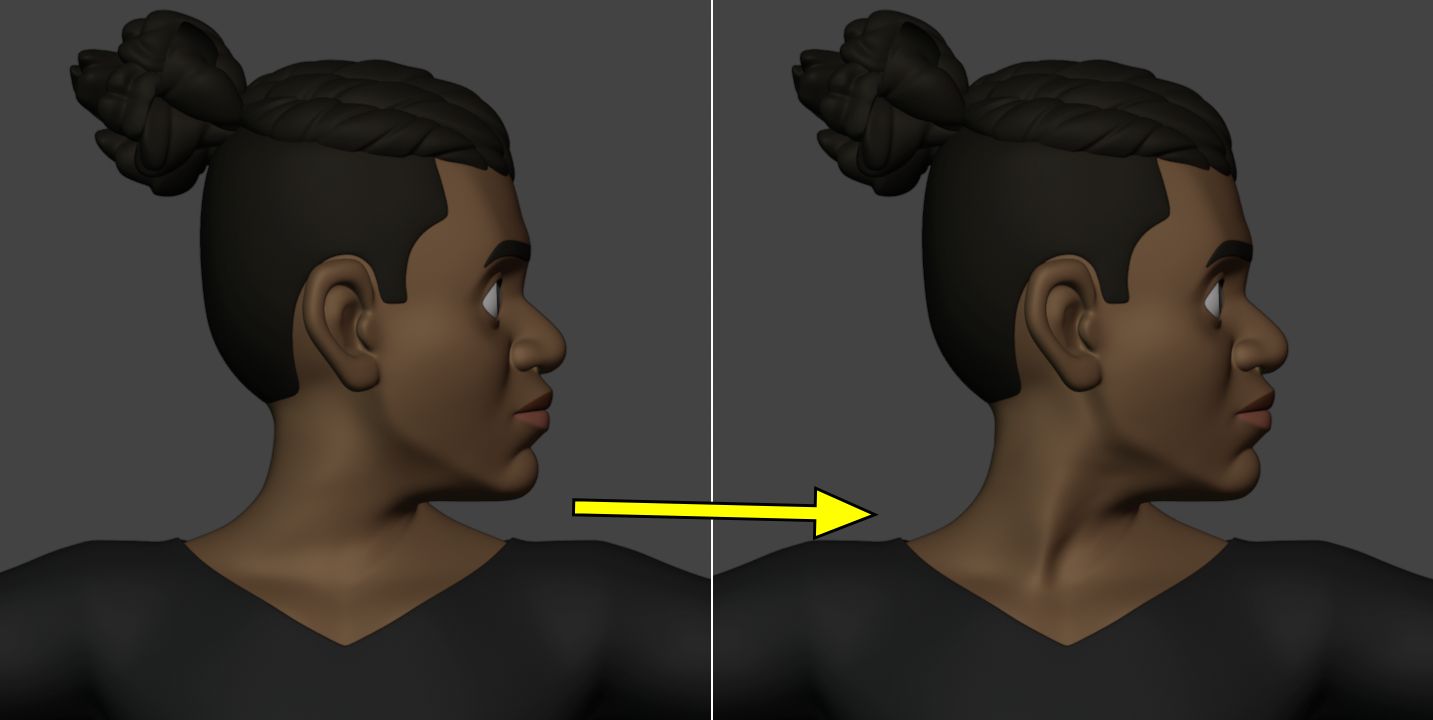
A corrective shape key refines a mesh after a rig pose has deformed it. If you adjust weights or constraints later, the same pose may produce a different base deformation, leaving the original correction out of step. Pose Shape Keys stores the sculpted result so you can apply it again after those rig changes.
How the workflow works
- Set the rig to the pose you want to correct and keyframe it. Create a Pose Shape Key entry, then assign its Action and frame.
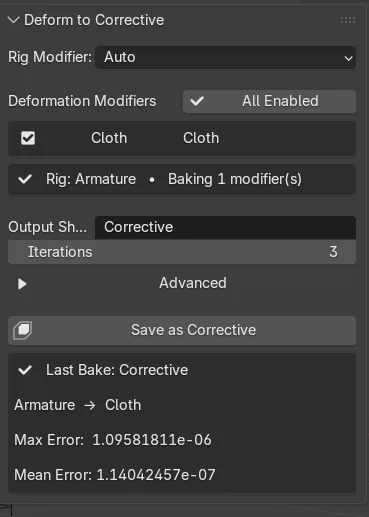
- Use Save Posed Mesh to create a copy with the deformations applied and modifiers removed.
- Sculpt the copy into the target shape. On the rigged mesh, create the shape keys that will receive the correction and assign vertex group masks where needed.
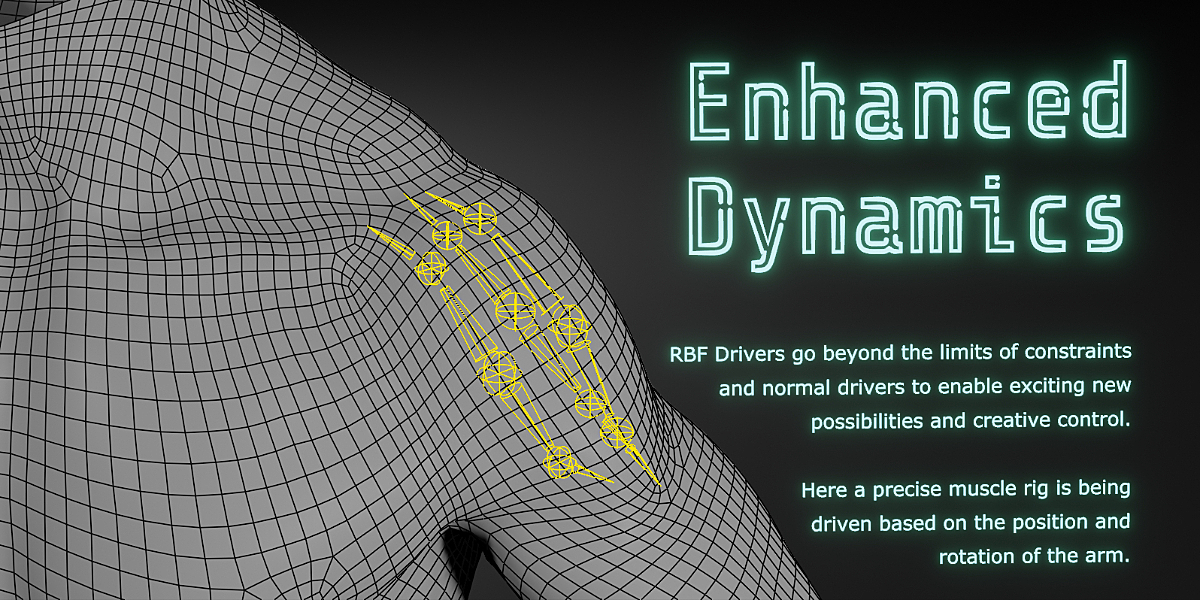
- Use Overwrite Shape Keys to transfer the sculpt into one or more keys. Set up and test drivers to activate them with the relevant rig controls.
Workflows for character rigs
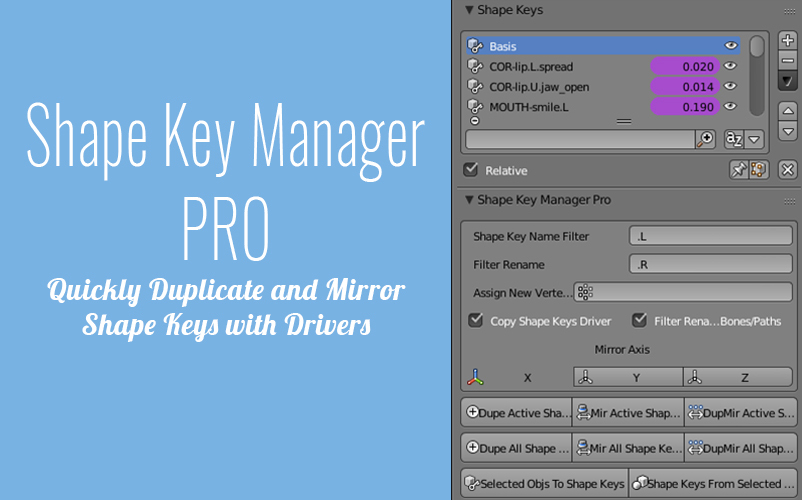
The add-on can support corrective work after weight painting, sculpted facial expressions used alongside bone controls, and one sculpt distributed across several shape keys. For example, a fist sculpt can be split into finger joint correctives with a mask for each joint. Symmetry options include mirroring a center-line correction and using separate vertex group masks for left and right sides.
Pose Shape Keys is most useful when a character rig needs continued iteration after corrective shapes have been sculpted. It helps preserve and transfer the mesh result; you still need to choose the pose, shape keys, masks, and driver behavior that fit the rig.
Compatibility and limits
The official Extensions listing identifies version 1.1.1, requires Blender 5.0, and lists Blender 6.0 and later as unsupported. Version 1.1.1 adds Action Slot support. The saved sculpt workflow depends on unchanged mesh topology. Automatic driver setup can help with simple cases, while more involved rigs may need manually edited drivers.
See Mets’s Pose Shape Keys documentation for the controls and steps. The Blender Studio workflow article shows corrective, symmetry, and multi-key examples. Check the official Extensions listing for release and compatibility details.