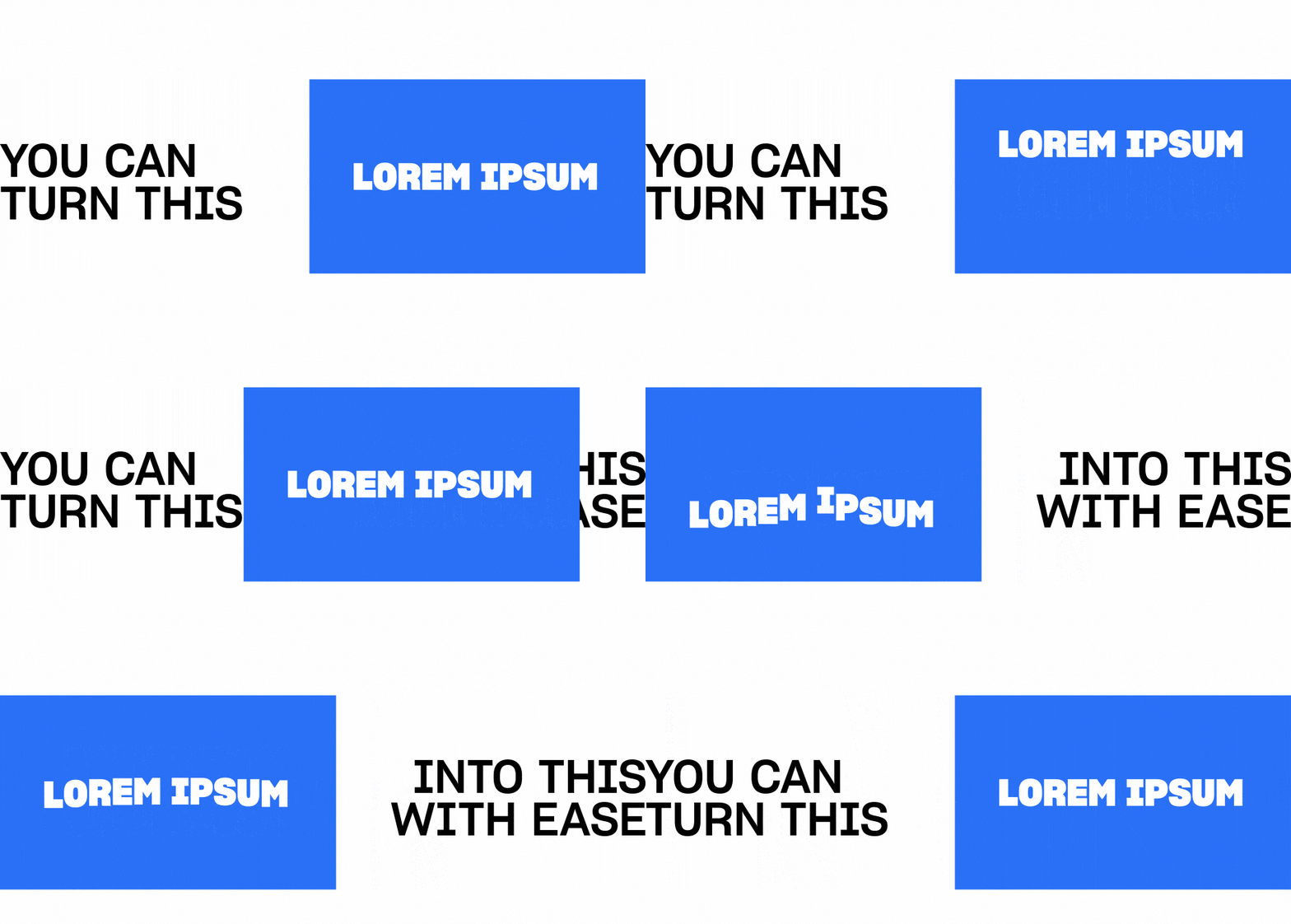
PQ Type Boi is a panel for After Effects with more than 120 pre-animated type arrangements. Browse animated thumbnails in the panel, select an arrangement to generate a composition, then adjust its exposed settings from a control layer.
Browse arrangements and adjust a comp
A control layer exposes settings such as color, line width and animation delay, so you can change them without searching through individual layers.
This workflow suits motion graphics work that uses animated typography repeatedly. The product listing says finding a few favorite designs can speed up everyday motion graphics work. It does not specify every control available for every arrangement, so use the free trial if a particular adjustment matters to your project.
Compatibility and version notes
The compatibility list on the developer page covers After Effects releases from CS6 through 2026. Its short description also says “AE CC2018+,” so the page is inconsistent about releases before CC 2018. If you use CS6 through CC 2017, confirm compatibility with the developer before installing.
The listing identifies version 1.0.4 and dates its licensing framework update to February 16, 2026. Earlier release notes mention an update for macOS Catalina and later, a Windows panel-loading fix, and a fix for a licensing issue that could limit the visible comps. These are version-history notes; check the current product page for present compatibility and support details.
For current product details and a trial, see the aescripts listing for PQ Type Boi.