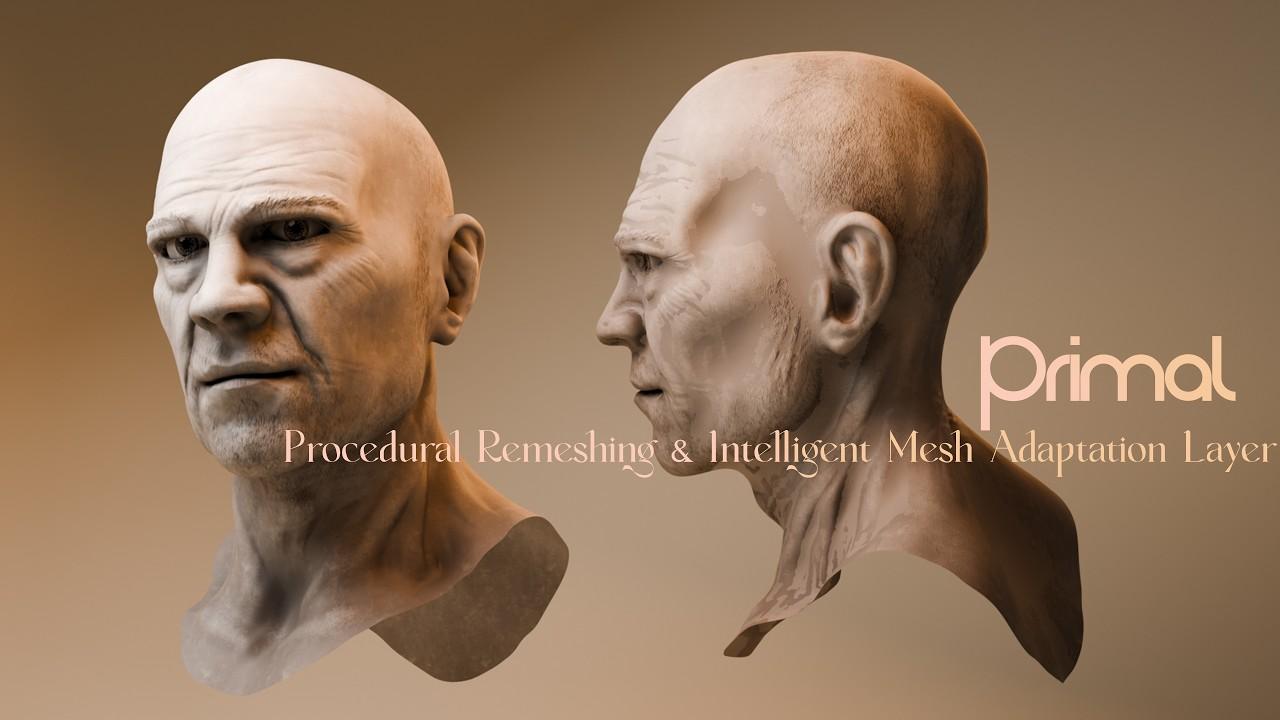
Primal is a Blender add-on from Egret Studios LLC for remeshing triangulated or messy geometry into quad-dominant topology. It analyzes a mesh’s surface and adapts quad flow around forms, silhouettes, curves and surface transitions. Use it to prepare geometry for further modeling, sculpting, animation or polygon optimization.
Adjust resolution for the mesh
The Resolution control changes the output mesh density. Lower values produce denser topology, while higher values reduce polygon count. The Primal documentation describes 1.0 as roughly preserving the input polygon count and recommends starting at 0.7, then adjusting for the model. Values from 0.5 to 0.8 are suggested for cleaner quads and surface flow.
Use symmetry and preserve features
Primal supports symmetry on the X, Y and Z axes. When enabled, it bisects the mesh along the selected axis and adds a Mirror modifier after remeshing. This can help with symmetrical models such as characters, vehicles and weapons.
Sharp Features detection helps retain hard-surface details. It can detect sharp angles, UV seams, mesh borders, material boundaries and face-set boundaries. The documented default angle threshold is 35 degrees; the documentation suggests 15 to 30 degrees for hard-surface models and 35 degrees or higher for organic models.
Clean the output and keep the original
Optional cleanup operations can merge nearby vertices, remove degenerate geometry and recalculate normals. Post-processing includes converting triangles to quads and smoothing the mesh. Merge Distance controls the vertex merge threshold, while Smoothing Passes sets the number of smoothing iterations.
Before remeshing, Primal backs up the original mesh. You can review the result and use Revert to restore the original before applying the change. Apply keeps the remeshed result and permanently removes the backup, so use it once you are satisfied with the mesh.
Compatibility and installation
The Superhive listing identifies Primal as a Blender add-on compatible with Blender 4.0 through 5.1 and lists its license as GPL. The documentation describes installing the downloaded ZIP through Blender’s Add-ons preferences, then selecting a mesh and opening the Primal tab in the 3D Viewport’s N-panel.