Gate and expander workflows
FabFilter Pro-G is a dynamics plug-in for gating and expansion. FabFilter documents uses such as reducing noise on vocal tracks, reducing drum bleed, gating a guitar before distortion, and shaping dynamics on a drum or master bus. Upward expansion amplifies signals above its threshold instead of reducing them below it; ducking lowers a background track when a voice-over starts and raises it again when the voice stops.
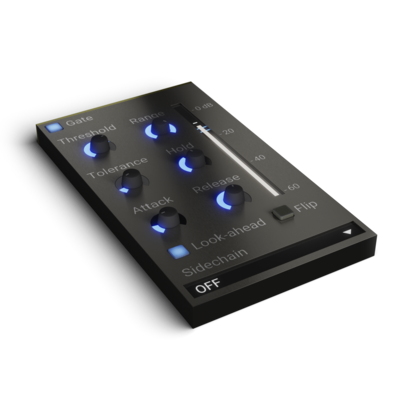
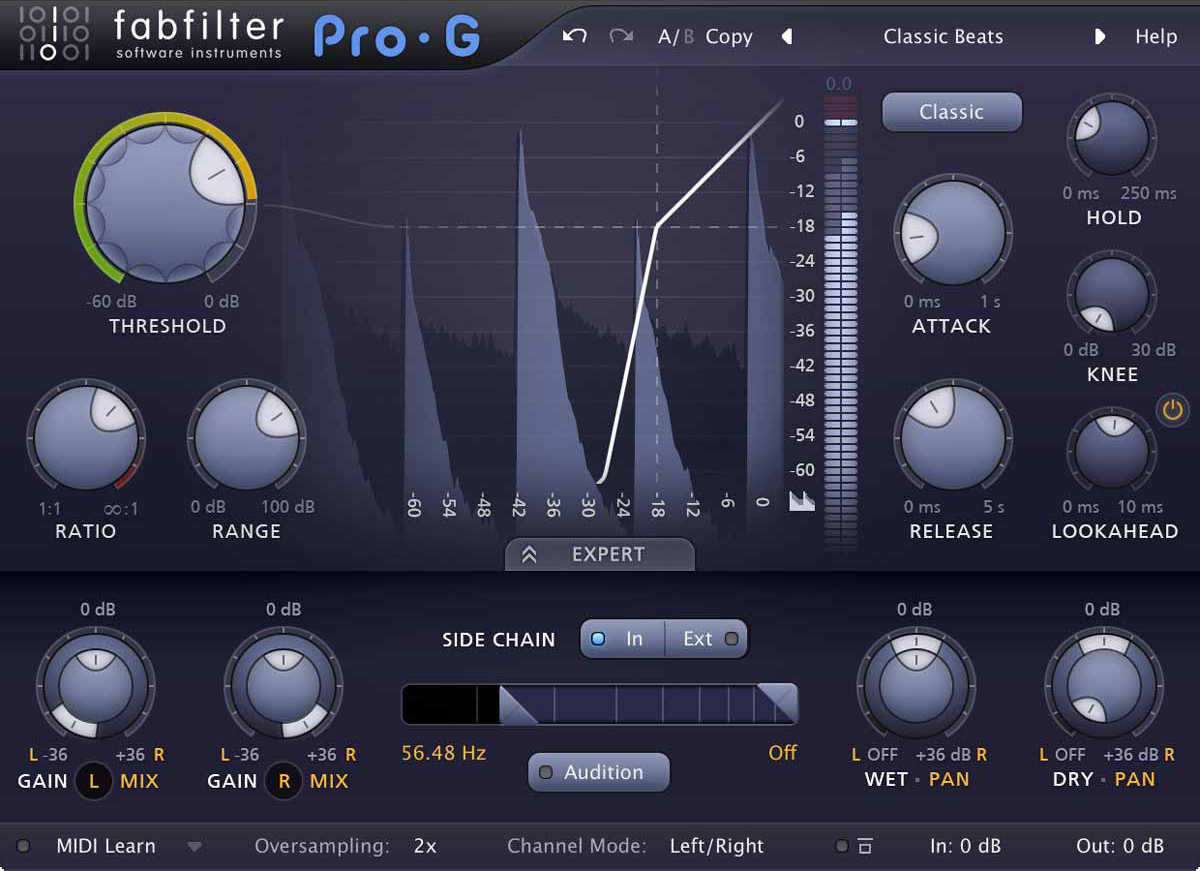
Set the threshold for when the gate/expander opens, the ratio for the amount of expansion below threshold, and the range for its maximum reduction. Attack controls opening speed, release controls how quickly it closes, hold sets the minimum time it stays open, and knee makes the response more gradual below threshold. Hold time can reach 250 ms; look-ahead opens Pro-G up to 10 ms before threshold and adds 10 ms of latency, plus a small amount when oversampling is enabled. The real-time display compares input and output levels and shows a transfer curve for the current settings.
Side-chain and channel control
Pro-G can use its main input as the trigger signal or receive an external side-chain signal from another track in the host. Expert mode adds side-chain auditioning, high-pass and low-pass filters, and separate gain and mix controls for the channels. The filters have a 48 dB-per-octave slope.
Choose mono, stereo, or Mid/Side processing. In stereo, channel linking can range from fully linked to independent triggering. Mid/Side mode lets the mid or side signal trigger the gate or expander. Expert mode also provides separate wet and dry level controls.
Formats and system requirements
FabFilter lists Pro-G in VST, VST3, CLAP, Audio Units, AAX Native, and AudioSuite formats. Its published requirements list Windows 11, 10, 8, 7, or Vista in 32-bit or 64-bit, with a VST 2/3 or CLAP host, or Pro Tools. For macOS, FabFilter lists version 10.13 or later, 64-bit only, on Intel or Apple Silicon, with a VST 2/3, AU, or CLAP host, or Pro Tools.
FabFilter's purchase help says the evaluation copy can be used for 30 days; continuing afterward requires buying a copy. The documentation also describes MIDI triggering, MIDI Learn, presets, undo and redo, and A/B comparison.