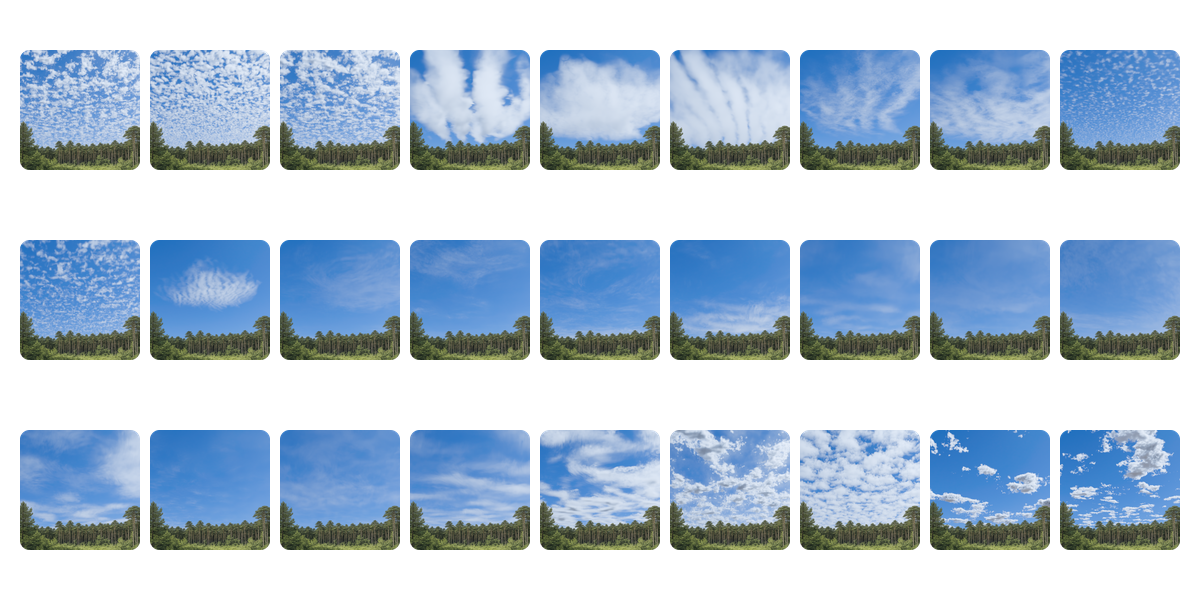
Procedural Clouds is a Blender add-on by Suzanne studio for creating clouds, skies and atmospheric effects with Geometry Nodes. It uses Cycles and exposes controls for cloud shape, density and volume detail. The Superhive listing identifies the add-on as GPL-licensed and lists Blender 4.5 through 5.2.
Adjust cloud shape and render detail
Point Density controls how full the cloud looks. Higher values create a thicker, more detailed result; lower values produce a lighter cloud and can render faster. Point Size Min and Max change the size variation: larger values make softer, puffier forms, while smaller values create finer structure.
Volume Resolution sets the final volume detail. Raising it can sharpen the cloud, with slower performance as a trade-off. The included documentation describes these controls for procedural and curve-based clouds.
Resize clouds while keeping their settings
In Object Mode, scaling changes the object's size without changing its internal settings, so the current appearance stays consistent. Edit Mode changes the volume or mesh itself while leaving its detail density unchanged. After extreme scaling, the documentation says you may need to adjust Density.
Check preview and scene settings
To view clouds in Solid shading, turn on Solid Preview. Auto Solid Preview can switch that option according to the viewport shading mode. If a volume flickers or looks sliced in Solid Preview, increase Clip Start. If it is cut off in the distance, increase Clip End on the add-on and check the camera's clip settings too.
Some add-on preferences can change scene settings such as volume bounces, step count or clip distance. Disable those options or adjust them in Preferences if you want to keep your existing scene settings intact.
Compatibility notes
The Superhive product listing lists Blender versions 4.5 through 5.2. Its documentation notes that Blender 5.0 changed the Voronoi texture algorithm, so presets can look slightly different there than in Blender 4.5. Check the listing and documentation for current compatibility details before installing.