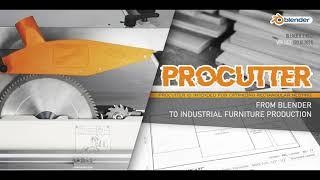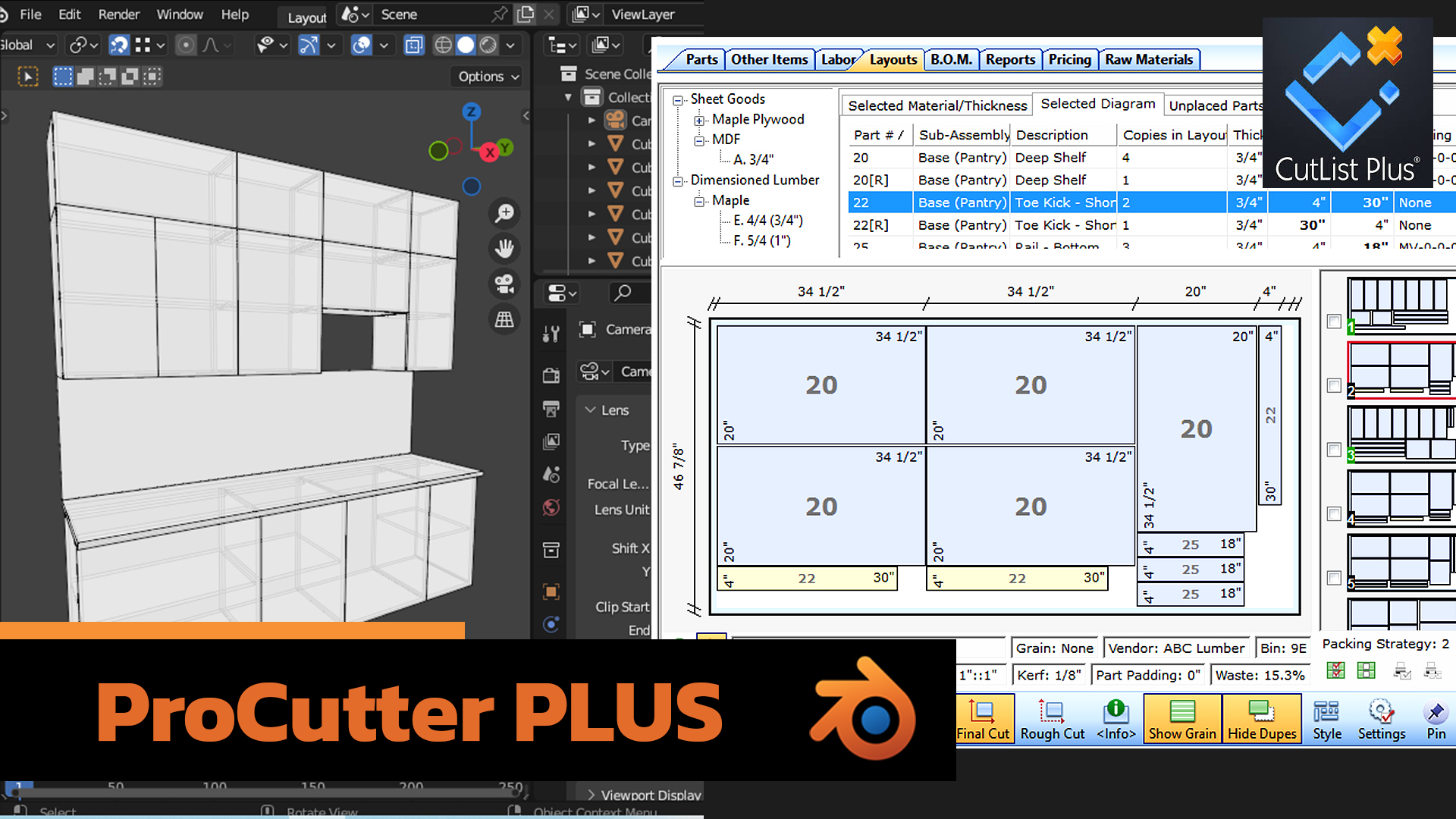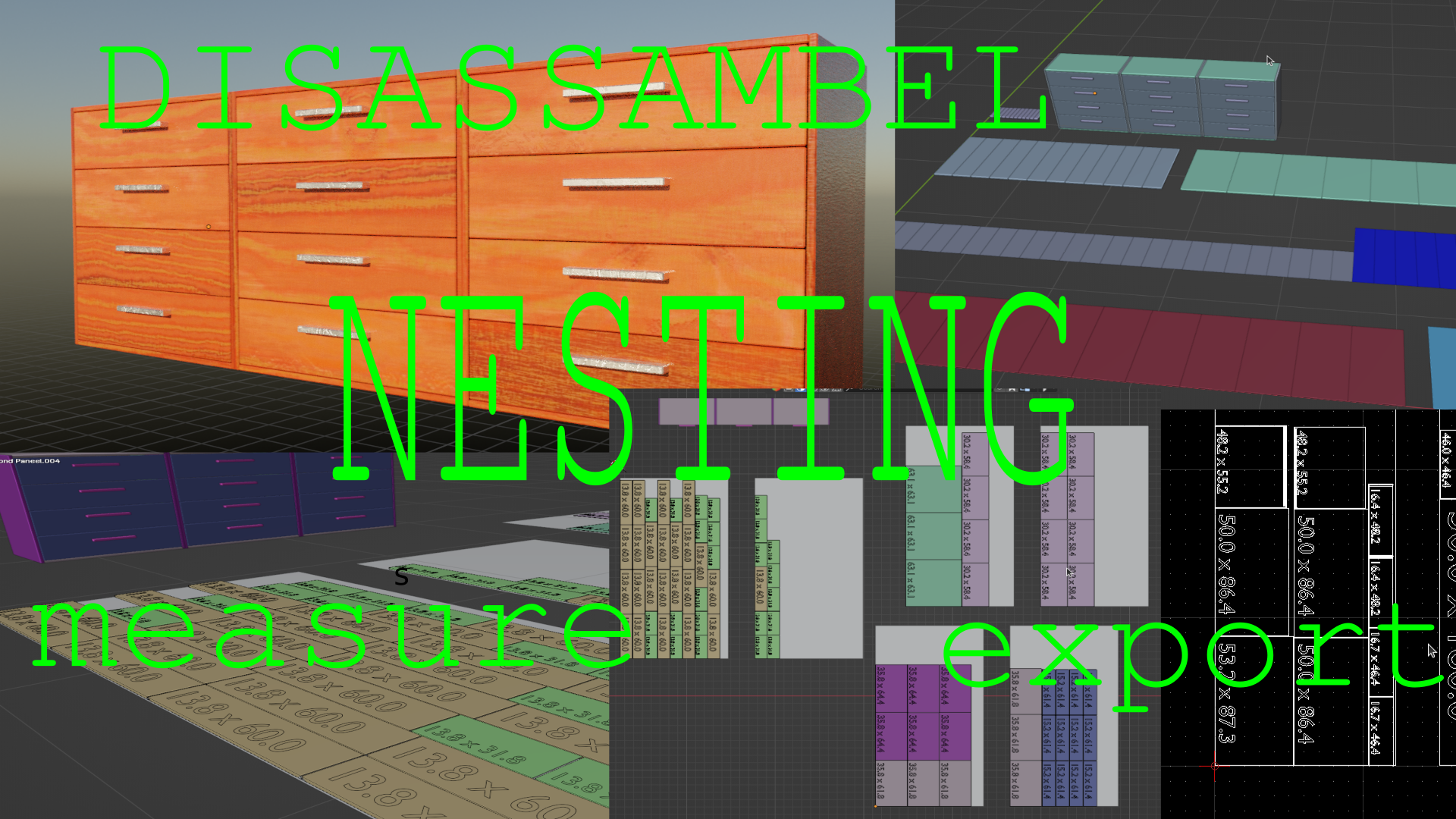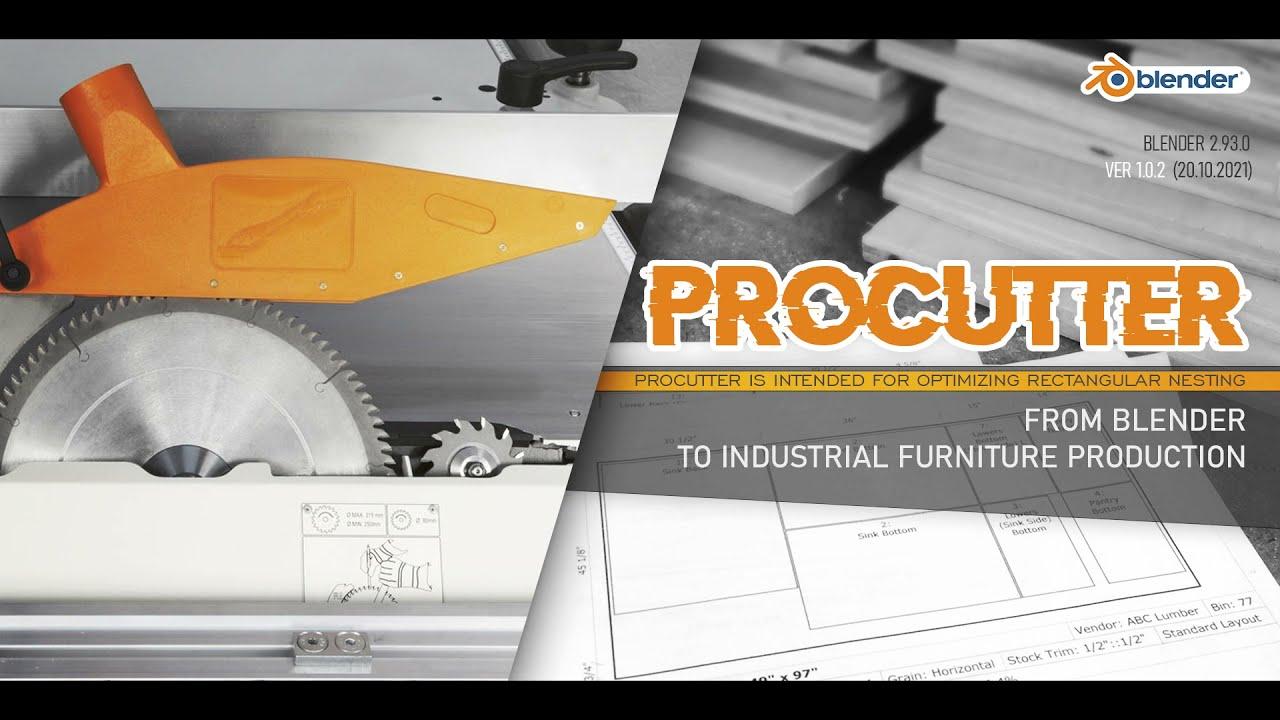
Procutter is a Blender add-on for cabinet furniture design and rectangular nesting workflows. Its listing says it can produce a full cut of all parts in one click while accounting for texture positions. The product is intended for designers and manufacturers who use Blender as their main editor.
Where Procutter fits in the cutting workflow
Procutter works with separate cutting programs, including Astra R-Nesting and OptiCutter. Its documentation says the script transfers Blender material names and part dimensions to Astra. The listing describes Astra Nesting as a cutting program for plywood, lumber, glass, metal, and other sheet materials, and OptiCutter as an online optimizer for sheet and length cutting. For Astra R-Nesting, the listing says its free version adds an introductory mark when printing a cut, while the paid version can send cutting to CNC machines. It says OptiCutter's free version is limited to parts from 20 different panels.
Astra R-Nesting can calculate offcuts automatically, within a specified area, or by manual editing with a mouse; maintain an offcut inventory through manual or automatic entry; prioritize offcuts in new orders using automatic or manual selection; and let users rotate, move, or drag parts between layouts with a mouse.
Prepare materials and stock in Astra
The Procutter documentation describes several setup requirements for Astra R-Nesting:
- Create the material entries in Astra before importing parts. The script transfers material names, but it does not create Astra materials.
- Create plates that match the sizes of the materials in your stock.
- Give Blender part materials names that match the Astra entries. The documentation identifies “No material” as the default for a part with an empty material slot, so create that entry in Astra if you need it.
Matching the names lets the transferred part data refer to the materials prepared in Astra. Check the Astra setup steps before preparing a model.
Compatibility and license
The Superhive listing identifies the add-on as version 1.0.2, gives it a GPL license, and lists Blender 2.83, 2.9, 2.91, 2.92, 2.93, 3.0, 3.1, 3.2, and 3.3. It does not list later Blender versions. If your project uses a newer release, check the current product listing or ask the developer about compatibility before relying on it.