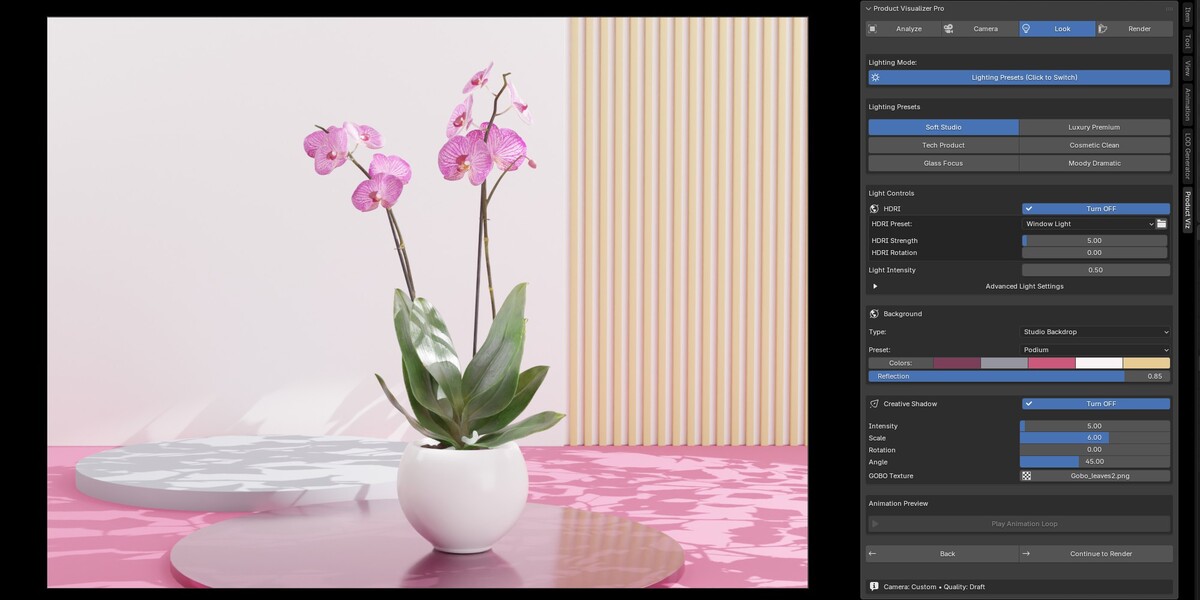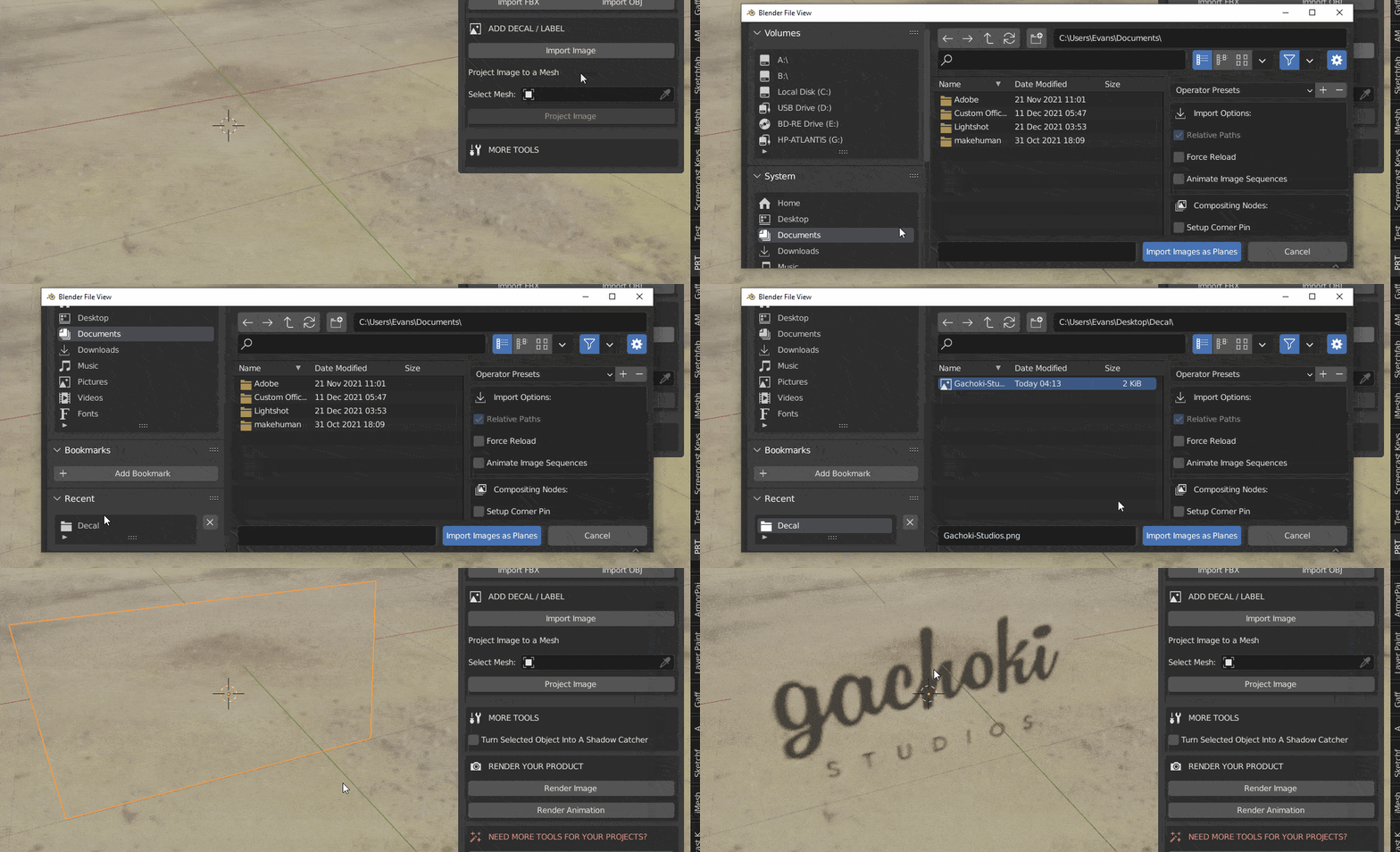
Product Rendering Tools is a Blender add-on from Gachoki Studios that groups product-rendering tasks in a PRT tab in the 3D viewport side panel. It can append or link assets from another Blender file, import OBJ and FBX files, project an image onto a mesh for a label or decal, convert a mesh into a shadow catcher, and start an image or animation render.
Bring assets and labels into a scene
For assets saved in another .blend file, the add-on provides append and link options. It also imports OBJ and FBX files. To add a product label or decal, import an image and project it onto the target mesh.
Make shadow catchers and render images or animation
The Make Shadow Catcher tool converts a mesh into a shadow catcher for compositing a model into an image or video. In the Render Your Product section, use Render Image for a still or Render Animation for an animation. The Superhive listing identifies Cycles as the render engine used.
Install and open the PRT panel
- Before installing, compare your Blender version with the listing's current compatibility range and review its license terms; keep the downloaded Product_Rendering_Tools.zip file zipped.
- In Blender, open Edit > Preferences > Add-ons, choose Install, and select the ZIP file.
- Check the box to activate the add-on, then close Preferences.
- In the 3D viewport, press N and select the PRT tab in the side panel.
Compatibility and further guidance
The Superhive product listing identifies Blender versions 4.0 through 5.3, Blender Extension compatibility, the Cycles render engine, and a GPL license. The seller also provides a video tutorial.