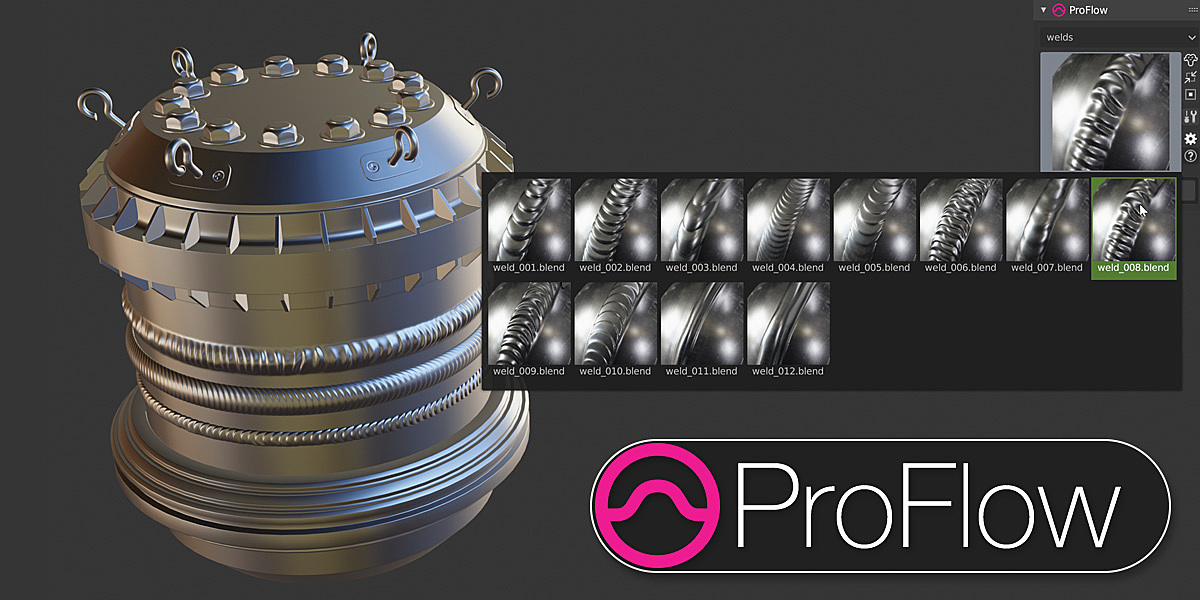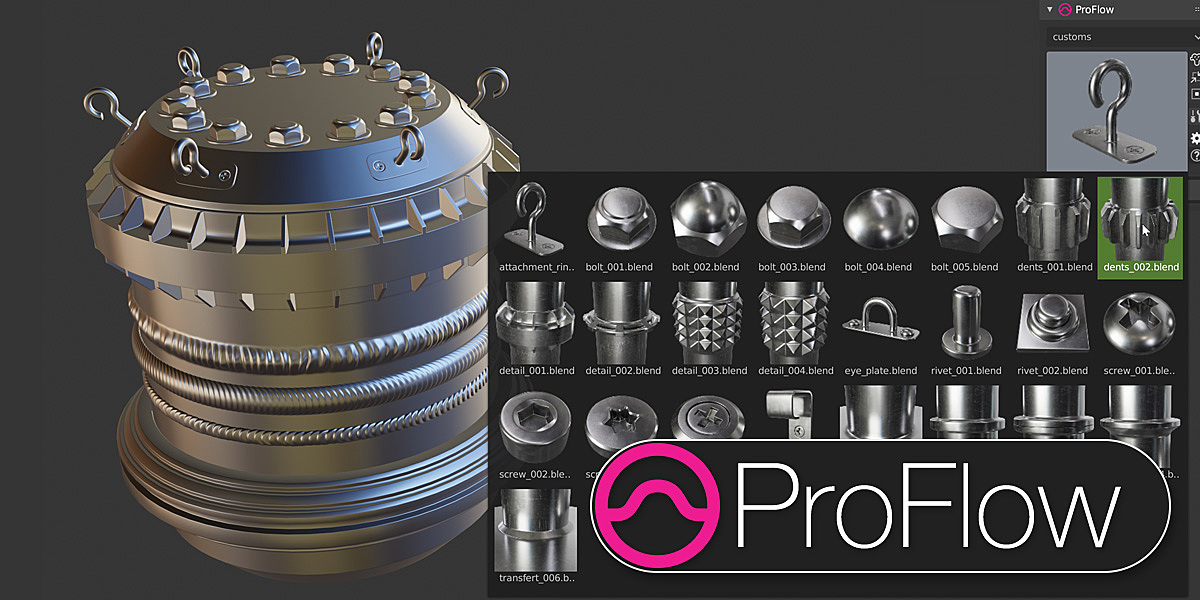
ProFlow is a Blender add-on for placing floaters such as welds, custom assets and moldings on objects. Its workflow starts with an asset from the library, then a target object, then the tool you want to use.
Place and edit assets
ProFlow can add assets where several objects intersect and lets you set them up for predictable results. You can replace an asset with one from the library or the scene, cut an asset with the Cut tool, and extract edges from objects for reuse.
Use your own assets
You can create assets and add them to Asset Management, use assets from the scene, and create or use collection instances. The feature list also includes asset transfers and conversion with random values.
Install it in Blender
In Blender's user preferences, open Add-ons and choose Install from Files. Select the add-on ZIP and activate it. ProFlow appears in the 3D Viewport's Property panel, which you can open by pressing N.
Compatibility and support
Superhive's version field lists Blender 2.9–5.2, while its software field says Blender 2.82. The product FAQ says versions earlier than 2.82 are unsupported because ProFlow uses the Weld modifier. Check the product listing for your Blender release before installing.
Superhive lists the license as GPL. The listing says support is per customer and group buys are not supported. Its documentation page links to video guides and a Discord server for support.