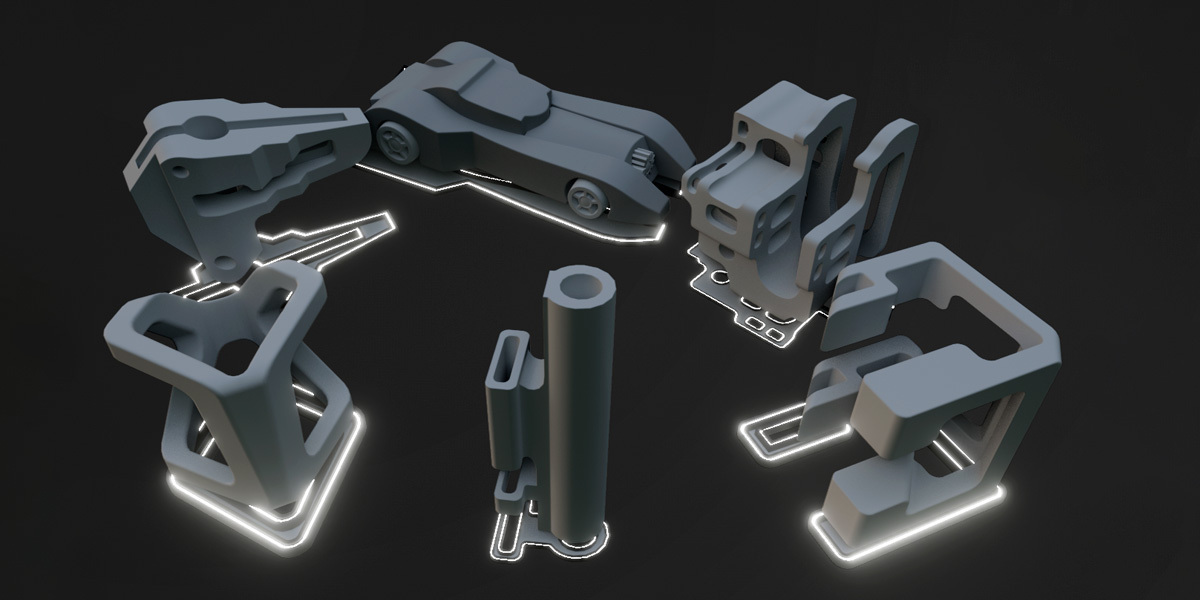
Projection Modeling is a Blender add-on that builds 3D shapes from projections based on curves and mesh planes. You can adjust the resulting shape through its projections in real time. The developer describes uses such as modeling parts, making low-poly forms, creating some high-poly models, and building shapes from drawings.
Setup requirements for a projection object
The developer documentation lists four setup conditions:
- Use at least two objects.
- Set mesh objects and curves to fill with faces. If you add new curves, use the Update button.
- Set the objects so their local Z axis directions intersect.
- Make the projection rays long enough to meet.
If a projection object does not form as expected, check these four setup conditions. The documentation also shows panels for projection control, projection objects, mesh optimization, and curve editing.
Curves, mesh planes, and operation modes
Projection Modeling supports curve-based and mesh-based projections, including work that combines curves with mesh planes. Its update history describes adding multiple objects to a projection collection at once, with curves and meshes in the same collection. Mesh projections can be created from a plane filled with faces or from empty paths.
Version 1.1.4 added 2D Fill and Pure Curve operation modes. The developer says Pure Curve works well with the separate Curve Work add-on. Projection Modeling also includes functions for mesh optimization and curve work.
Examples and tutorials
The basic tutorial introduces the add-on's principles through curves, and an additional lesson covers curve techniques and building projection profiles. A second tutorial covers mesh projections, combining curves with mesh planes, and making text from projections. A third covers newer work modes and using Curve Work with Projection Modeling. The listed voiceover languages are English and Japanese.
Version and product details
The update history lists version 1.1.6 as adding a version for Blender 4.3. Superhive's current product details list Blender compatibility as 4.2 through 5.3, identify the product as an add-on compatible with Blender Extensions, and list GPL as its license. Check the product listing for current compatibility and product details before installing.