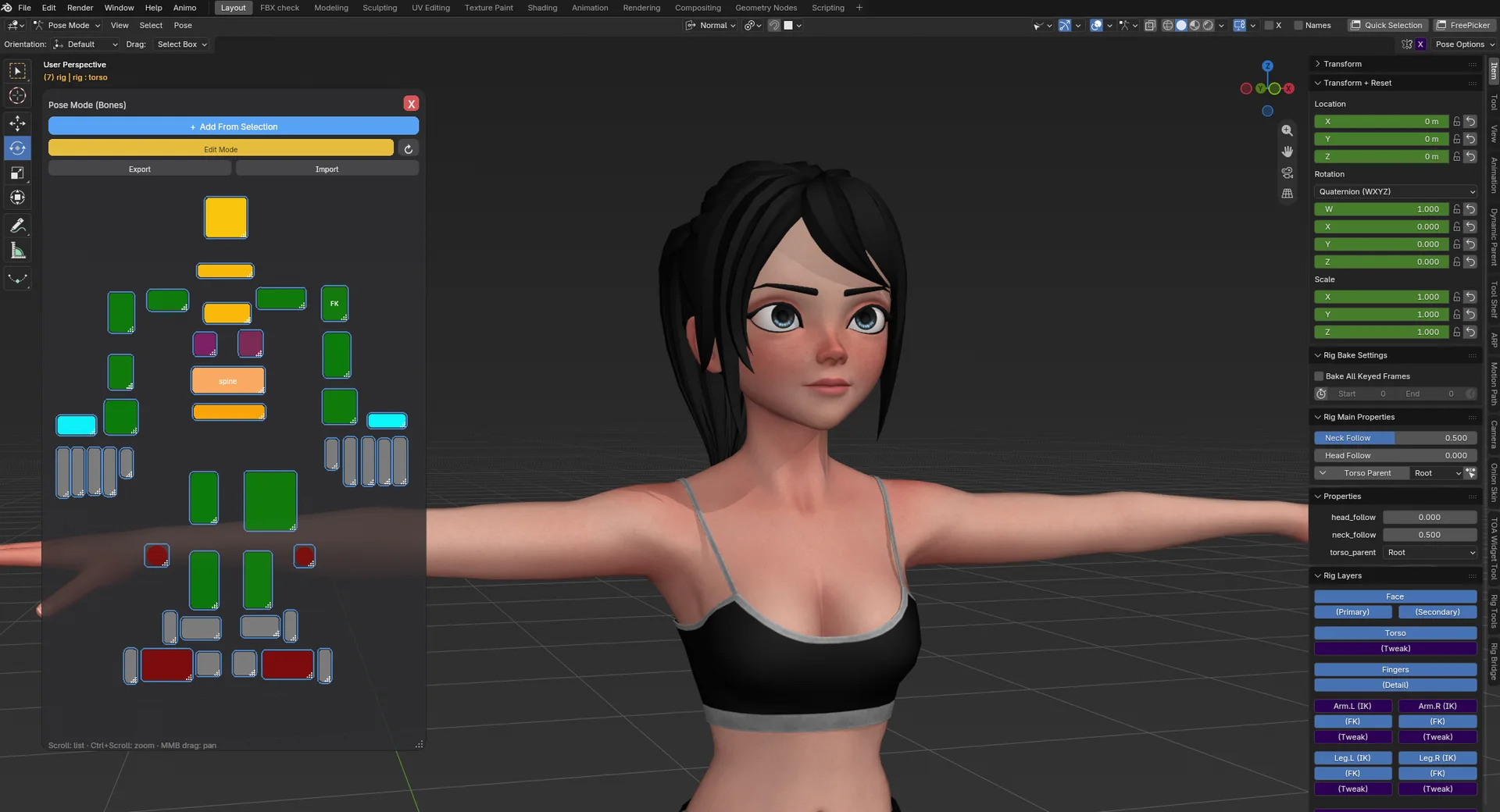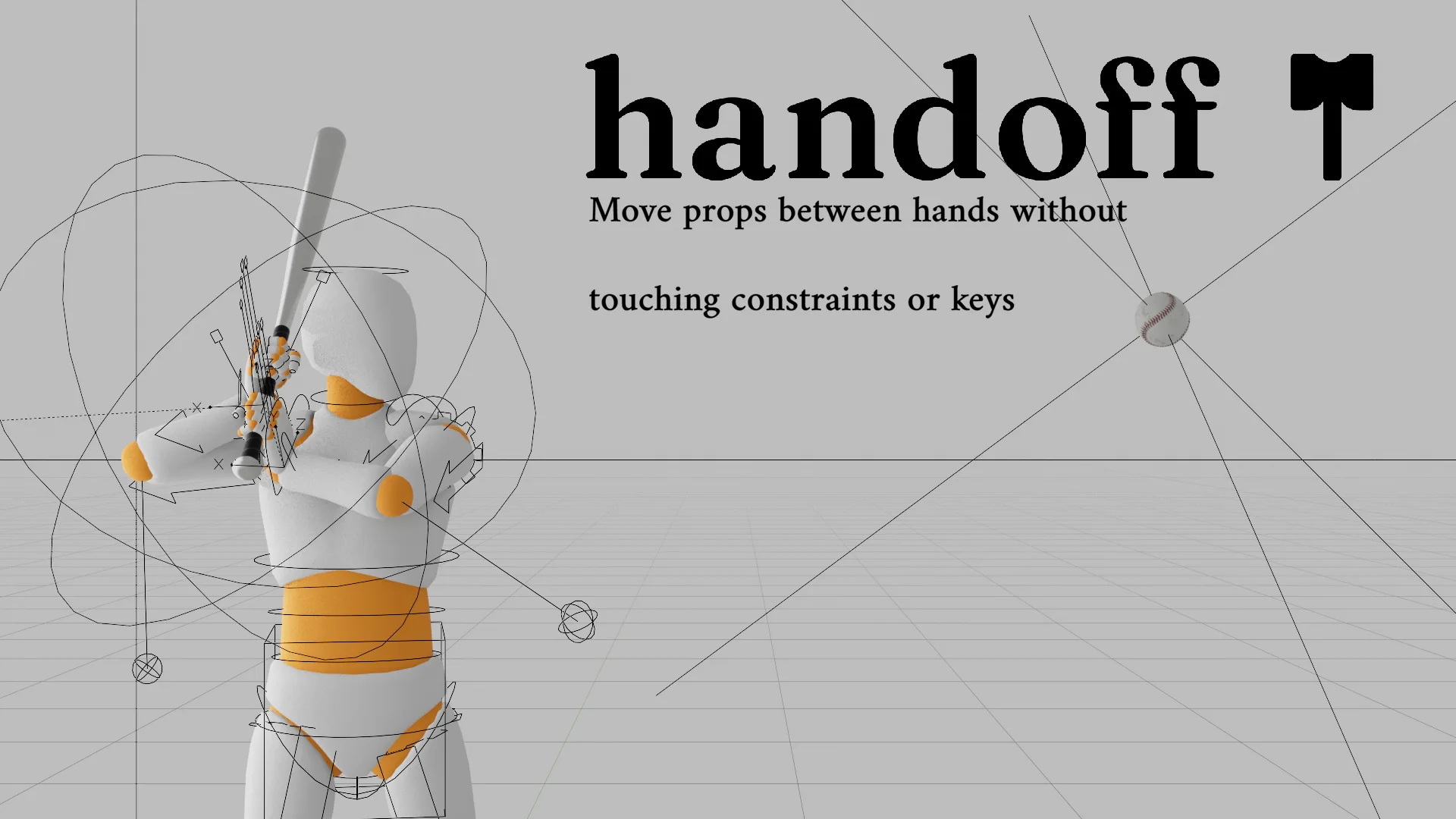
PropHandoff is a Blender add-on for attaching objects to character bones and animating them between hands. It generates the needed constraints and manages them from its panel. The listing specifies Blender 4.2 or newer and an armature-based rig.
Animate a prop handoff
Parent an object to a bone such as a hand, belt or head. You can change its parent bone at any point in the timeline to move a prop from one hand to another. Throw and release operators cover shots where the character lets go of the object.
For a fixed attachment, one-bone parenting covers the basic case. Handoffs and release operators suit animation that needs a prop to move between bones or leave the character's grip.
Two-hand grip controls
For props held with both hands, PropHandoff provides a configurable Grip Zone radius. In Lock mode, the object stays in both hands and stops with them. In Unlock mode, the hands can separate and return to their rest pose; they grab the object again when they come back within range.
You can choose the Master Hand behavior as object-driven, left-driven or right-driven, and set a grip pose for each hand. The add-on also lets you attach or release both hands on the current frame.
Check requirements and installation
PropHandoff requires Blender 4.2 or later and an armature-based character rig. Its listing says it does not require special permissions. The listed license is GNU GPL version 3 or later.
The extension listing provides a drag-and-drop option and a download for installation from disk. Blender's installation instructions explain the disk-install route.