Propscatter is a Blender add-on for placing and organizing scene props. Its Paint tool scatters objects with a brush, while separate tools handle alignment, spacing, grid packing, pivots, and random transforms. The controls and feedback are available in Blender's N-panel. The product is aimed at prop placement and set dressing, rather than mass vegetation scattering.
Paint props across a scene
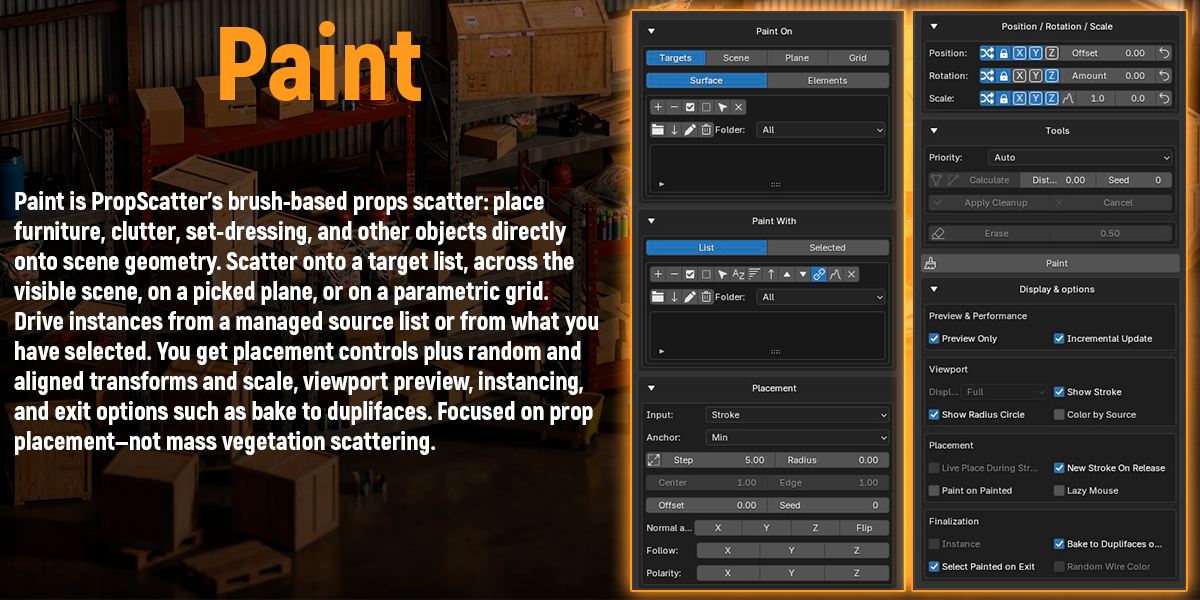
Paint can use objects from a managed source list or the current selection. Place them on target objects, across visible scene geometry, on a plane picked in the viewport, or on a parametric grid. For selected mesh elements, placement can use faces, vertices, or edges. Choose one object per click, or paint a stroke with adjustable spacing and radius for more varied placement.
Preview Only lets you tune a layout before applying it. The overlap cleanup tools identify objects to remove, and frozen layers let you combine different object types and settings within one session. When you finish, you can keep the result as instances or optionally bake it to duplifaces.
Align and organize object layouts
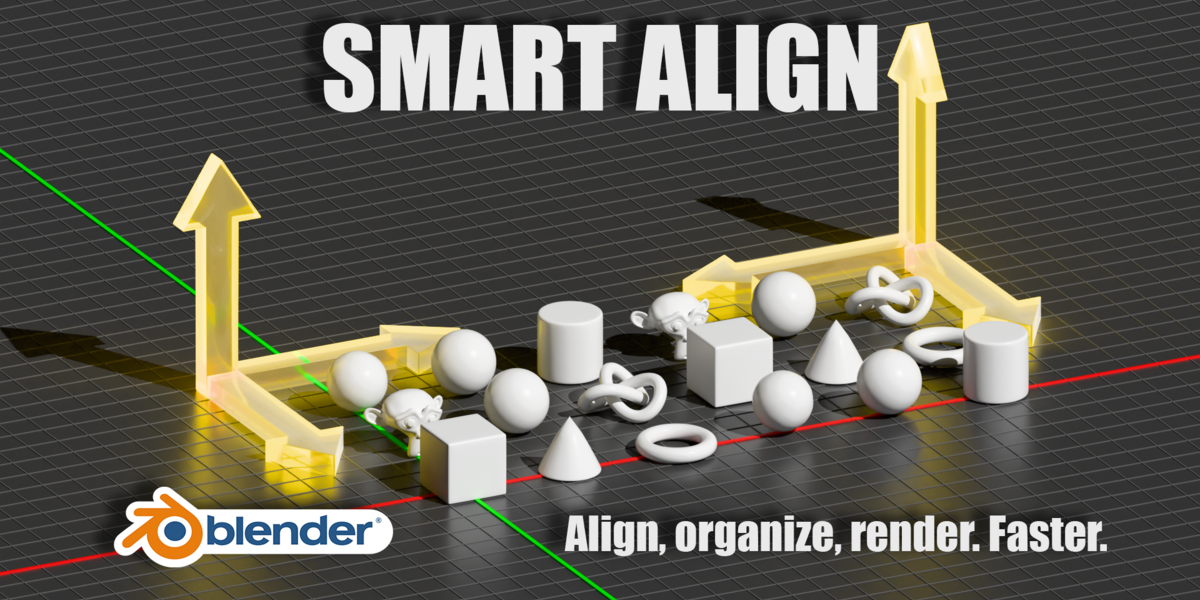
Align positions and orientations relative to an active object, the scene origin, the 3D cursor, or the floor. When the active object is the target, you can also match scale per axis. Normal Align rotates objects to match a picked surface normal. Equal Spacing distributes selected objects along chosen world axes, with reference points such as bounding-box centers, pivots, or minimum and maximum bounds.
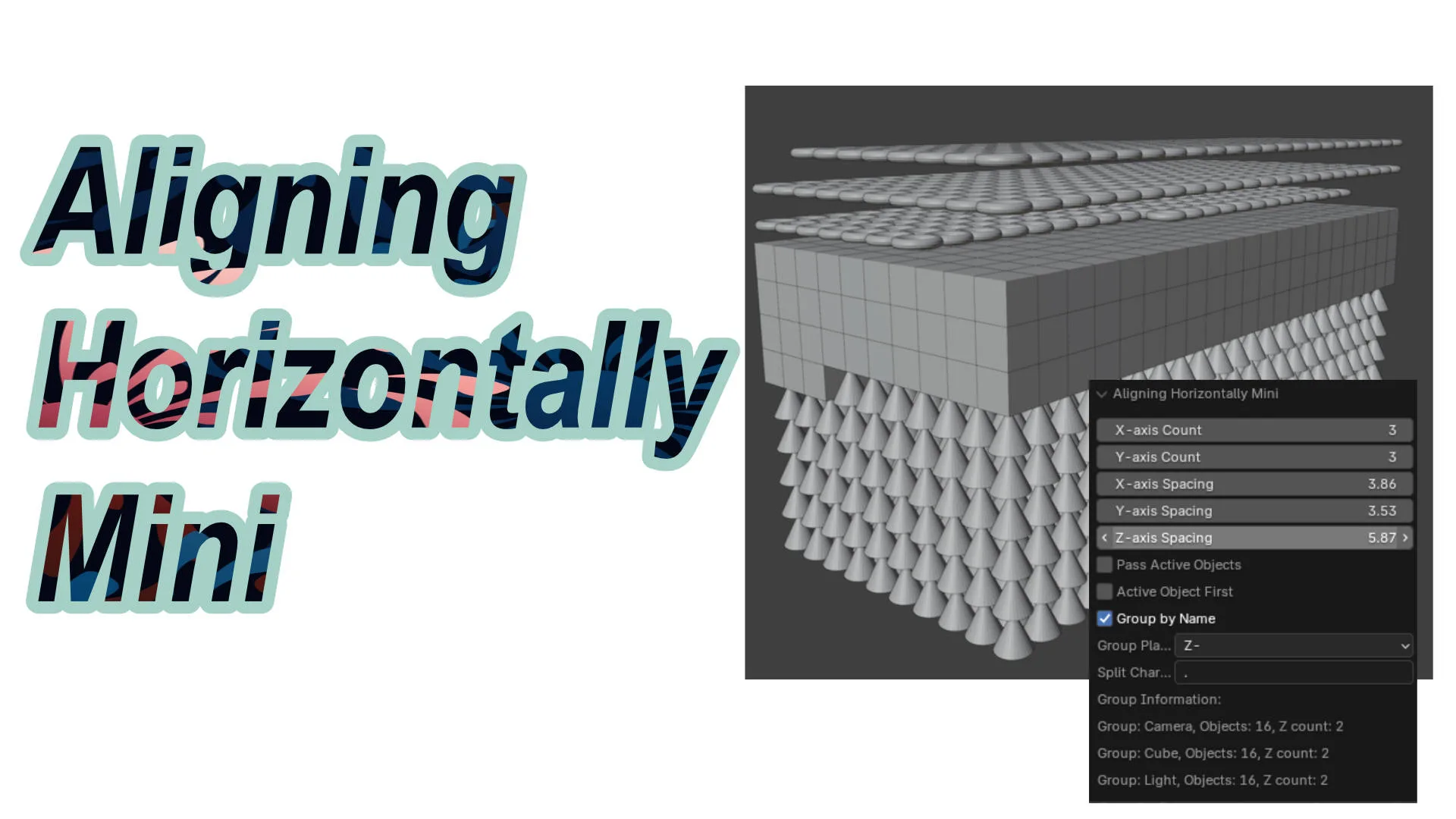
For broader layout changes, In Object Mode, Move by Poly Shift applies brush-weighted movement, rotation, or scale to mesh objects and PropScatter group empties in the viewport. Move by Scale compresses or expands their spacing around a shared center without changing their object scale values. Grid Packer arranges objects on a floor grid. Object Groups and Pivot tools help manage parented prop assemblies and move origins to useful positions.
Preview randomized variations
Randomize previews changes to position, rotation, and scale before you apply them. Set ranges by axis, choose world or local position, and use a positive seed for repeatable results. Canceling the session restores the original transforms, so you can explore variations without committing each one.
Who may find Propscatter useful
Propscatter may fit Blender artists who regularly place, align, or arrange objects for kitbashing, environment dressing, asset-library layouts, or architectural scenes. Its combination of brush placement and precise layout tools is useful when a scene needs both irregular prop distribution and tidy rows or grids. For the listed Blender version and license details, check the Propscatter listing from 3D CADence on Superhive.