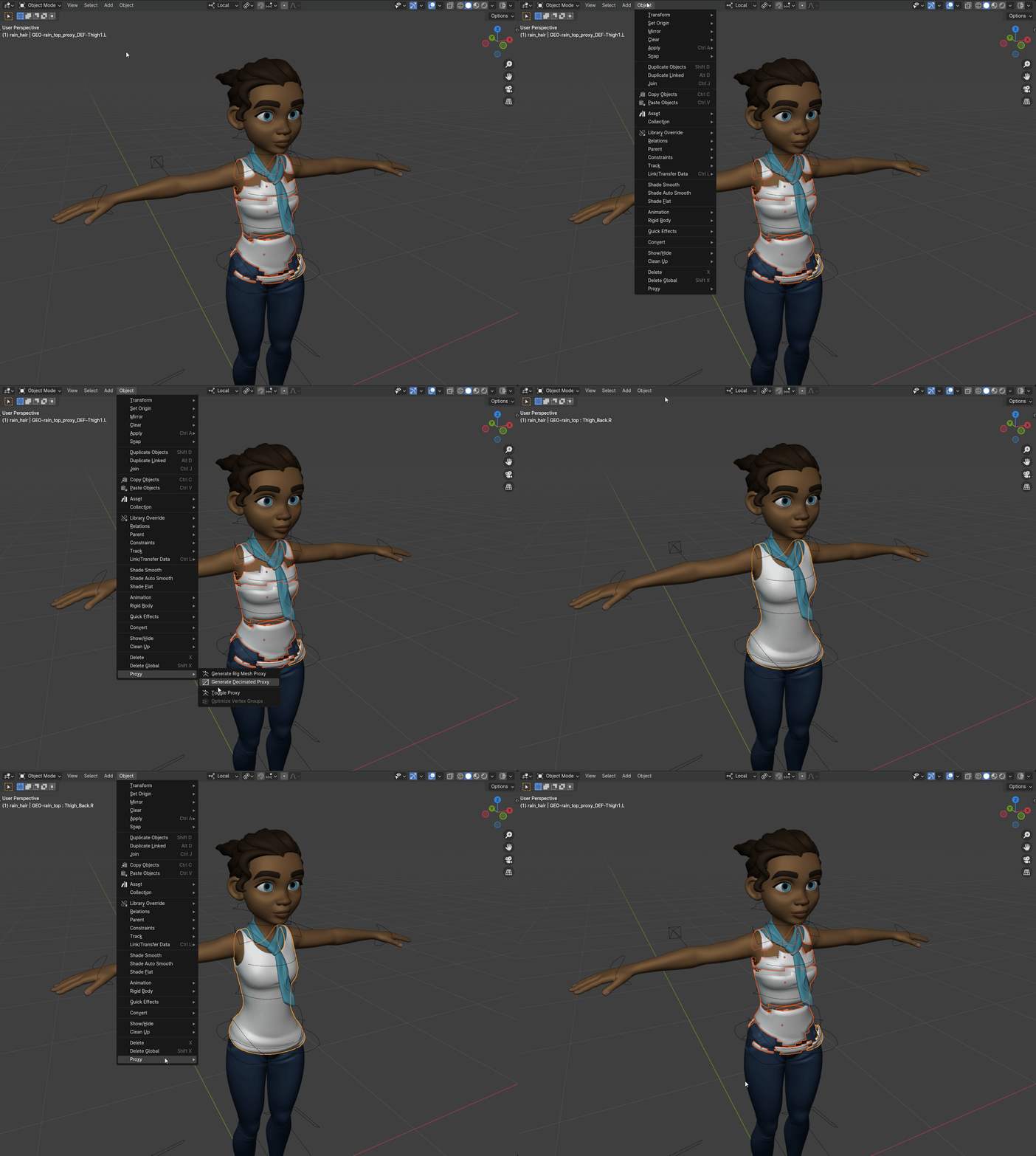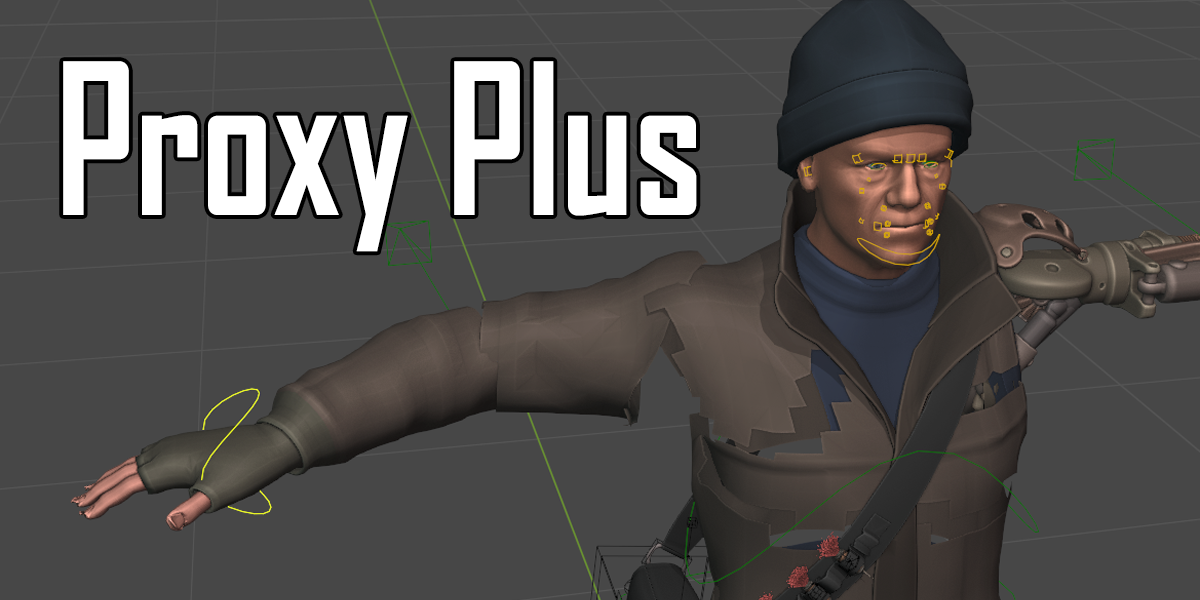
Proxy Plus is a Blender add-on by Spencer Magnusson for creating and managing viewport proxies. Deforming meshes, especially when a scene has more than one, can slow viewport playback. Its proxies stay in the viewport, while renders use the full-fidelity meshes.
Choose a proxy workflow
For a deforming character, Generate Proxy Rig breaks the mesh into pieces, each following its bone directly rather than deforming to that bone. The add-on runs this as a one-click operation. For non-rigged objects, Generate Decimated Proxy copies the selected objects, applies decimate modifiers, and names the copies as proxies.
If you already have proxy objects, Set Proxy assigns them to the objects they represent and applies the expected naming convention. Toggle Proxy then switches between those proxies and the full-fidelity meshes. The product documentation describes the naming convention for custom proxies.
Adjust detail as you work
Adaptive Proxy Mode lowers viewport subdivision and multiresolution levels on deselected objects, while selected meshes return to full fidelity with subdivision set to the render level. The mode can also display deselected objects as wireframe or bounds. Meshes that act as booleans for other objects are ignored.
Proxies can accelerate viewport playback for proxy-based animations and stand in for real meshes during physics solves for simulations. A Blender 4.0 Eevee example on the product page reports playback of 58–82 fps without the proxy and close to 120 fps with it. The product listing says instability in the example likely came from Eevee playback bottlenecks and screen recording, so treat those figures as one demonstration rather than a performance guarantee. See the product listing for the example and current details.
Blender version details
The listing gives Blender 4.0–5.3 as the version range and marks the add-on as extension-compatible. Its changelog says version 0.4.13 added Blender 4.2 extension compatibility, and version 0.4.14 fixed an import issue when reloading add-ons in Blender 4.2. Check the listing and documentation for details that match your Blender installation.