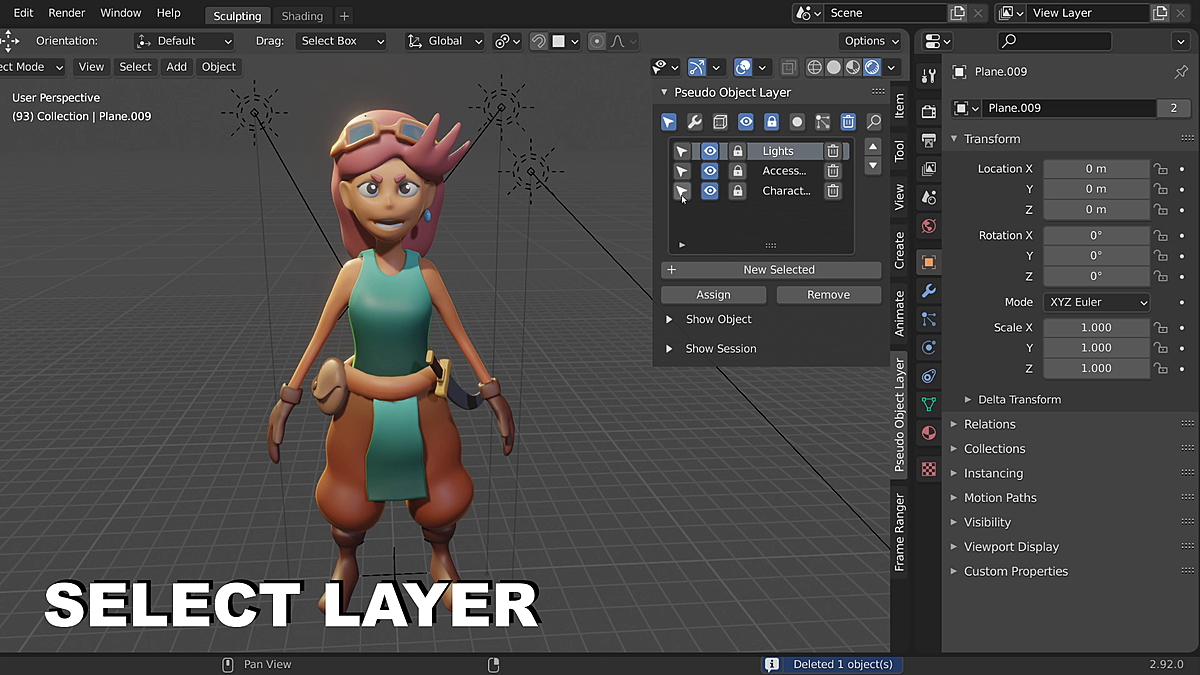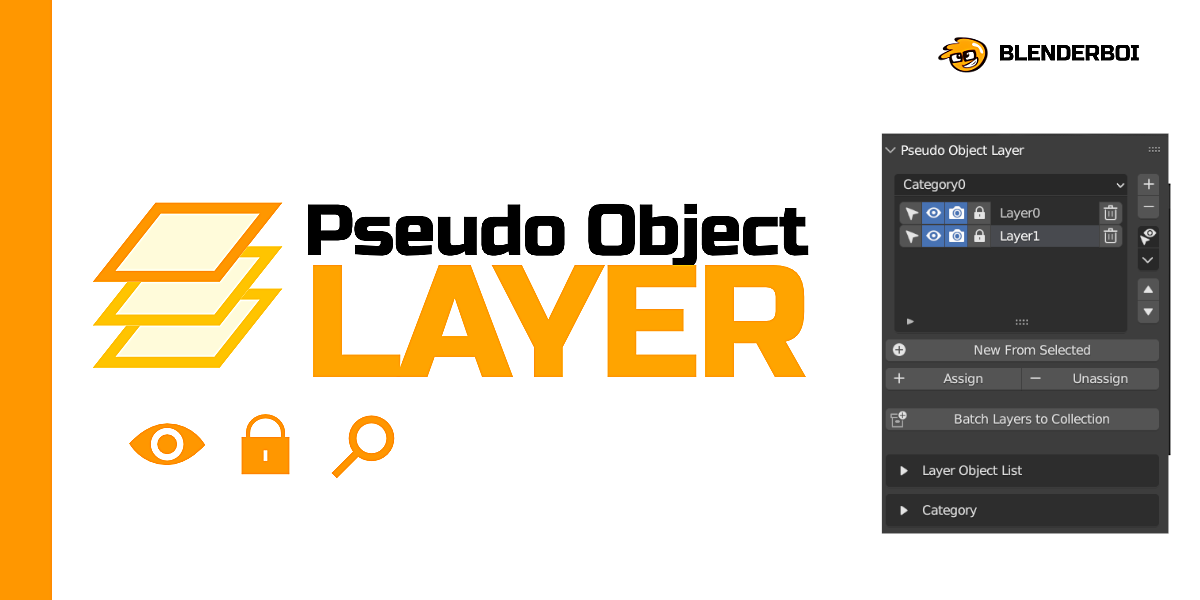
Pseudo Object Layer is a Blender add-on for grouping objects into temporary layers, with controls for working on each group. Its developer describes it as a quick, temporary layer system to reduce Outliner clutter. For lasting object organization, the product page recommends using Blender Collections.
Create and manage layers
The documentation says the add-on appears in the side panel opened with the N key. Select objects, choose New Selected, and name the layer. Use Assign to add objects to the active layer and Remove to take them out. When a layer contains objects, its Show Object menu lists them; the magnifying glass views or frames an object, and the trash button removes it from the layer.
You can create a session for your layers and access it from the Show Session menu; the documentation describes it as a layer set.
Controls for layer objects
- Select or deselect the objects in a layer, or solo a layer to isolate it by hiding other layers.
- Hide or unhide objects, set their render state, and lock selection for objects in a layer.
- Toggle modifiers or particles and change an object's display type.
- Key the visibility of objects in a layer, move a layer to a Collection, export a layer to FBX, or remove a layer.
Compatibility and source
The supplied product listing names Blender 4.0, 3.3, 3.2, 3.1, 3.0, 2.93, and 2.92. It identifies the license as GPL and links to the source code on GitHub. The listing does not specify an add-on release version, so check the product page for current compatibility details. The documentation covers the controls, and the listing directs suggestions and problem reports to the creator's Discord channel.