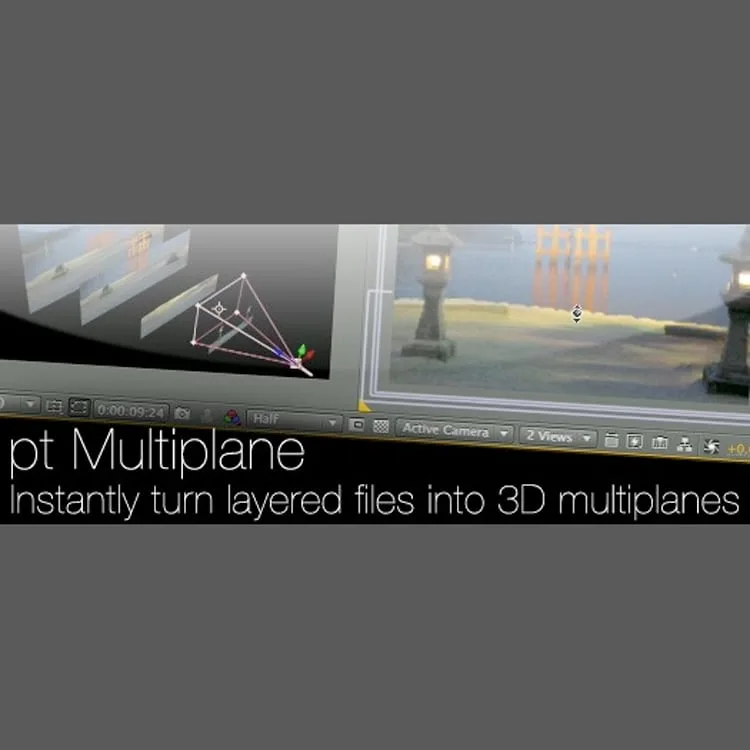
pt_Multiplane is an After Effects script for building multiplane camera moves from layered Photoshop or Illustrator artwork. It places layers at different depths and adds scale expressions to preserve their framing from the original camera view as you move them along the z-axis.
Arrange layers in depth
Apply the multiplane setup to selected layers or to every layer in the composition. Auto Arrange distributes layers within a z-axis range you specify, with an option to place them randomly inside that range. For layers that were already animated or scaled, pt_Multiplane uses null controllers to control them; move them along the z-axis through the nulls. You can also choose to use null controllers for every layer, then delete them after adjusting z positions.
Choose a camera and finish the setup
The script can create a one-node camera with a Position property or a two-node camera with a Point of Interest. You can choose a lens preset for the multiplane camera. When you finish adjusting layer depth, use Bake/Remove to strip out the scale expressions. Remove them first if you plan to animate Scale or Z Position directly.
Compatibility and availability
The catalog's July 2026 snapshot lists version 2.88 and compatibility with After Effects CS4, CS5, CS5.5, CS6, CC, CC 2014, CC 2015, CC 2015.3, CC 2017, CC 2018, CC 2019, and releases 2020 through 2025. A separate version 2.89 listing includes After Effects 2026; its version history dates the license update to July 8, 2026. The catalog's July 2026 snapshot lists pt_Multiplane as free, while a separate version 2.89 listing is priced at $34.99 and offers a free trial. Check the listing you plan to use for its current price, license terms, and compatibility with your After Effects release.