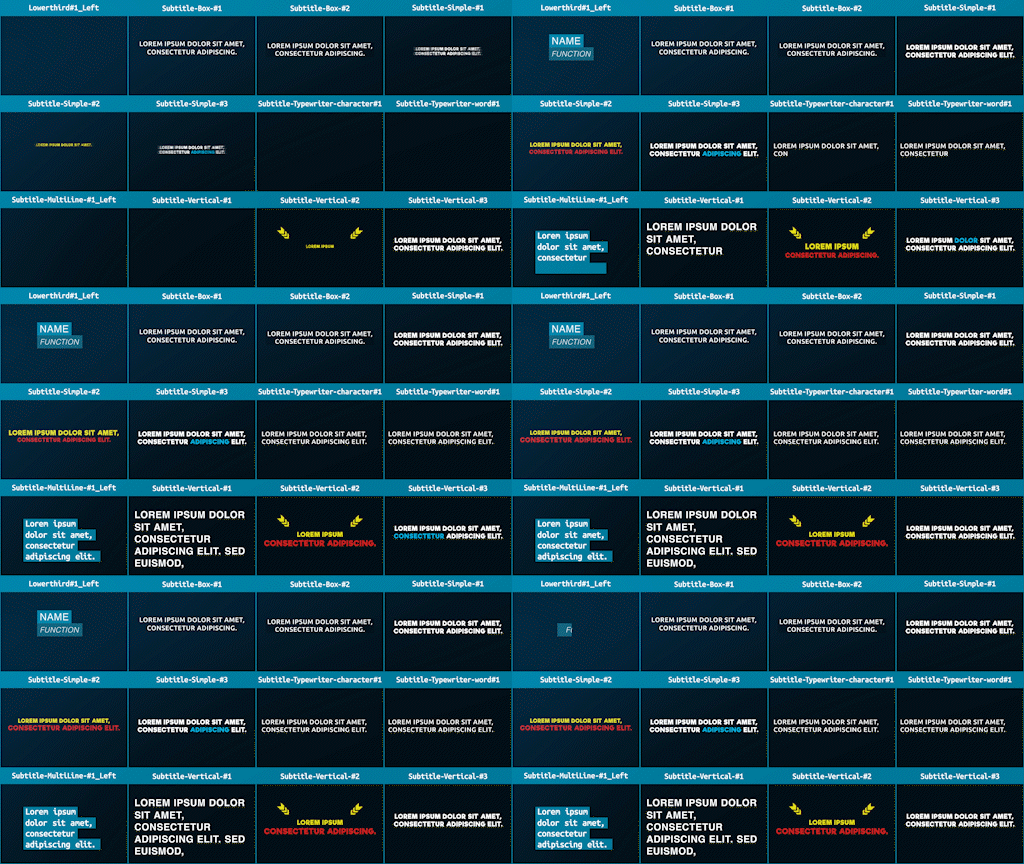
pt_SSAKaraokeAnimator is an After Effects script by Paul Tuersley that imports Substation Alpha (.ssa/.ass) or KaraFun Studio (.kfn) karaoke subtitles and creates animated text layers. It gives motion designers a way to build a lyric sequence from subtitle files, then apply text animation in After Effects.
The source file matters: the script works with those subtitle formats, so check that your lyrics or captions are already in a supported format before planning an import. The developer’s product page lists the formats, features, version history, and compatibility details.
Choose an animation approach
The script includes two animation systems. Its faster basic system is intended for styles such as wipes, fades, and color changes. For more involved custom motion, it can use After Effects’ built-in animation presets. A Preview option lets you try presets and settings before importing the subtitle file, which can help you compare treatments before creating the text layers.
There are also options to add a bouncing ball or convert the subtitles into an animated text crawl. These give karaoke text a few different presentation styles while keeping the timing and words sourced from the subtitle file.
Check formats and After Effects compatibility
Version 3.5 is listed with support for Substation Alpha .ssa and .ass files and KaraFun Studio .kfn files. The developer’s compatibility list includes After Effects releases from CS4 through After Effects 2026, with specific CS, CC, and annual releases named on the product page. Check that list against the version installed on your workstation before relying on the script in a project.
The version history dates 3.5 to July 8, 2026. Its notes mention an updated set of animation presets and a fix for the highlight range on multi-byte characters. If your subtitles use such characters, that release note is relevant to how highlights are handled; it does not describe every language or text-rendering case.
For animated karaoke text
For regular, non-animated subtitling, aescripts points to pt_ImportSubtitles instead. Check the developer’s page for current licensing and release details.