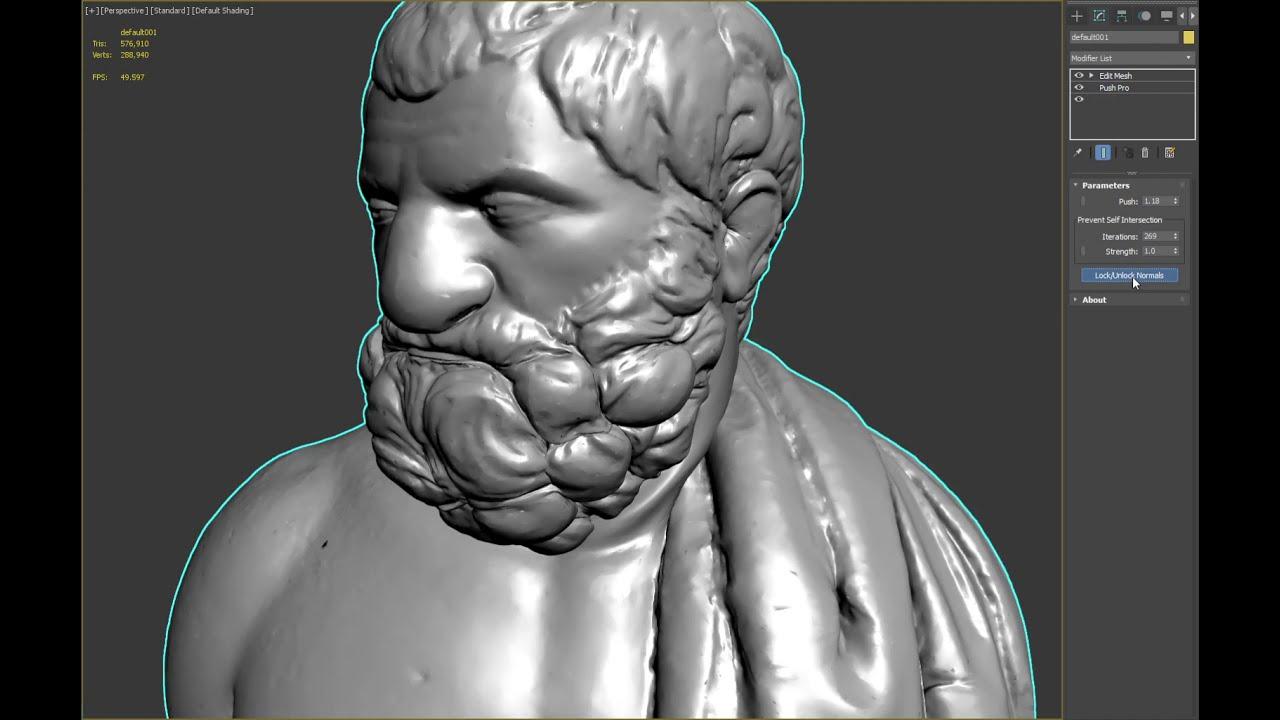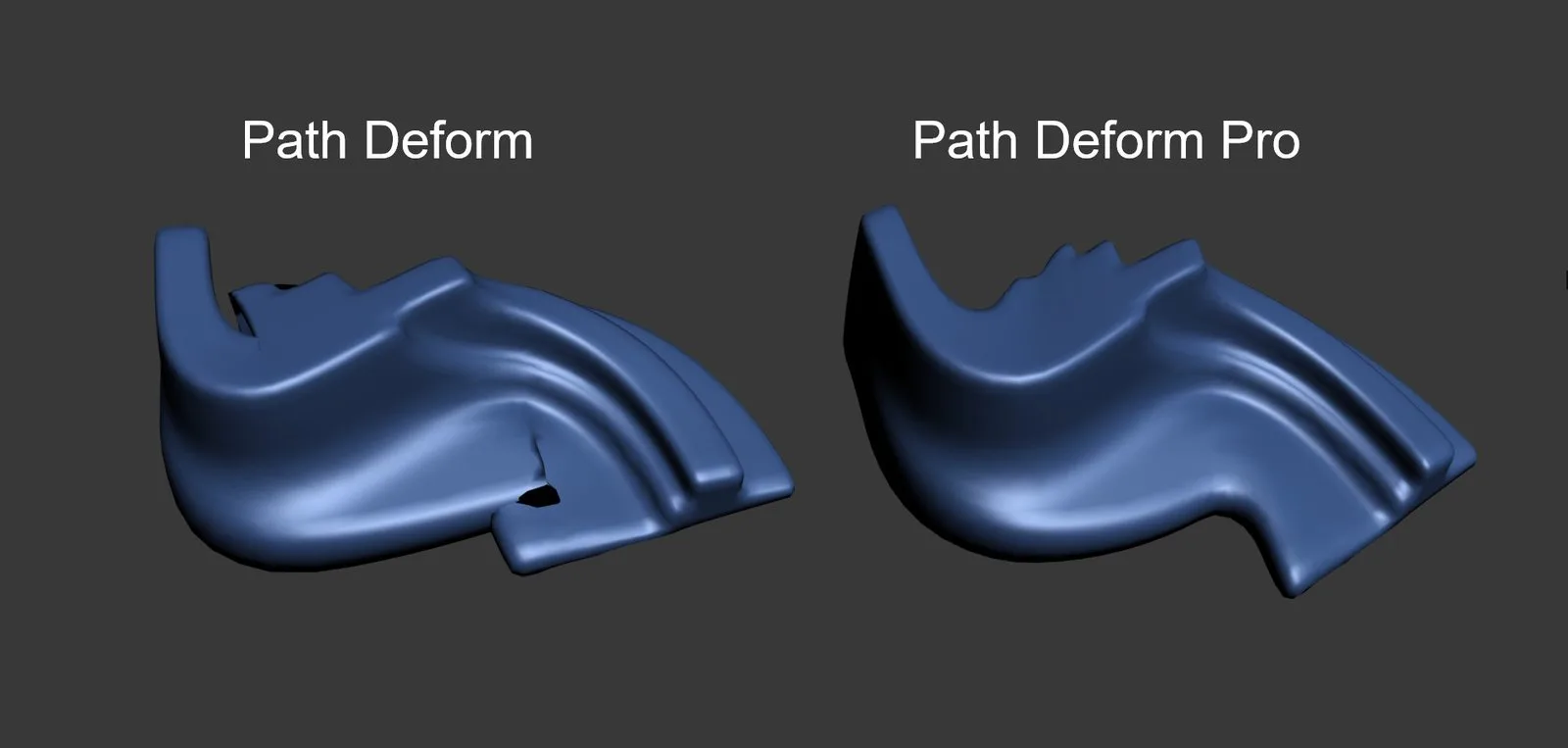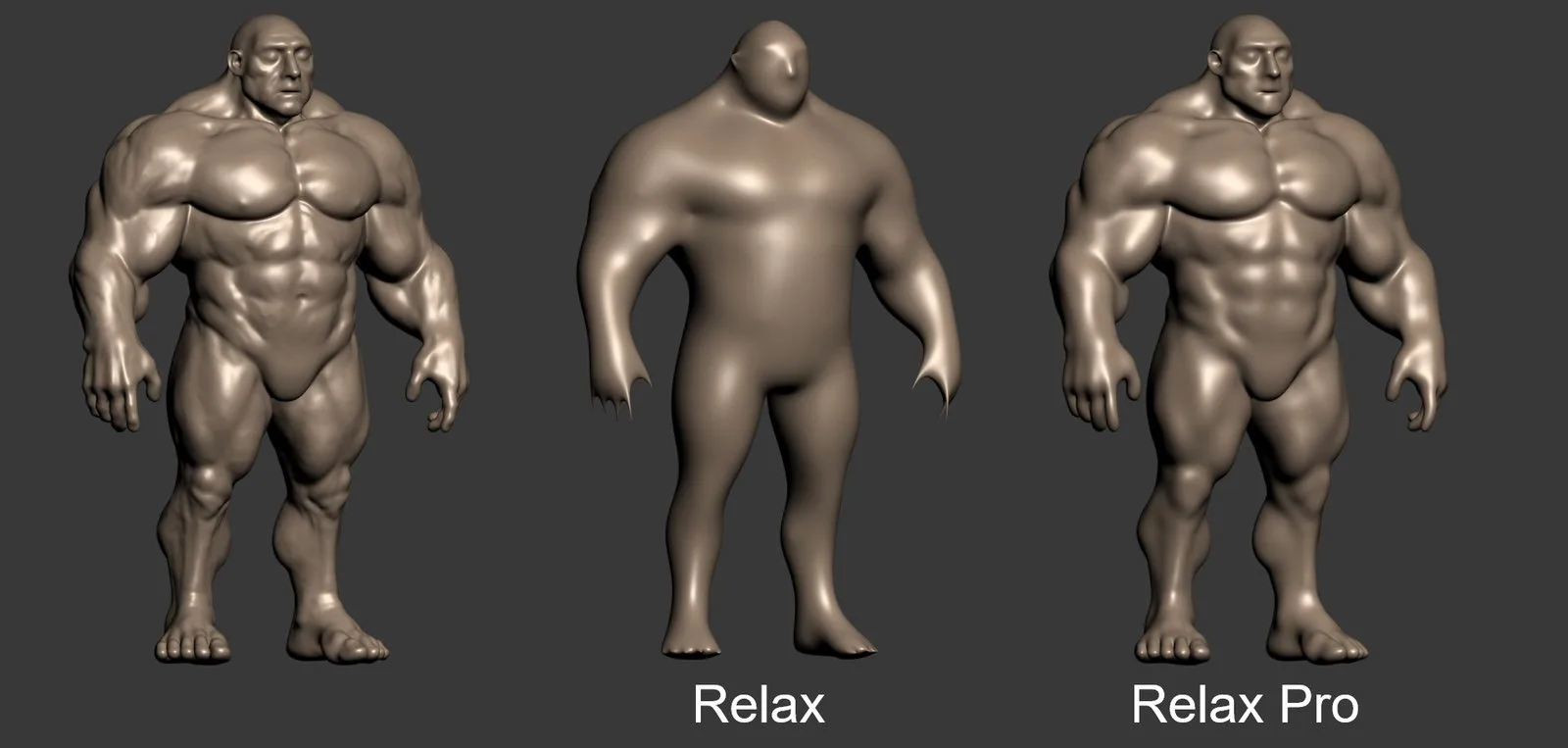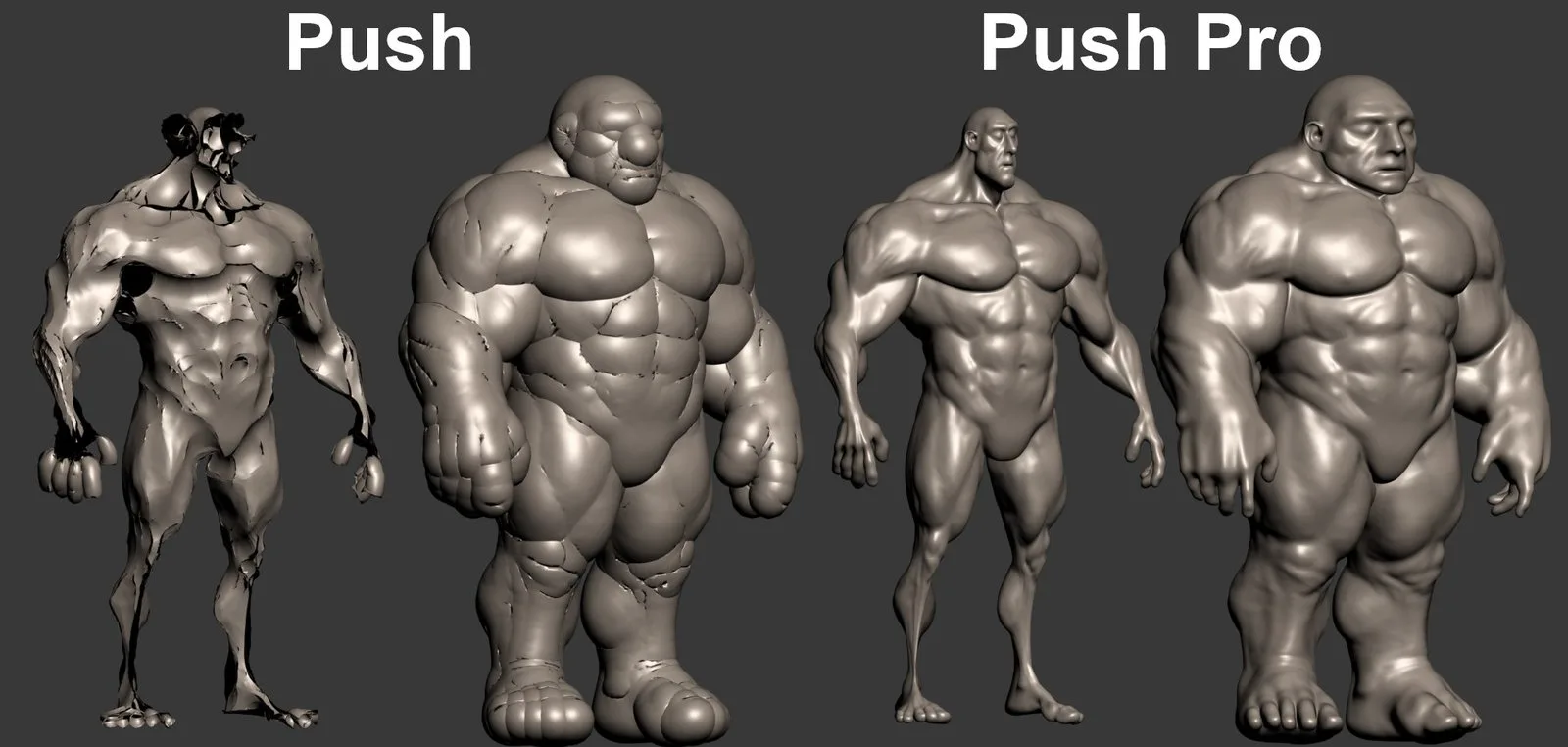
Push Pro is a modifier for 3ds Max that moves mesh vertices inward or outward. It is designed to avoid the self-intersections that the standard Push modifier can produce, while preserving surface detail. It can help when you want to explore a fuller or thinner version of a model, adjust a character’s shape, or test mesh variations.
How it changes a mesh
The modifier pushes vertices away from or toward the mesh surface. The developer describes it as an alternative for cases where the standard Push modifier leaves many self-intersections or unwanted artifacts. The goal is a cleaner offset that retains more of the model’s surface detail, which can reduce cleanup after trying different push amounts.
Push Pro does not guarantee that every result will be free of intersections. The developer notes that global intersections may still occur at high push values, so inspect the result when using large offsets.
Where it fits in modeling
Push Pro can be useful for making a character look fatter, more muscular, or thinner, and for exploring alternate shapes of a mesh. The developer also lists caricature work and everyday modeling among its intended uses. These examples describe ways to apply the same inward or outward vertex push, rather than separate tools or workflows.
For more controlled deformation, the developer describes using soft selection of vertex colors to vary how much push is applied. This can help when you want different areas of a mesh to move by different amounts.
Experimental uses and limits
The product page lists two experimental uses: applying Push Pro as a displacement modifier and making projection cages for texture baking. They are described as experimental, so treat them as possible applications to evaluate in your own scene. The main documented function remains pushing mesh vertices inward or outward while reducing self-intersections.
Compatibility and licensing
The compatibility information supplied with this catalog lists 3ds Max 2013 through 2024. The developer’s product page lists 3ds Max 2013 through 2027 (64-bit). Since those ranges differ, check the developer’s page for your specific release before installing.
The developer’s store lists a perpetual node-locked license for $36 plus tax and a perpetual floating license for $54. The node-locked option is for one user, can be activated on two computers, and cannot be moved to another computer after activation. The floating option is for one user and can be moved between computers. The EULA gives additional terms for use on a second computer, including that the same primary user must use it and copies must not run simultaneously. Check the store and EULA for current terms before purchasing or activating.