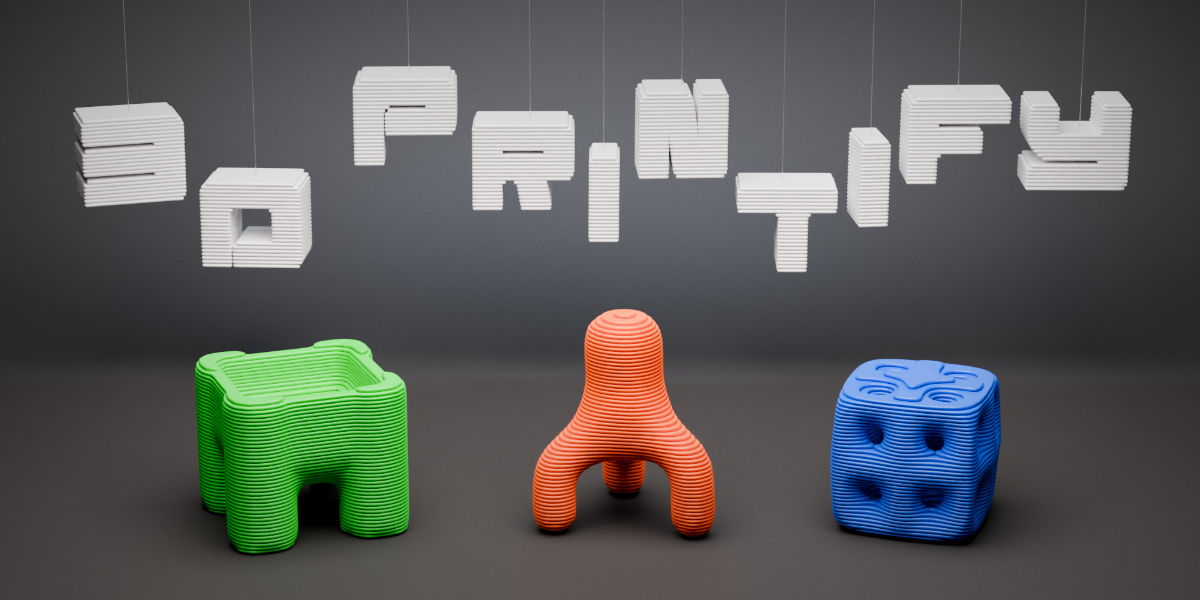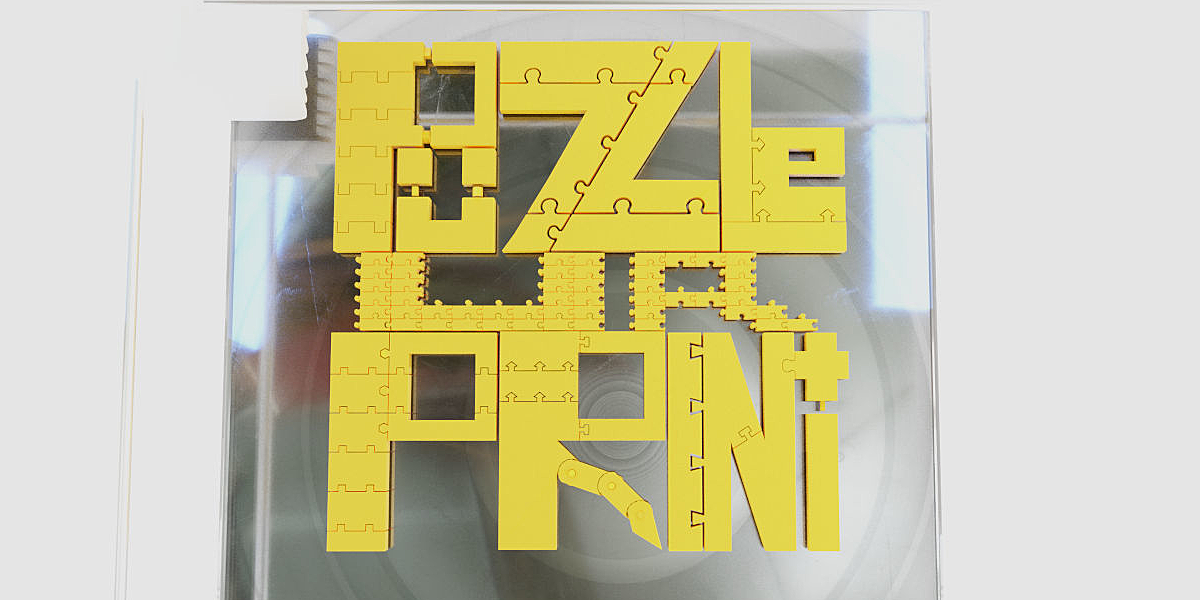
Puzzleurprint, shown as PuzzleUrPrint on Superhive, is a Blender toolkit for dividing large models into smaller parts for reassembly after 3D printing. It generates connector objects that add elements for joining the cut pieces.
Adjust and reuse connector settings
A parameter system lets you adjust connectors, recall settings from connectors you have already made, and copy or paste settings between different connectors. Gizmos let you adjust most parameters on the fly. These controls are useful when a model needs several cuts or repeated connector setups.
Make puzzles and large panels
Planar connectors create jigsaw-like structures. The listing describes 16 planar connector-based shapes and a stopper option that keeps connectors on the back of a puzzle while leaving a straight cut. You can add structure to a flat design with a 2.5D approach, or cut sculpts in the z direction for 3D puzzles. The product page also describes large and light panels, including oversized prints used as neon signs.
Build articulated figures or reversible mounts
For action figures, a cylinder inlay with a plane cut or joint cut can make parts such as a head, arms, tail, or mouth moveable. The listing also describes using Puzzleurprint as an animation assistant to play an animation before its first keyframe.
For wall mounts, planar connectors with the stopper activated slide into a fixed position. The product page describes reversible mounts for items such as TVs, instruments, and cupboards, mounted on walls or ceilings. The listing gives no load ratings or test results, so it does not establish whether a printed mount suits a particular object.
Documentation and product details
The Superhive listing includes a tutorial covering most of the options. Its documentation page links to the full documentation and a principle and functionality video. Superhive lists the license as GPL. Its product details list Blender 2.92–5.2, while the AnyPlugins catalog lists 2.92–5.0; check the current product information if you use Blender 5.1 or 5.2.