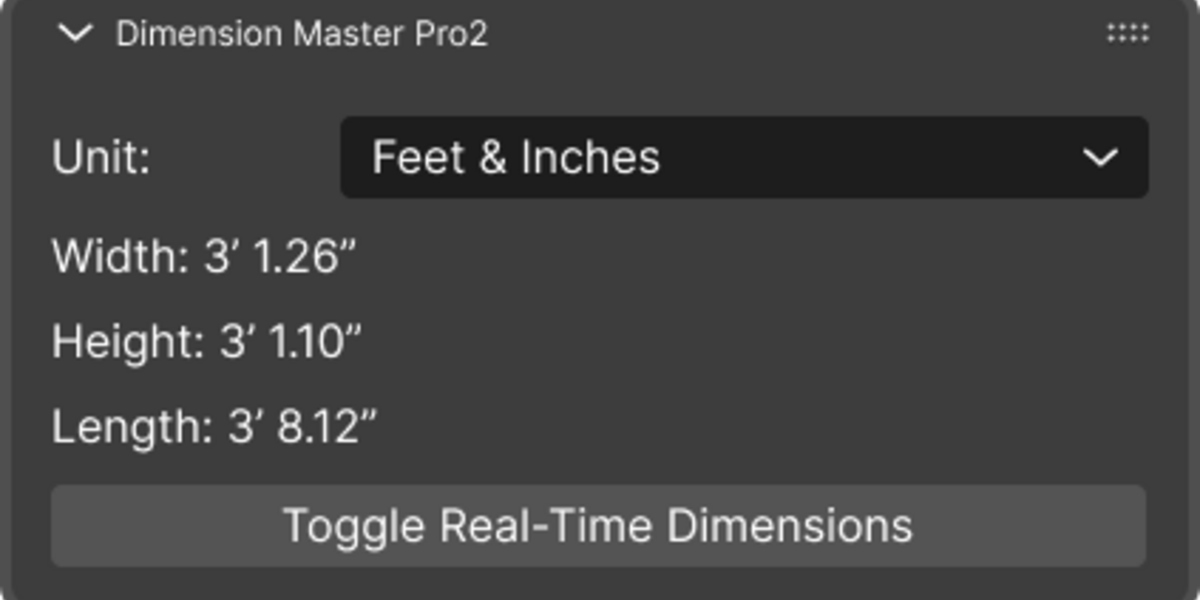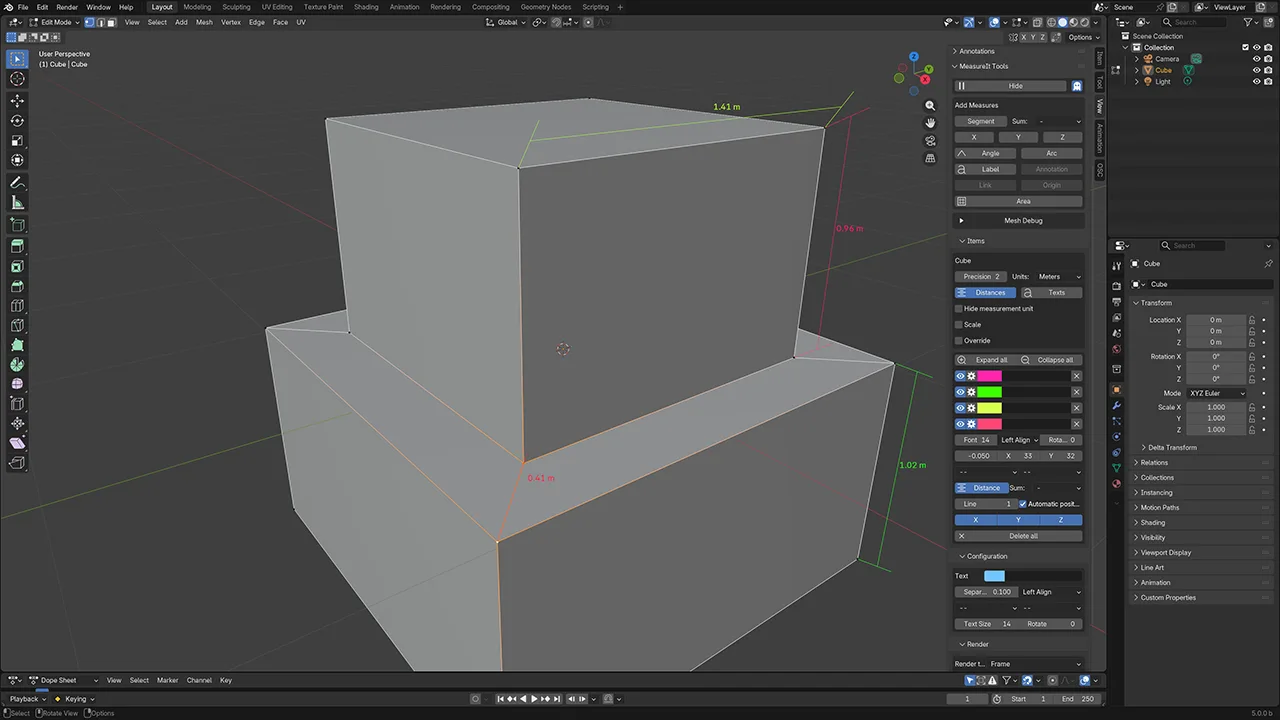
Qol Tools: Hud-Dimensions keeps an at-a-glance display of an object's dimensions on screen in Blender. You can check an object's size without opening the N-panel and navigating to its Item tab.
Check dimensions while modeling
The creator uses a wall section to ask whether it is actually 3.25 m long and 10 cm thick.
This add-on is useful when you check measurements repeatedly or want dimensions available without keeping the N-panel open. The product listing does not describe a unit conversion feature.
Customize the HUD and set object size
You can change the HUD's placement and color. The add-on also includes a button for setting an object's size directly. Assign your preferred hotkey to that button to use the control. The creator notes that size is independent of scale.
An optional warning color can flag an object with an incorrect scale. The creator says this can help catch texture problems early. It is a visual warning, so check the object's scale and materials when it appears.
Blender compatibility and license
The Superhive listing names Blender 3.6, 4.0, 4.1, and 4.2, marks the add-on as Blender Extension compatible, and says the Blender 4.2 extension format is available. The listing specifies a GPL license. Check the Superhive product page for current package details; it also links to the QOL Tools website.