Qshot 2 is a Blender add-on for assembling separate camera moves into one animation. Created by Chipp Walters, it gives each move its own duration and motion interpolation, then places the shots on an editable timeline. The product listing describes it for advertising, visualization, or personal projects.
Arrange camera moves as shots
Each camera makes one shot that moves from point A to point B. Set its in and out keyframes through the add-on, give it a duration in frames, and choose linear or ease-in/ease-out motion. Arrange several shots on the timeline and render them as one animation.
If the pacing or sequence changes, adjust a shot's duration, interpolation, or order. The cameras and timeline update to match. This non-destructive approach is useful when you want to revise a multi-camera sequence without rebuilding each move.
What version 2.1.3 adds
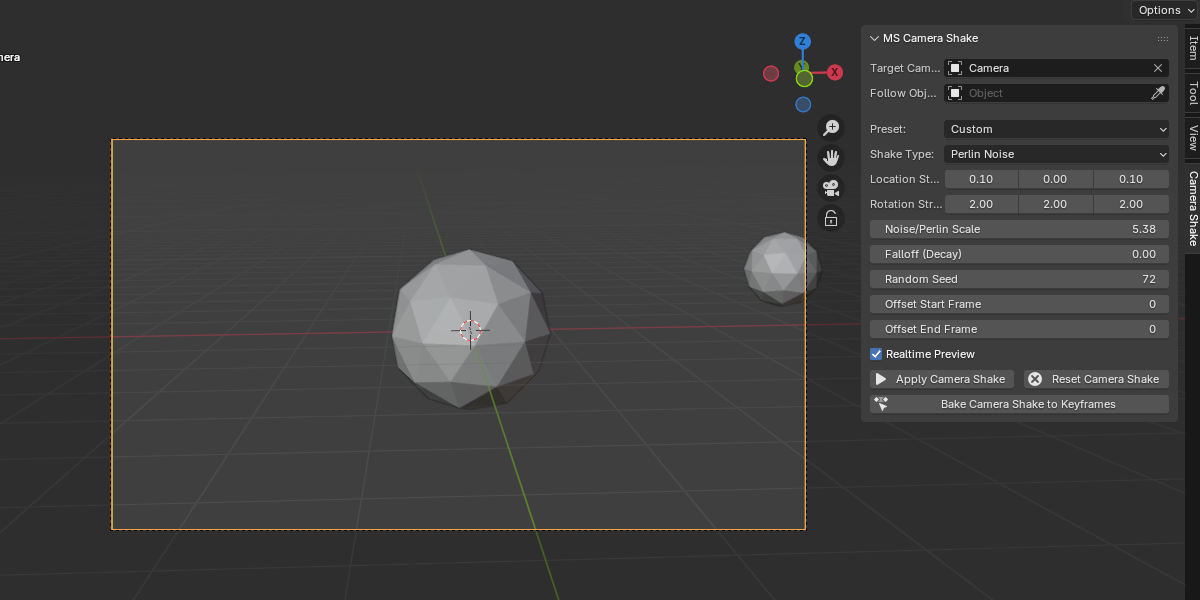
The product page lists multiple-scene compatibility, including full scene copy, and also calls out drivers and camera shake.
Who might use Qshot 2
Qshot 2 is aimed especially at Blender users making quick visualizations with EEVEE, though the creator says Cycles users can use it too. Because the add-on animates cameras, the listing says it works with EEVEE motion blur. It may suit camera sequences for advertising, visualization, or fun, with several views played in order and timing and shot order open to revision.
Check compatibility before installing
The Superhive listing identifies Blender 2.82+ and shows compatibility entries through Blender 4.0. If you use a later release, check the creator's Qshot 2 documentation before installing. The Superhive product listing includes the feature notes and links to support. It lists the add-on under the GPL license.