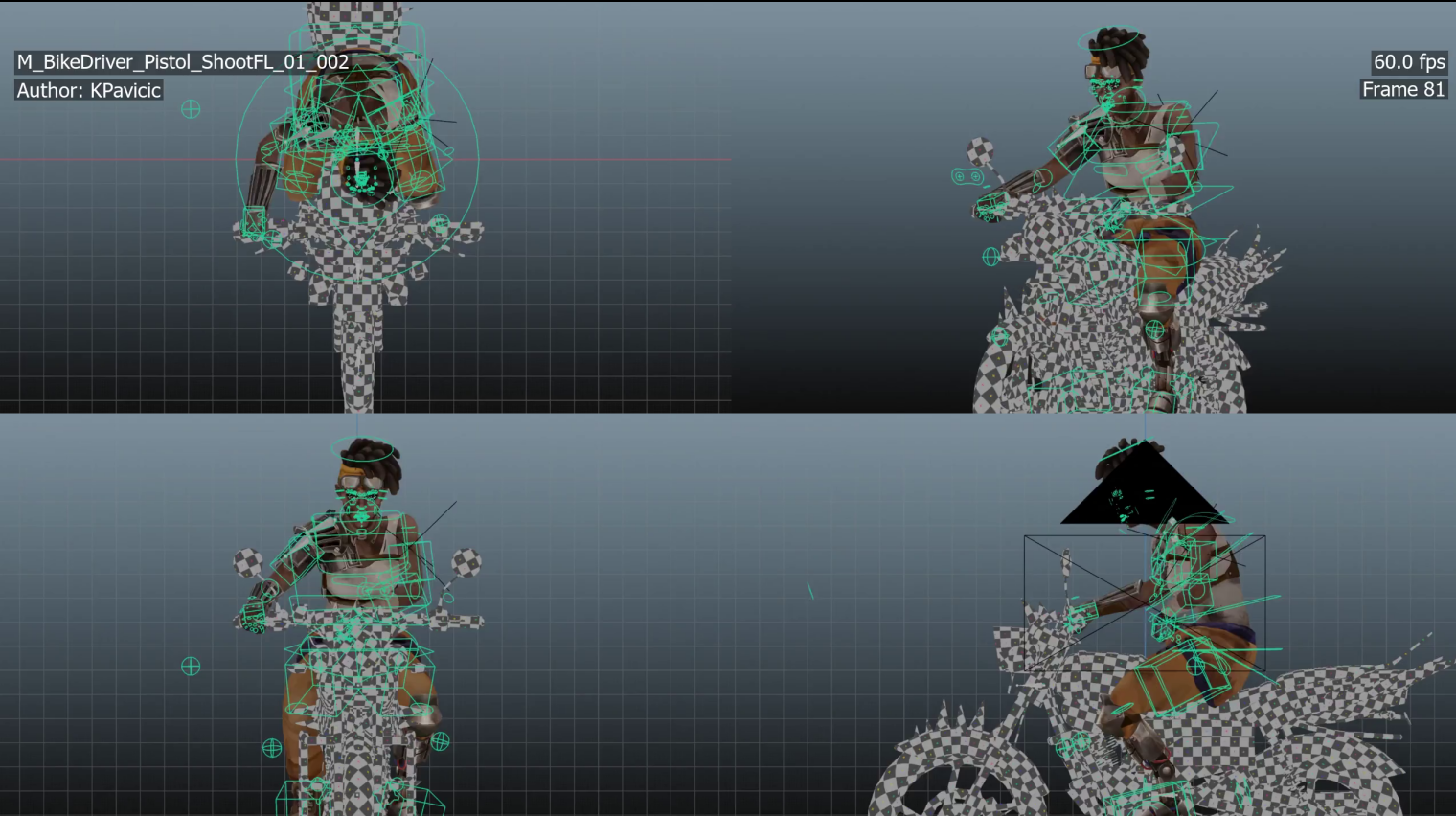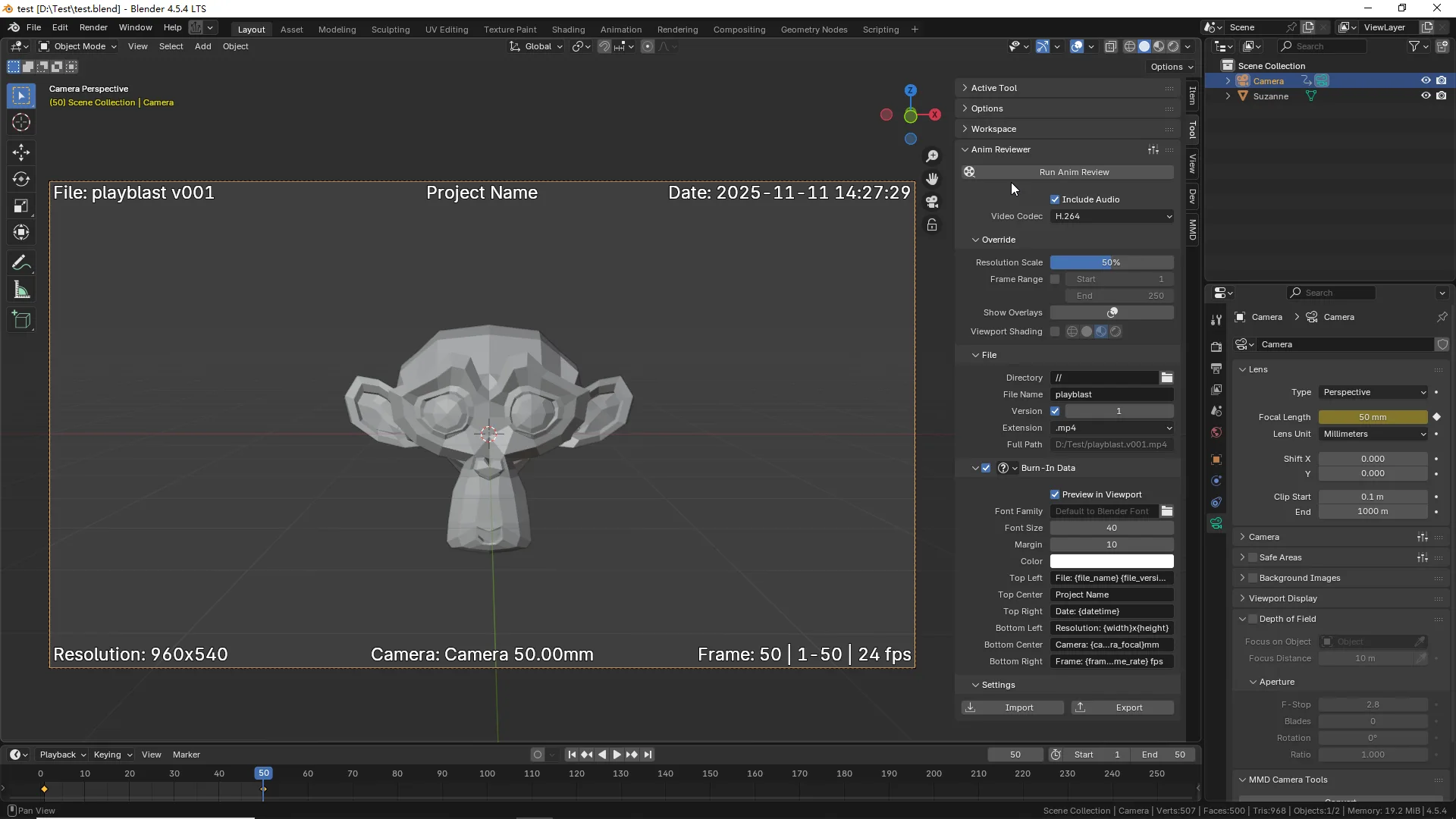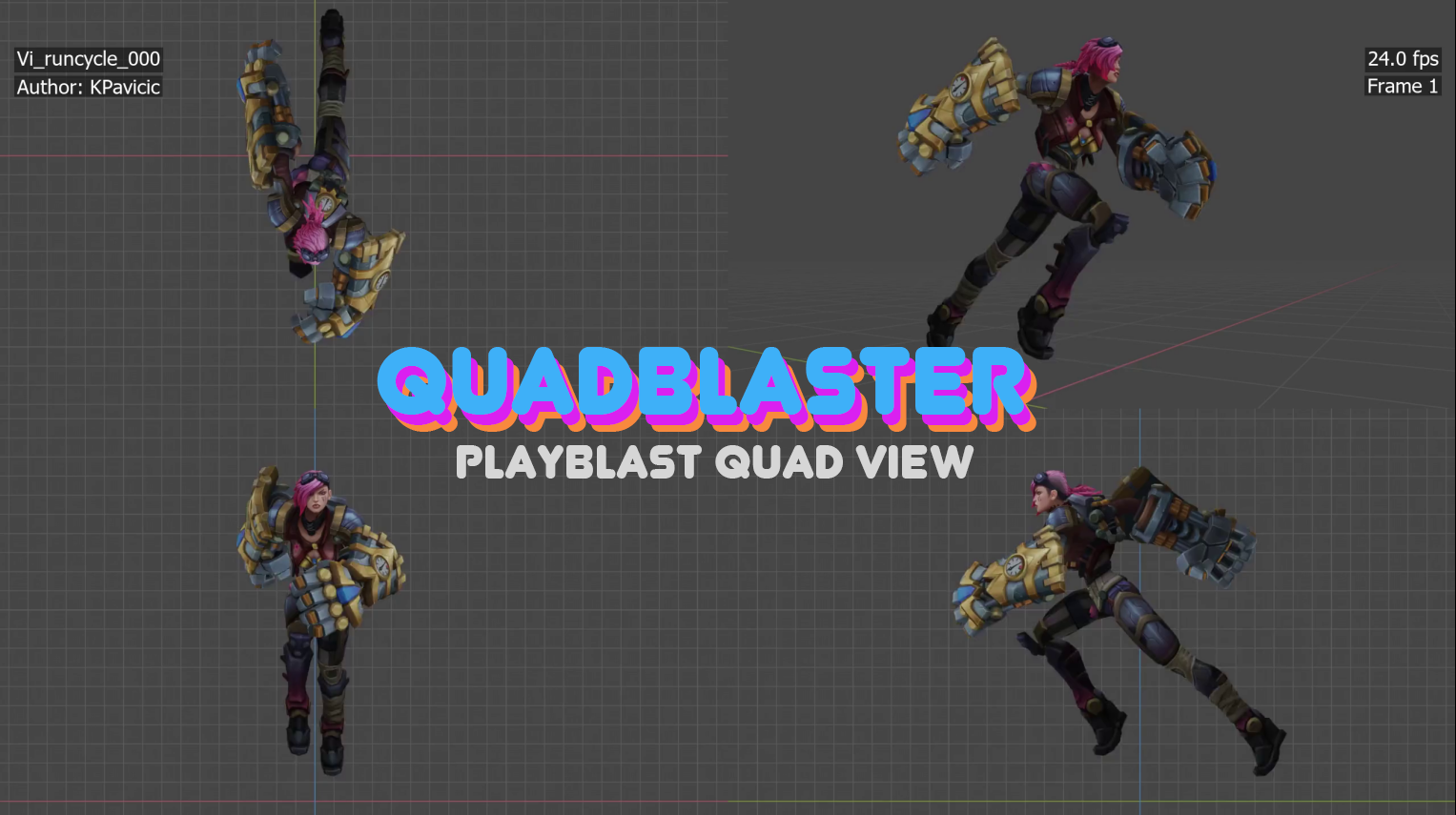
Quadblaster is a Blender add-on for exporting viewport renders, also called playblasts, for animation review. It can export from the current view with notes and production metadata burned into the image, or make a four-view collage showing perspective, front, side and top views.
Playblasts with review metadata
Metadata options include the animator name, file name, action name, frame rate, Blender frame information and notes. Quadblaster can increment filenames automatically or overwrite the highest increment. Shading controls let you use a flat shaded view with or without the grid.
These options are aimed at animation review, where a playblast may need context that is not visible in the scene itself. The four-view export adds several angles to one review file, while a single-view export keeps the capture tied to the current viewport.
Setup and output
Install the add-on from a ZIP file through Blender Preferences, in the Add-ons section, using Install from disk. Quadblaster requires FFmpeg to encode the playblast. If FFmpeg is installed in its usual location, the path may not need manual configuration; a custom installation path can be set in the add-on preferences. The animator name is also configured there and remains set across files.
Version 3.0 added a custom output folder and moved export settings into the add-on, so they no longer need to be set in Blender's Output menu. Its encoding workflow first writes a PNG sequence, then uses FFmpeg to create the playblast; the developer describes the compression as near-lossless. Version 3.0 also added a compatibility checker and a font-size slider.
Compatibility, license and support
The developer reports testing Quadblaster with Blender 3.3.1, 4.0.1, 4.1.1, 4.2.1, 4.3.1 and 4.4.0. The product listing's compatibility field separately names Blender 3.3, 3.4, 3.5, 3.6, 4.0, 4.2, 4.3 and 4.4. Since these lists differ, check the product listing for your exact Blender version before using the add-on in a production setup.
The product description lists the license as CC BY-NC-SA. The developer describes themselves as a hobby developer and says they cannot guarantee they will have the time or ability to fix every reported issue. Review the license and support terms on the listing for your intended use.
Troubleshooting FFmpeg output
If playblast images appear in a folder but are not combined, or an export fails, the product FAQ recommends opening Window > Toggle System Console and checking the error output. A “Fontconfig error: Cannot load default config file” message most likely means the FFmpeg build lacks the --enable-libfontconfig flag needed to process the command. The Quadblaster FAQ lists two ways to address this Fontconfig error.