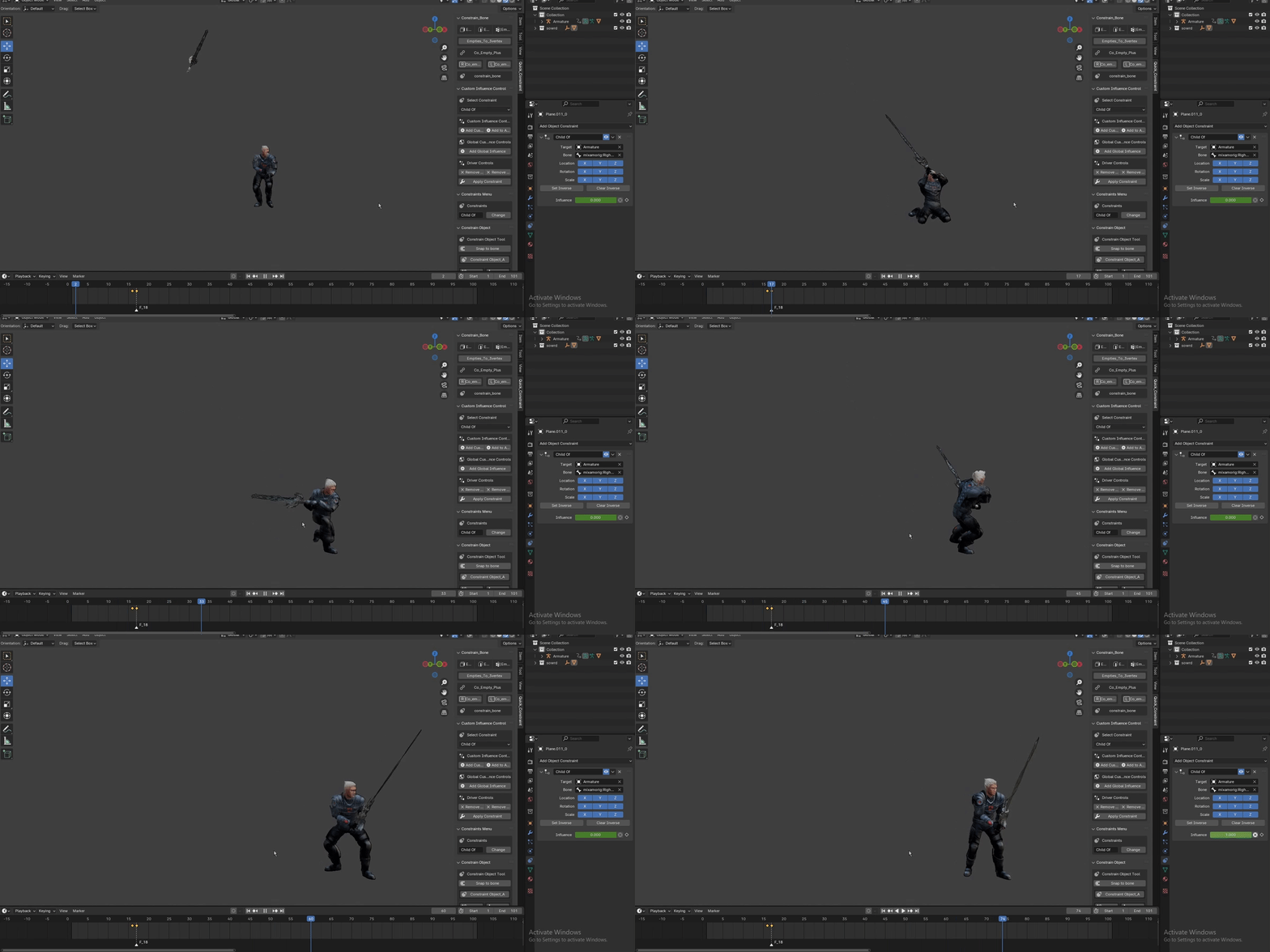
Quick Constraint is a Blender add-on from Animation Store for working with bone and object constraints and rigid body simulation across multiple objects. Its listing describes five parts, though it labels the keyframe parent relationship feature as a separate add-on in its introduction and includes it in the later feature list. The developer's listing gives conflicting indications about whether that feature is included with this version.
Bone, object, and influence controls
- Constraint bone: Snap and constrain an IK bone or another bone to an object, then add control points.
- Constraint object: Snap and constrain objects to selected bones. The listing says this can handle multiple objects and multiple bones.
- Influence control: Adjust one or more constraints on bones or objects, change a constraint without removing it, or apply constraints.
Rigid bodies and parent relationships
The rigid body controls activate or deactivate rigid bodies for one object, all objects, or selected groups. For parent relationships, the feature list describes adding a keyframe to activate or deactivate the relationship. Because the listing also describes this as a separate add-on, verify its inclusion before relying on it.
Blender versions and tutorials
The product listing names Blender 4.0, 4.1, 4.2, and 4.3. Its installation tutorial references Blender 4.2. Animation Store recommends watching all tutorials before use; the listing links to tutorial videos and a documentation page. The current product listing for compatibility details and setup materials.
Quick Constraint is licensed under GPL, according to the developer listing.