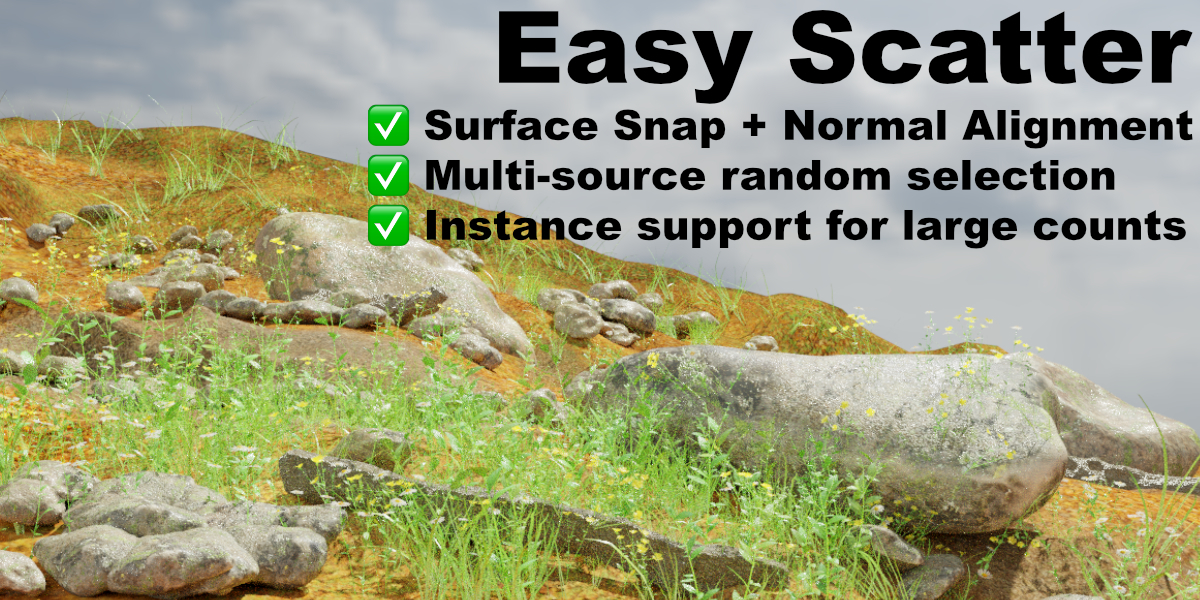
Quick Object Scatter is a Blender add-on for placing object instances in a scene. Add the objects you want to scatter, then place them at the cursor with a click-based workflow. Its draw function scatters along a curve path, and a separate draw line feature places instances along lines you draw.
Place objects with clicks, curves, or lines
To place an instance, select the source objects and add them to the add-on. Click the scatter button, then hold Shift and right-click where you want an object at the cursor. For a path-based layout, use the draw function along a curve or the draw line feature along a line you draw.
Adjust variation and organize instances
The add-on lets you randomize rotation on the X, Y, and Z axes, as well as scale, from their respective panels. You can also add instances directly to a collection of your choosing. The product listing describes scattered objects as instances and says they do not add to the overall polycount.
Blender versions and license
The product listing identifies Blender 2.93, 3.0, and 3.1, and lists the license as GPL. The supplied listing does not specify support for newer Blender releases, so check the product listing before installing on a newer version. The documentation describes the Shift and right-click placement step.