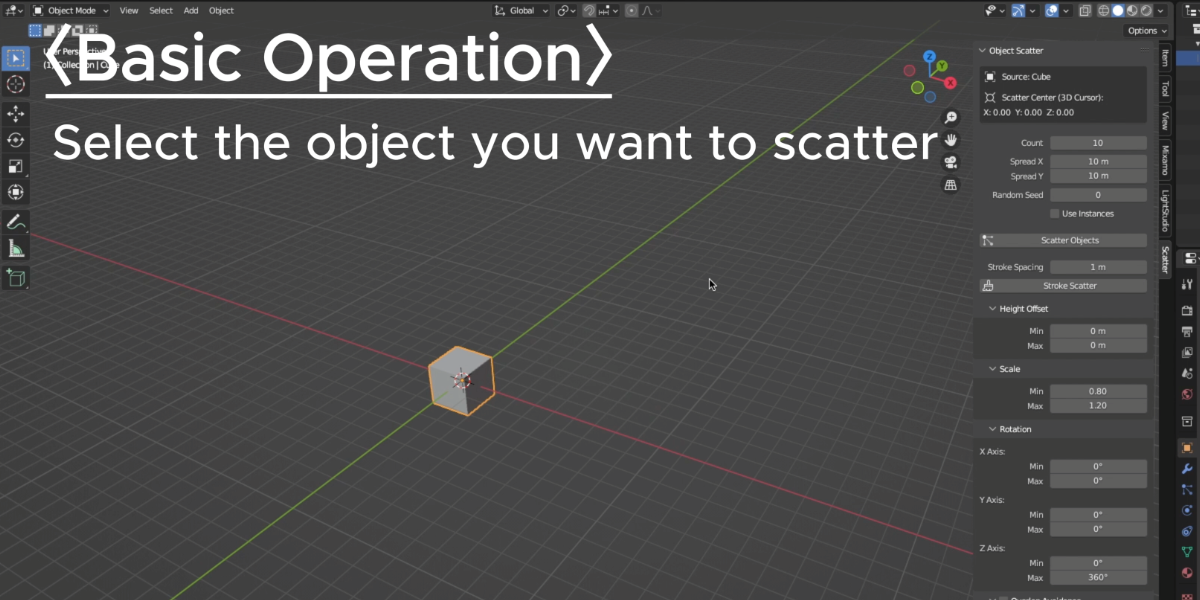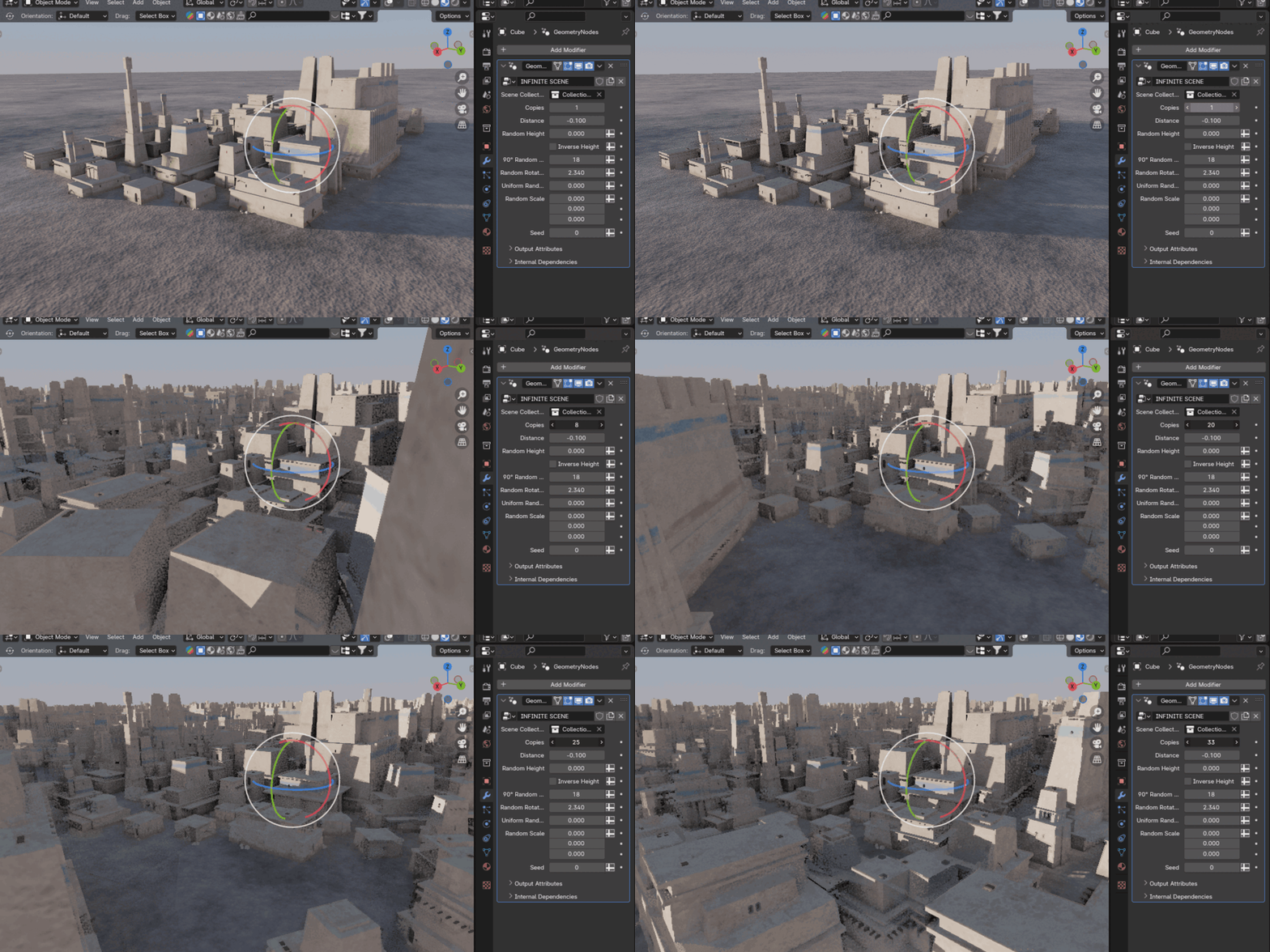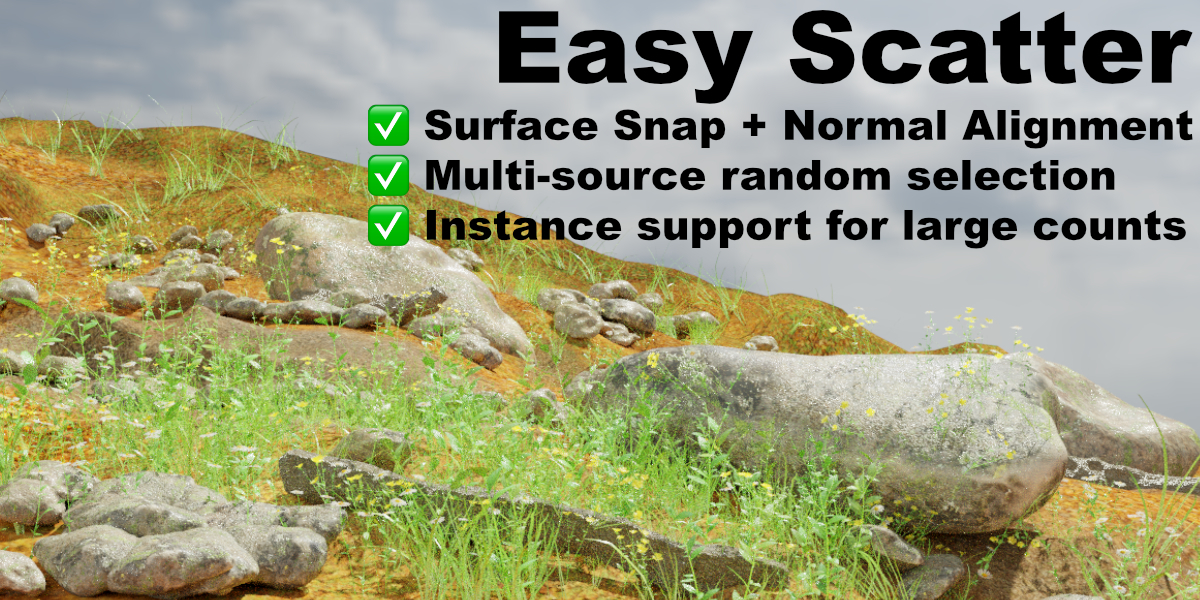
Easy Scatter is a Blender add-on for placing repeated objects with either a cursor-centered scatter or a painted viewport stroke. Both workflows use controls in the N-panel sidebar.
Two ways to place objects
For a broad area, position the 3D Cursor, set the spread parameters, and choose Scatter Objects. Easy Scatter creates hundreds of copies within the defined area. Change the random seed for another arrangement, or keep the same seed to reproduce a layout.
For a line or irregular route, choose Stroke Scatter and drag across the viewport. Release to finish; press Esc to cancel and remove the objects placed by the stroke. This mode suits custom routes such as roads, rivers, or cliff edges.
Surface placement and variation
Designate a mesh as the target surface and both Scatter Objects and Stroke Scatter place objects on it using raycasting. Enable Align to Normal to tilt each object with the surface slope, which is useful on uneven terrain or curved surfaces.
Controls include independent X and Y spread ranges, per-axis rotation limits, random uniform scale, and height offset when Surface Snap is off. You can also set minimum spacing to avoid overlap and use a random seed to reproduce the same layout.
Mix source objects and output types
Select two or more source objects to have each placement draw randomly from that pool. The Use Instances switch selects lightweight collection instances, which are useful for large counts, or individual object copies that are easier to edit separately. The product listing says both options work with Surface Snap and Stroke Scatter.
Easy Scatter use cases
Easy Scatter can place rocks, pebbles, leaves, and grass tufts as ground cover; trees, stumps, and mushrooms in nature scenes; or props for architectural visualization. Stroke Scatter can follow custom paths, while game artists can use it for asset placement and level design blockouts. The listing also names VFX debris, particles, and crowd stand-ins as uses.
Compatibility and setup
The Superhive product details list Blender 3.6 through 5.1. Its installation instructions use the Extension format for Blender 4.2 and later, and the legacy add-on format for Blender 4.1 and earlier. Easy Scatter is written in Python, requires no external libraries, pip installs, or Geometry Nodes, and is listed for Windows, macOS, and Linux.
The Superhive listing identifies the license as GPL. The AnyPlugins listing marks Easy Scatter as free. Check the Superhive product listing and AnyPlugins listing for the current installation details, availability, and terms.