Import CSV animation data
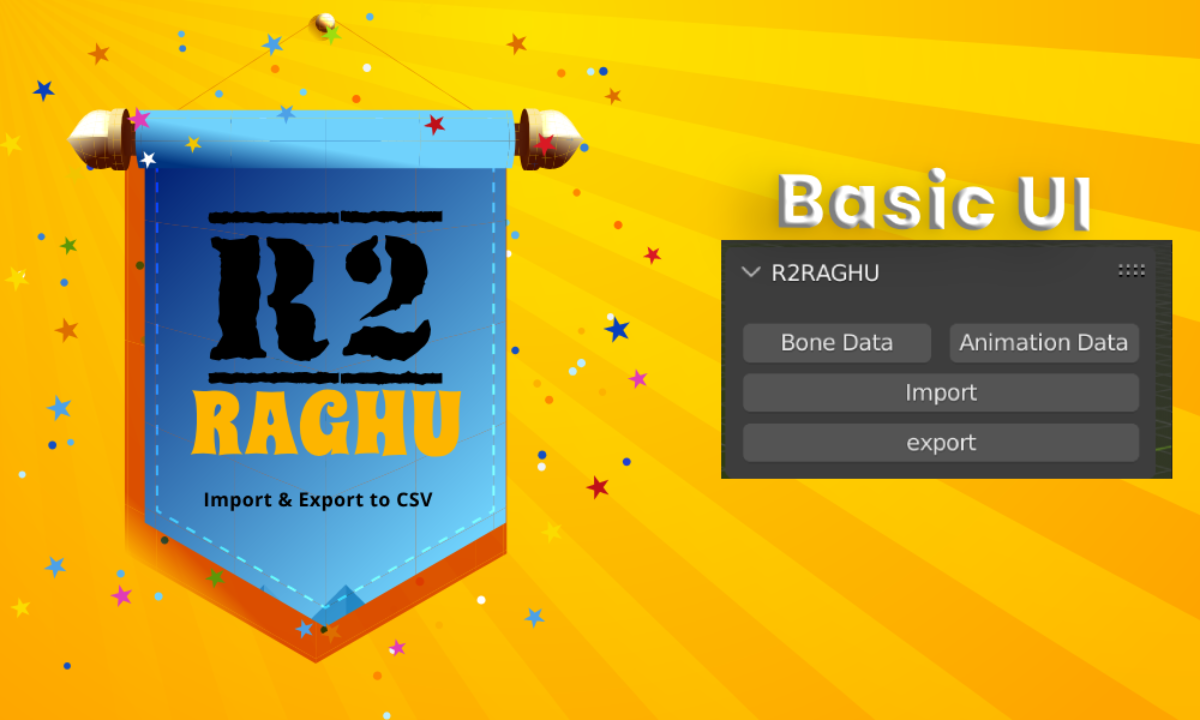
R2Raghu is a Blender add-on for importing and exporting animation data in CSV format. Its importer expects the bone hierarchy and keyframe data for each bone. Sample animation files are available to inspect before adapting an existing CSV.
Edit the rig and keyframes
After import, a live-editable UI gives feedback as you inspect and change the data. You can add, remove, or rearrange bones. Sliders and timeline scrubbing let you adjust each bone's position, rotation, and scale at different points in time.
Export and check compatibility
When edits are ready, export the updated animation data to CSV for a handoff to other software or collaborators. The product listing describes CSV as a way to support compatibility and collaboration, but it does not detail column names or mappings for specific target applications. Test an exchange with the sample files and confirm the receiving tool's expected data before building a production handoff around it.
The product listing names Blender 3.1, 3.2, 3.3, 3.4, and 3.5, and identifies the license as MIT. Check the current listing if your project uses another Blender release.