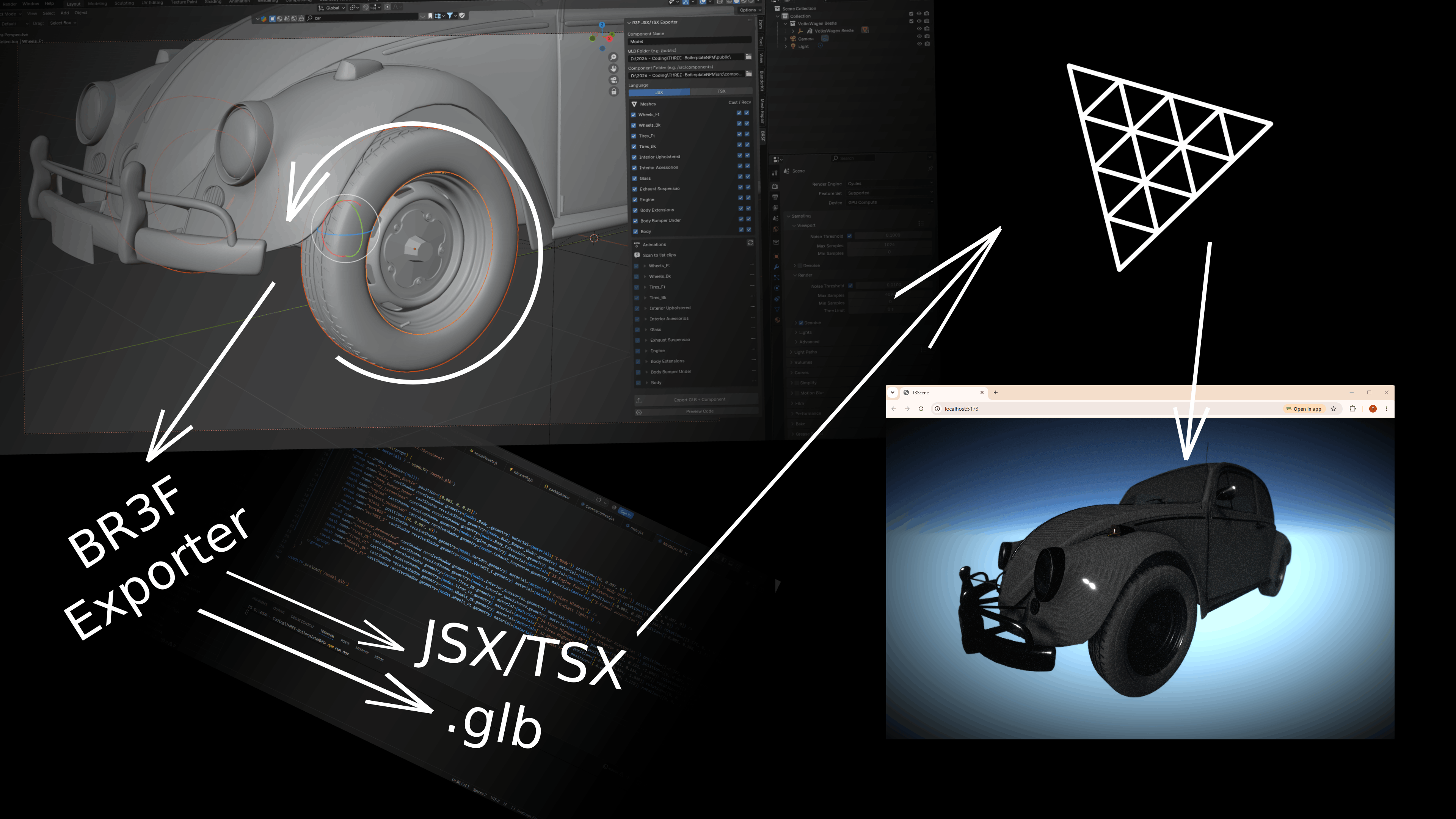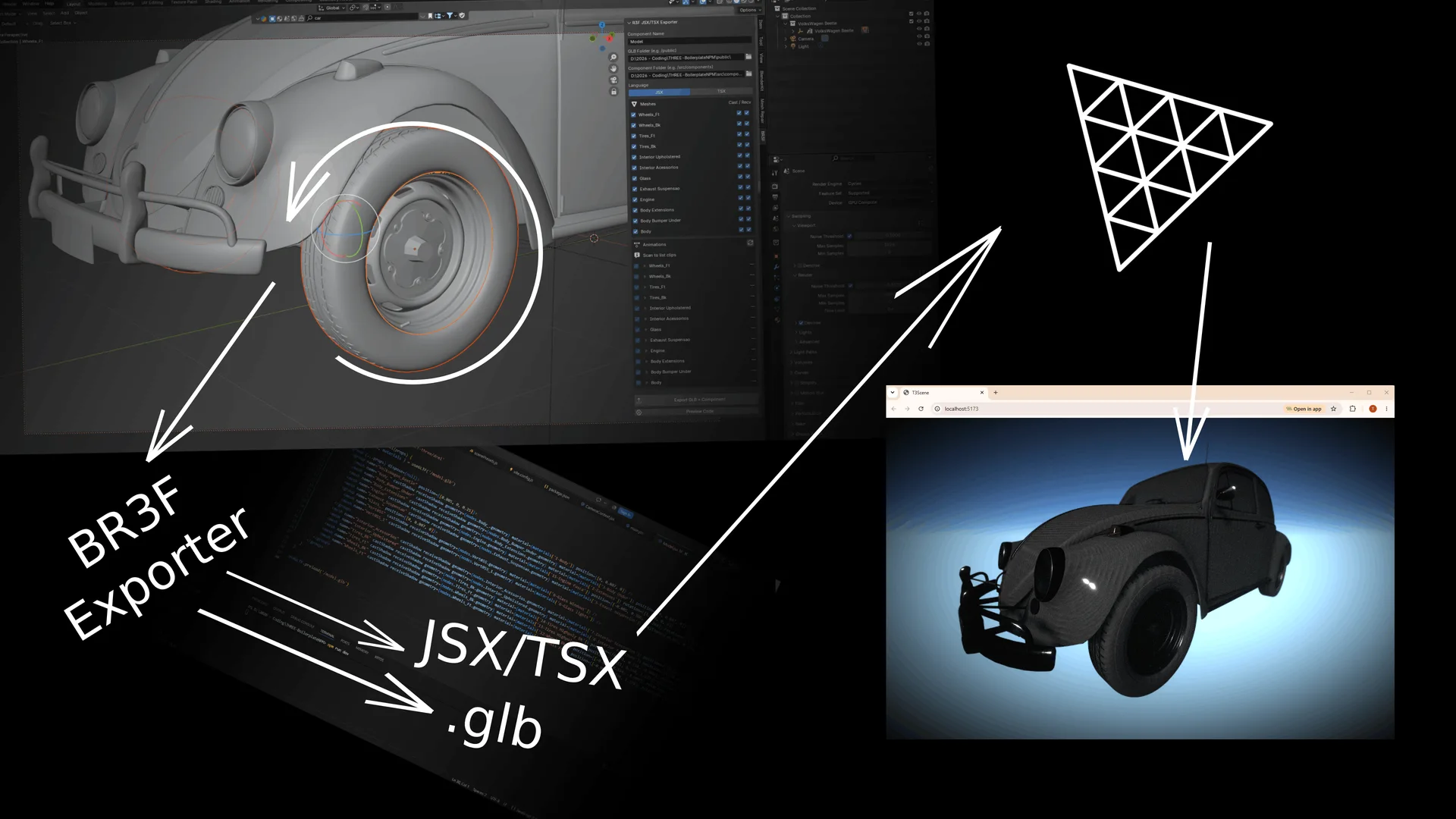
R3F JSX/TSX Exporter, also called BR3F, exports a Blender scene as a .glb file and a matching React Three Fiber component in one pass. It suits developers who build 3D scenes in Blender and use them in an existing React Three Fiber app. The Blender Extensions catalog lists version 0.2.0 with Blender 4.2.0 as the minimum. The developer documents a legacy single-file install for Blender versions 3.6 through 4.1. The add-on uses a GPL-3.0-or-later license. See the Blender Extensions listing and the developer's README.
Choose what the exporter writes
In Blender's 3D Viewport, press N and open the BR3F tab. Set a component name, choose folders for the GLB and component, then select JSX or TSX. You can point the GLB folder to your app's public/ directory and the component folder to src/components/. The generated component loads the model with Drei's useGLTF helper from the GLB path.
The mesh list lets you include or exclude individual meshes and set castShadow and receiveShadow on each one. Choose Preview Code to inspect the generated component before writing files. TSX output includes a typed GLTFResult based on the nodes and materials used by the component.
Export animation clips with the scene
For animated scenes, BR3F scans the export to list clips by the mesh or armature that drives them. Select the clips to include, rename them if needed, and export. The generated component includes Drei's useAnimations setup and a click-to-play example. The developer also documents rigged model output with skinned meshes and bones.
Where it fits in a project
Use BR3F when your scene and web component need to stay in step as you revise a model: export both together, then refresh the app. The output is intended for a React Three Fiber project, where you can import the component inside a Canvas. You still need that project and its React Three Fiber setup; BR3F writes the model and component into folders you choose. The extension declares file-writing permission for these outputs.