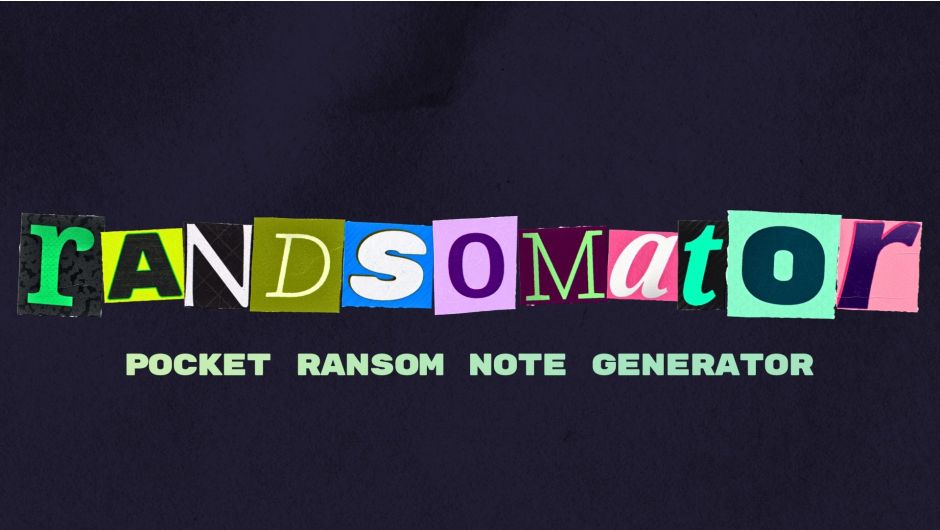
Randsomator by BasedFX generates ransom note-style text in After Effects with one click. It draws on fonts installed on your system and combines them with different styles. You can revise the overall design or work on individual characters, which gives you room to explore a mixed-letter look without styling every glyph from scratch.
Shape the overall design
A global slider changes the look of the generated text, while separate sliders let you adjust individual symbols. Use these controls to explore broad variations, then focus on the letters that need a different treatment. Randsomator also includes controls for tracking, scale and rotation, including randomized rotation and scale.
Adjust individual characters
You can turn off randomization for selected characters and set their properties manually. Per-character adjustments include color, scale, capitalization, font style and rotation. Font style options include bold and italic. These controls are useful when a varied design needs a few deliberate corrections or when specific letters need to stand out.
Add a paper texture
Randsomator can generate varied paper textures. Move the seed slider to produce another texture, then combine it with the generated lettering for a more cut-and-paste ransom note appearance. The text and texture controls make the tool suited to typography-led motion graphics where irregular letterforms are part of the design.
Compatibility and trial
The developer lists support for After Effects 2025, 2024, 2023, 2022, 2021, 2020, CC 2019 and CC 2018. The listing shows version 1.1, with a release dated July 12, 2023. It also notes that Randsomator may not work properly in some cases and recommends testing the trial on your machine before purchasing. Check the developer's product listing for the current compatibility and trial details.