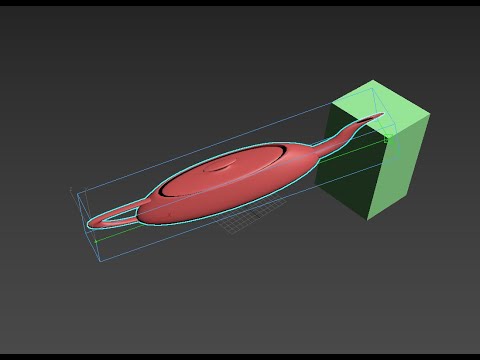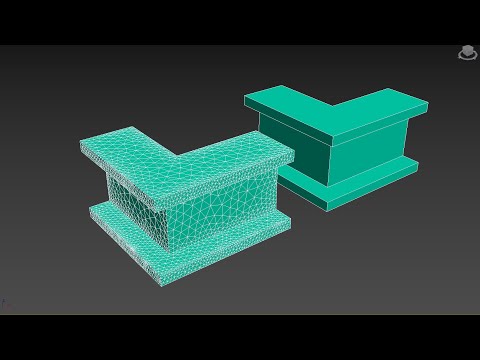
Rapid Resize Modifier is a scripted 3ds Max modifier that extends XForm for non-destructive scaling to precise real-world dimensions. It works on single objects, multiple objects, and groups. ScriptSpot lists version 1.4 for 3ds Max 2010 and later.
How it measures a selection
For a single object, the modifier uses that object's local bounding box. For multiple objects, it uses their world bounding box.
Pivot anchoring
You can choose from 27 anchor positions around the bounding box and fine-tune the anchor with spinners. The modifier leaves the object's original pivot unchanged. Version 1.4 also stores pivot offsets with the scene.
Version history and installation
ScriptSpot lists version 1.4 as updated January 5, 2023. That release fixed a script error when opening scenes that use the modifier. Earlier releases corrected dimension reporting for mirrored and negatively scaled objects, and fixed pivot presets and dimensions for rotated objects. The developer recommends resetting XForms for mirrored objects as a general practice.
To install it, ScriptSpot says to place the MAXScript file in the 3ds Max plugins folder and restart the application. The modifier then appears in the modifier list as 'Rapid Resize'. Check the ScriptSpot developer listing for the download and current details.
Rig limitation
In a ScriptSpot reply, developer mjblosser says the modifier does not resize entire rigs. The developer describes using it above a Skin modifier on an already skinned and animated character for rendering directly in 3ds Max, but says this use does not apply to characters exported to game engines.