Rate It, by groutcho, is a 3ds Max script for reviewing selected objects in a scene. You can validate or reject each object, give it a rating, and add comments. When the review is ready, the script publishes it as an HTML file to share with teammates. The ScriptSpot listing identifies version 1.1 and describes the review workflow.
Review selected scene objects
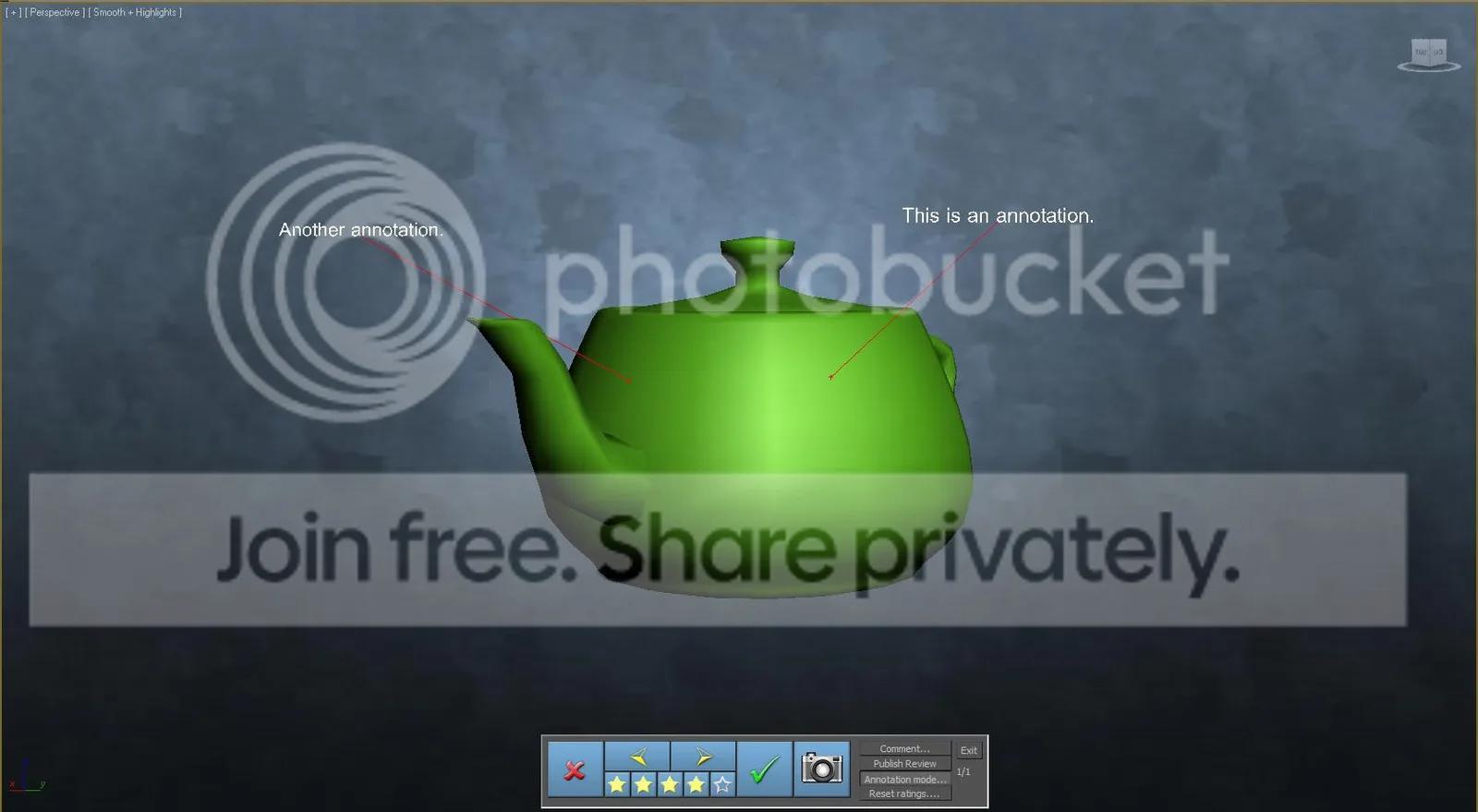
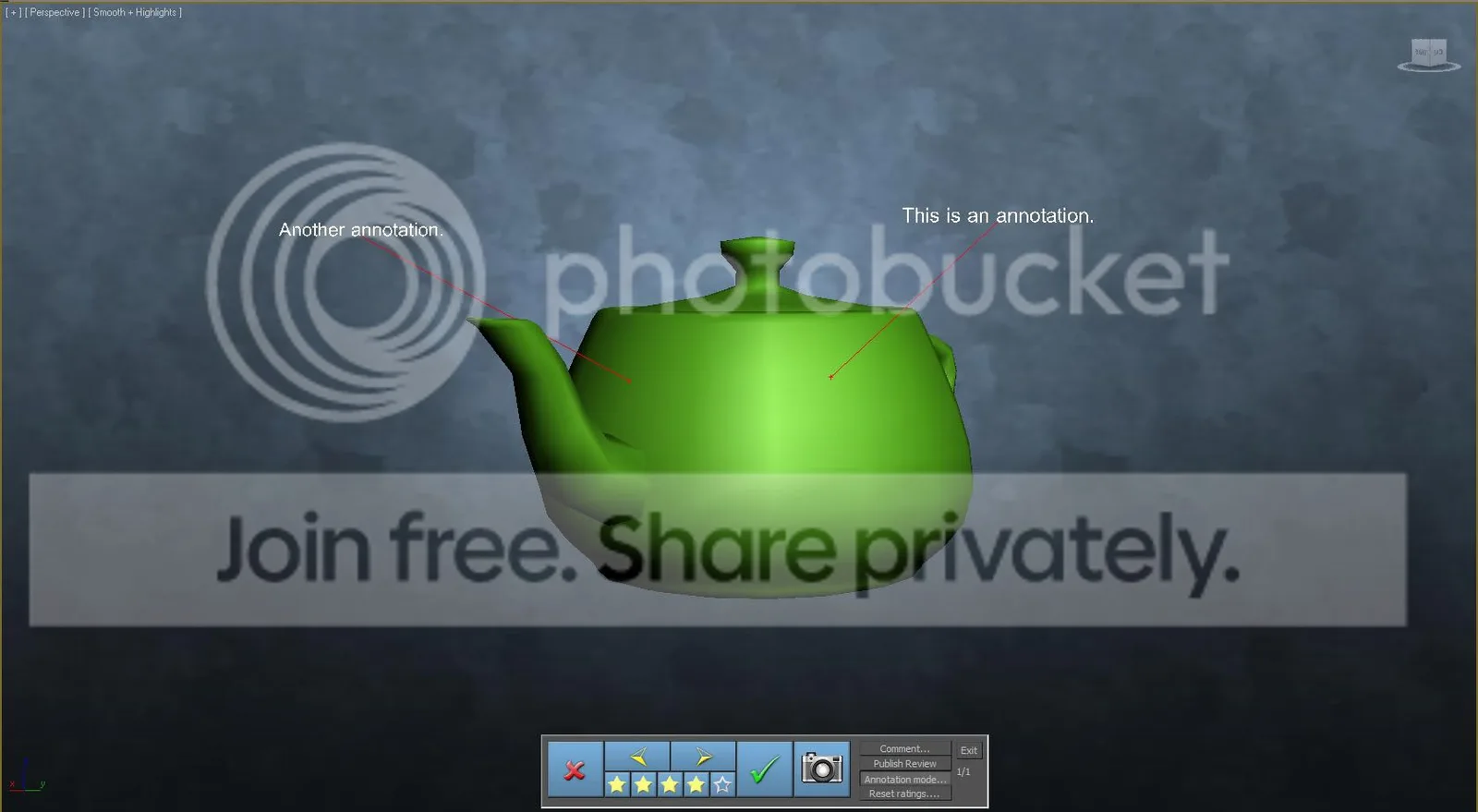
Rate It is suited to a review pass where feedback needs to refer to individual objects. Select the objects you want to discuss, then use the script to record whether each one is accepted or rejected, its rating, and any comments. This gives reviewers a way to share object-level decisions and notes alongside the scene review.
Use annotations and snapshots
Version 1.1 adds an annotation mode: click an object to place an annotation. It also adds a snapshot mode that can create multiple snapshots of an object, including its annotations. These tools add visual context to the review notes. The listing does not specify snapshot formats or how annotations appear in the published file.
Publish the review as HTML
The HTML file is a handoff for teammates to read; the listing does not describe an online review service or simultaneous editing.
Install and check compatibility
Installation uses the RateIt.mzp package. After running it, open the Customize menu and choose Customize User Interface. Find the GroutchoCG category, then add Rate It to a toolbar or assign a keyboard shortcut. For a typical review, open a scene, select the objects, run Rate It, and publish the file when the review is complete.
The ScriptSpot listing specifies 3ds Max 9 as the version requirement. It does not confirm compatibility with later releases, so check with the developer or test the script in your target version before using it in a production workflow. AnyPlugins lists Rate It as free, and the ScriptSpot listing includes the version 1.1 package for download.