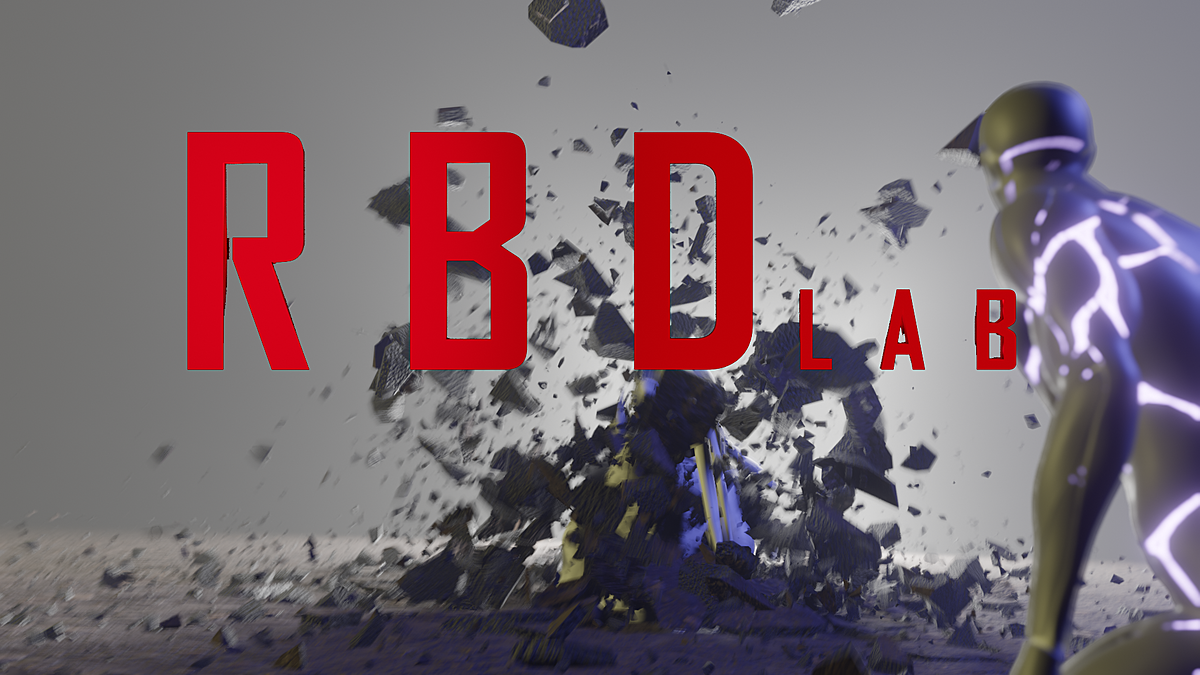
RBDLab is a Blender add-on from BeFX Studios for rigid-body destruction and VFX simulation. Its tools cover fracturing, physics, constraints and secondary effects within Blender. The BeFX manual describes the workflow, while the Superhive listing identifies the add-on as GPL and names Cycles and Eevee as render engines.
Work with fragments as a collection
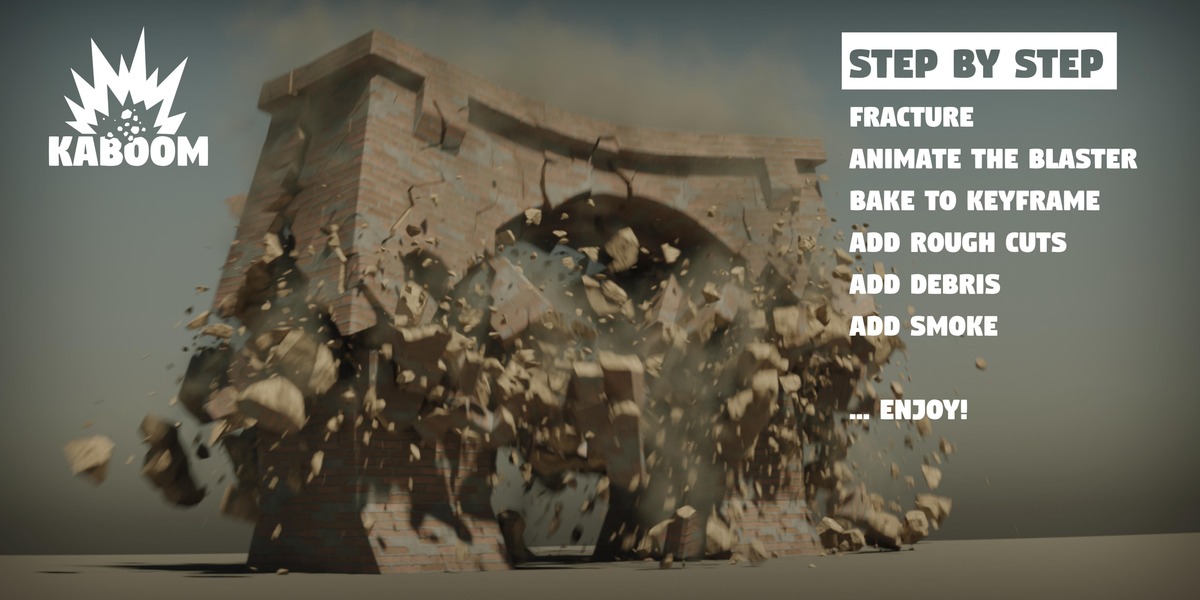
RBDLab centers its workflow on a Target Collection. Assign the fractured pieces to a collection, then apply settings such as mass, friction or constraints across the group instead of configuring each fragment separately. The manual describes several ways to fracture an object, including Voronoi cuts, brush-directed Quick Crack and plane cuts.
The current manual says RBDLab keeps the original meshes in an RBDLab_Originals collection. That gives you a copy of the source geometry to return to while you work on the fractured version. After fracturing, the workflow continues with rigid-body physics, constraints and simulation caching.
Control how a structure breaks
Constraint tools let you connect fragments and set how those connections respond to impact or stretching. Activators can define which areas break during playback. These controls are useful when a shot needs a structure to fail in stages rather than scatter all at once.
RBDLab also includes secondary effects such as debris, dust and smoke driven by the breakage and motion in a simulation. The current manual covers additional modules, including MetalSoft for plastic deformation and Rebar, whose steel bars are visual only and do not change the simulation. Check the manual for the exact behavior and limits of each module in the version you use.
Who might use RBDLab
RBDLab is aimed at Blender artists building destruction shots with fractured objects and rigid-body motion. Its collection-based controls can help when a setup contains many pieces that need shared physics or constraint settings. If you only need a basic rigid-body simulation, Blender already has a built-in rigid-body solver; RBDLab adds fracture and management tools around that work.
Check the version before setup
The product record identifies RBDLab as version 1.6. BeFX's current manual is labeled RBDLab 1.7 and says it covers Blender 5.2 or newer. Because these references describe different releases, check the version-specific notes and the compatibility details for the build you plan to install.