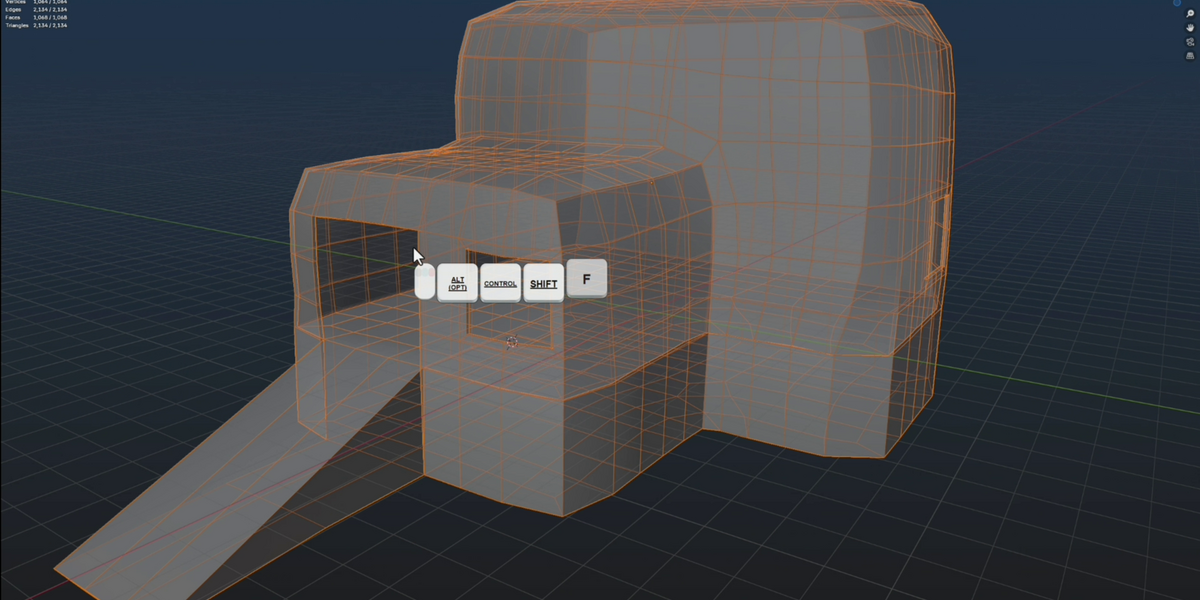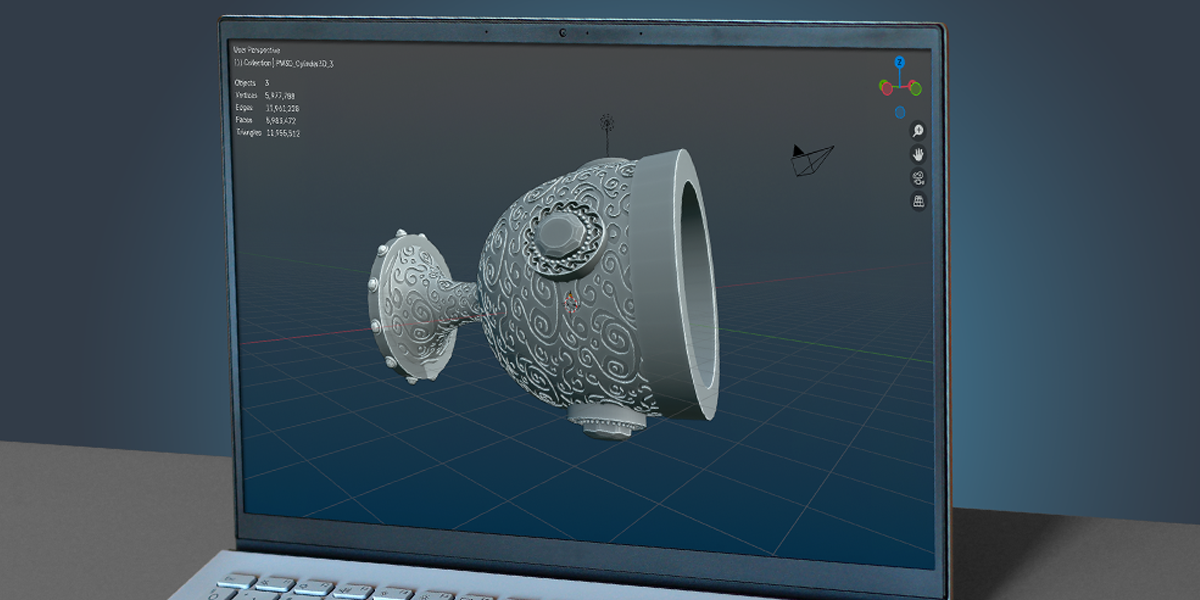
Real Full Screen Addon for Blender3D is a Blender add-on by fablesalive that toggles a borderless full-screen view under the mouse cursor. It hides the caption bar, top menu, and border to put the focus on the 3D model. The product listing documents that the T and N hotkeys remain available in full-screen mode.
Full-screen and UI shortcuts
The listed default shortcut for toggling the view is Ctrl+Shift+Alt+Z. To scale the interface up or down, use Ctrl+Shift+Alt with Numpad plus or minus. In Blender's default keymap, T toggles the toolbar and N toggles the sidebar.
Blender versions and license
The product listing identifies the extension type as Add-on, marks it as Blender Extension compatible, and lists Blender 4.4 and 4.3. It also lists the license as GPL. Check the product listing for current compatibility details before installing if you use another Blender version.