Real Pencil is a Blender add-on that places a 3D pen in the scene and makes it follow your cursor. With a graphics tablet, it can react to tilt. The pen is visible in the viewport because it is a scene object. It does not add drawing tools; its animation features are pen motion capture and automatic whiteboard animation. See the product listing for its features and compatibility details.
Cursor-following pen and motion capture
Start the control from the sidebar at N > View > Real Pencil. While it runs, the pen moves with the cursor and changes between contact and away positions as you click. You can adjust the away distance, set it to zero for permanent contact, and set the pen angle manually when using a mouse. Tilt detection can also be disabled.
To record movement, enable pen motion capture and start scene playback. Real Pencil creates an animated empty object named pen_rec. Set a long enough frame range before recording so playback does not loop before the take is complete. The selected pen can be added as a child of the recorded object with the append model control.
Automatic whiteboard animation
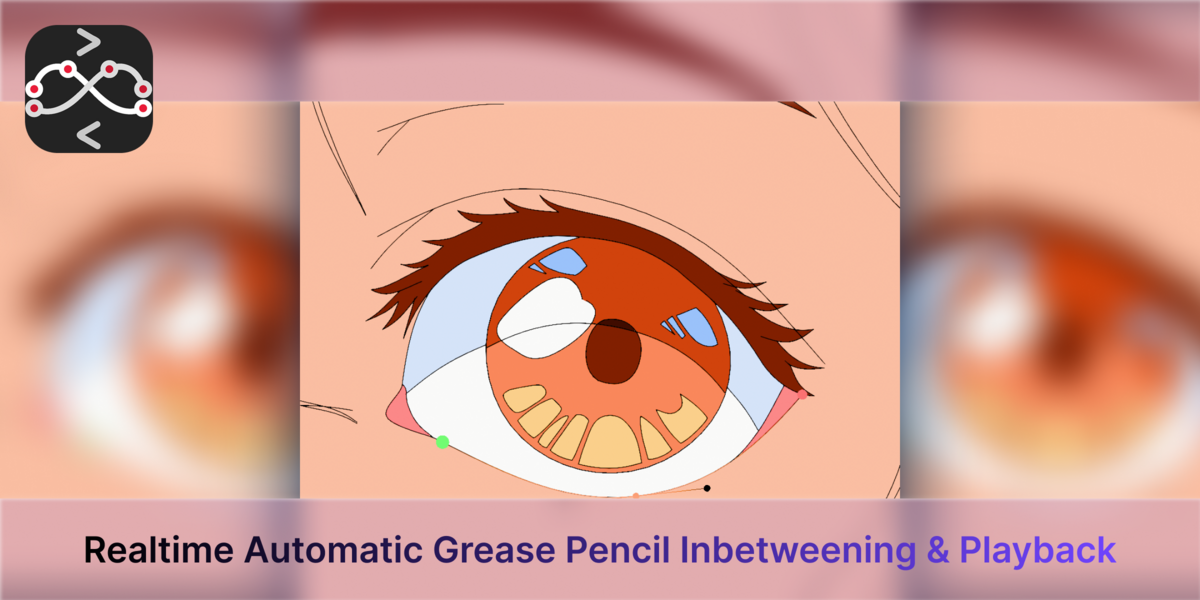
Real Pencil can animate a pen along a drawing without recorded motion. Select your Grease Pencil drawing and use Add Build And Create Animation. The add-on uses a build modifier; adjust its settings, then use the button again to recreate the pen animation. The documentation warns that the default Grease Pencil Monkey object works poorly with this feature, so use your own drawing. The product documentation also covers setup and troubleshooting.
Choose a product version
The listing describes three options. Basic includes the add-on and default pen. Full adds a model pack with more than ten customizable pens and a blend setup with paper-like surface materials. The standalone model pack includes the default pen, extra pens and paper models, for people interested in the models without the add-on.
The pen models are low-poly and made at real-world scale. You can customize them or add models of your own through the blend file included in the add-on folder.
Compatibility and workflow limits
The listing states that add-on version 2.0.0 and later is compatible with Blender 4.3 and later. On Blender 4.3, the Natural drawing speed mode can fail to compress animation time when the next Grease Pencil key is too close. Leave enough time for the build animation to finish; the listing says this issue is fixed in Blender 4.4.
Pen control runs as a modal operation and disables Blender auto-save while active, so save manually during a session. The add-on was designed for a graphics tablet and Grease Pencil objects in GPencil Draw mode. Other setups may be less reliable, and changing or maximizing the workspace while control is active can cause an error; stop and restart the control if that happens.