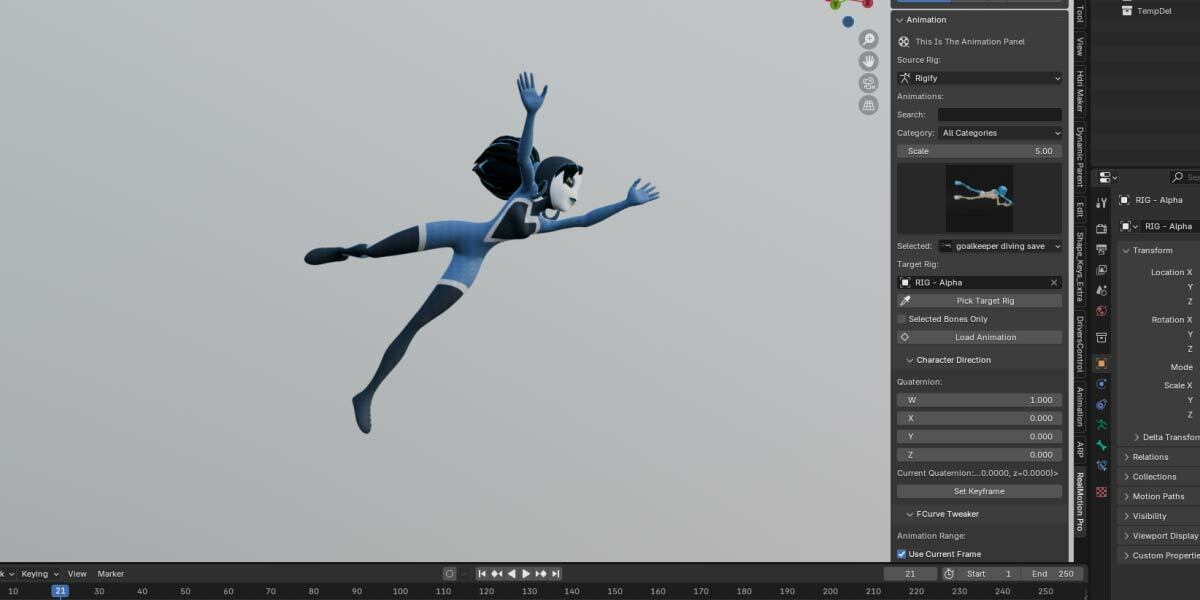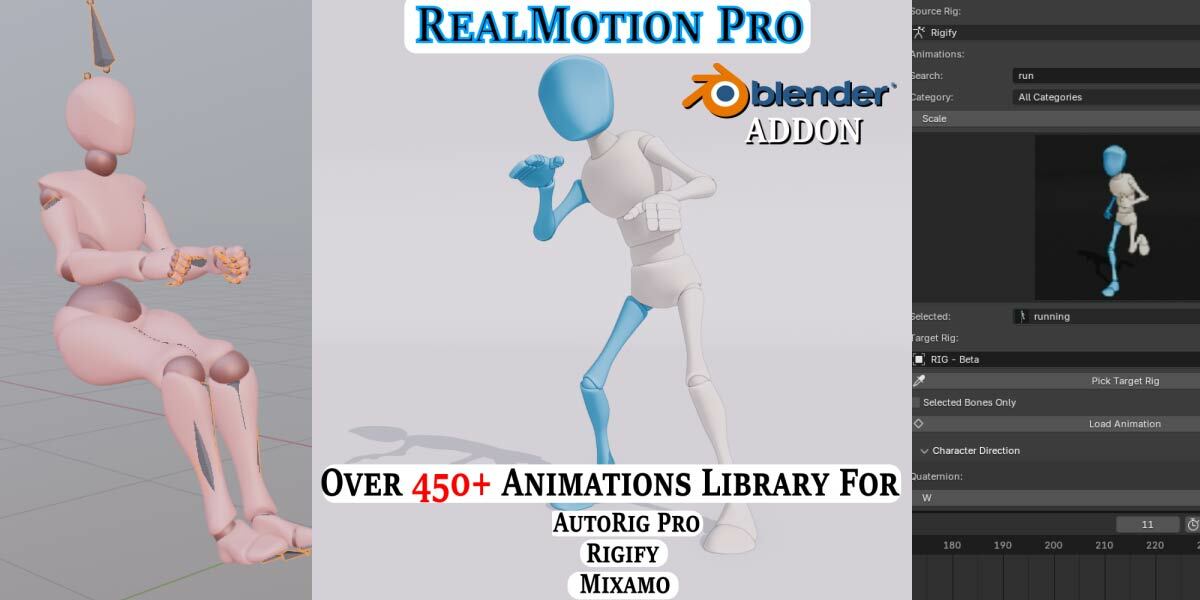
RealMotion Pro is a Blender add-on for character animation. It includes more than 450 built-in animations and over 1,700 motion-capture animations that you can retarget, refine, and save to a reusable library. Its main controls sit in the 3D Viewport, where you can search the library, choose a target rig, and load an animation onto a character.
Browse and adjust character motion
RealMotion Pro lets you tweak, blend, reverse, and smooth animations from the viewport without opening the Graph Editor or NLA Editor. When you need more control, you can push an action to the NLA for further editing. The add-on can apply multiple library animations to one or more characters in the same scene.
Tools for refining motion include animation preview, direct IK/FK snapping, baking IK/FK transitions into keyframes, and a Foot Lock system for a chosen frame range. The listing also describes controls for animation speed, position, rotation, and curve smoothing.
Retarget to supported character rigs
The product listing names AutoRig Pro, Rigify, Mixamo, and Daz Genesis 1–9 among its supported rigs. It also describes retargeting from Cascadeur rigs. Ready-made dummy characters for AutoRig Pro, Rigify, and Mixamo are available for testing or retargeting. The current listing advertises RealMotion Pro 2.0.2 with automatic source-rig detection based on the assigned target rig.
Save and move a custom library
You can bake a retargeted animation, save it to a custom library, and reuse it later. RealMotion Pro stores content separately from the add-on folder, so the library can remain in place if you uninstall the add-on. Version 2.0 introduced storing content outside that folder and sharing it across Blender versions.
The Custom Library Backup feature creates a Backup.zip containing animations, previews, favorites, and presets. The product guide says to restore it through Update & Help, then Install Update. The add-on also includes a PDF guide covering its features.
Check the version and package before installing
The catalog record supplied for this post lists version 2.0.1, while the current Superhive product page advertises 2.0.2. The product listing gives an overall Blender range of 3.6–5.3, while its installation guide describes separate 3.6x and 5.0x packages. It specifies the 3.6x build for Blender 3.6 through 4.5, with possible compatibility up to 5.0, and the 5.0x build for Blender 5.0 and above. Check the current release files for the exact Blender version you use.
The guide also lists Full, AutoRig Pro, Rigify, and Mixamo package options. Each requires its matching main content pack. Choose the install location, assign the relevant content files, and save Blender preferences so the location is retained after restarting.