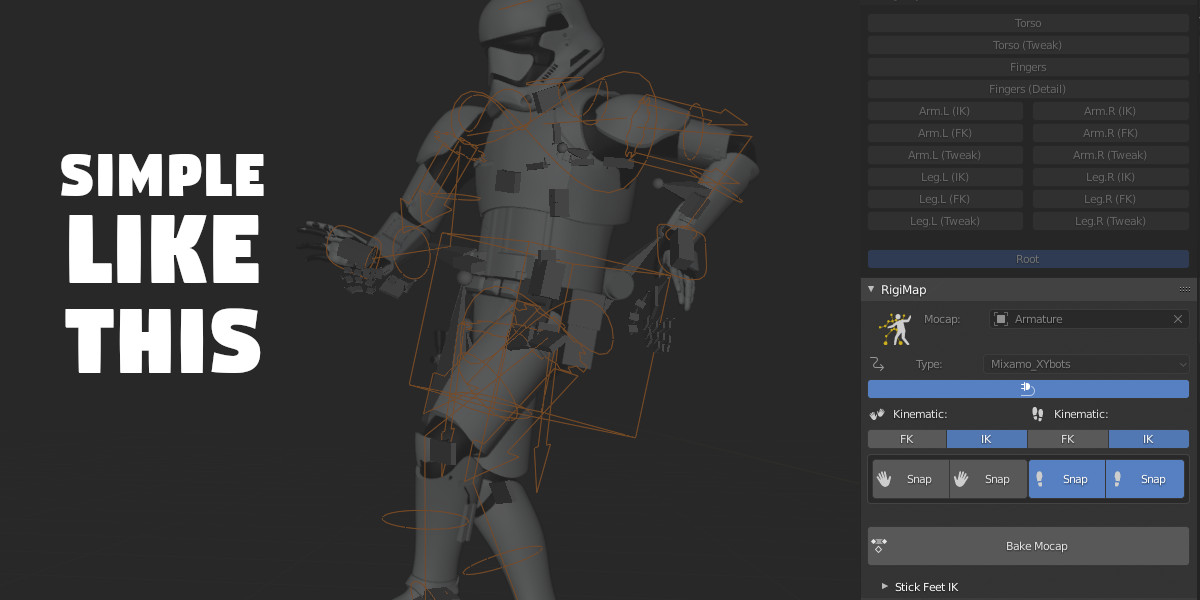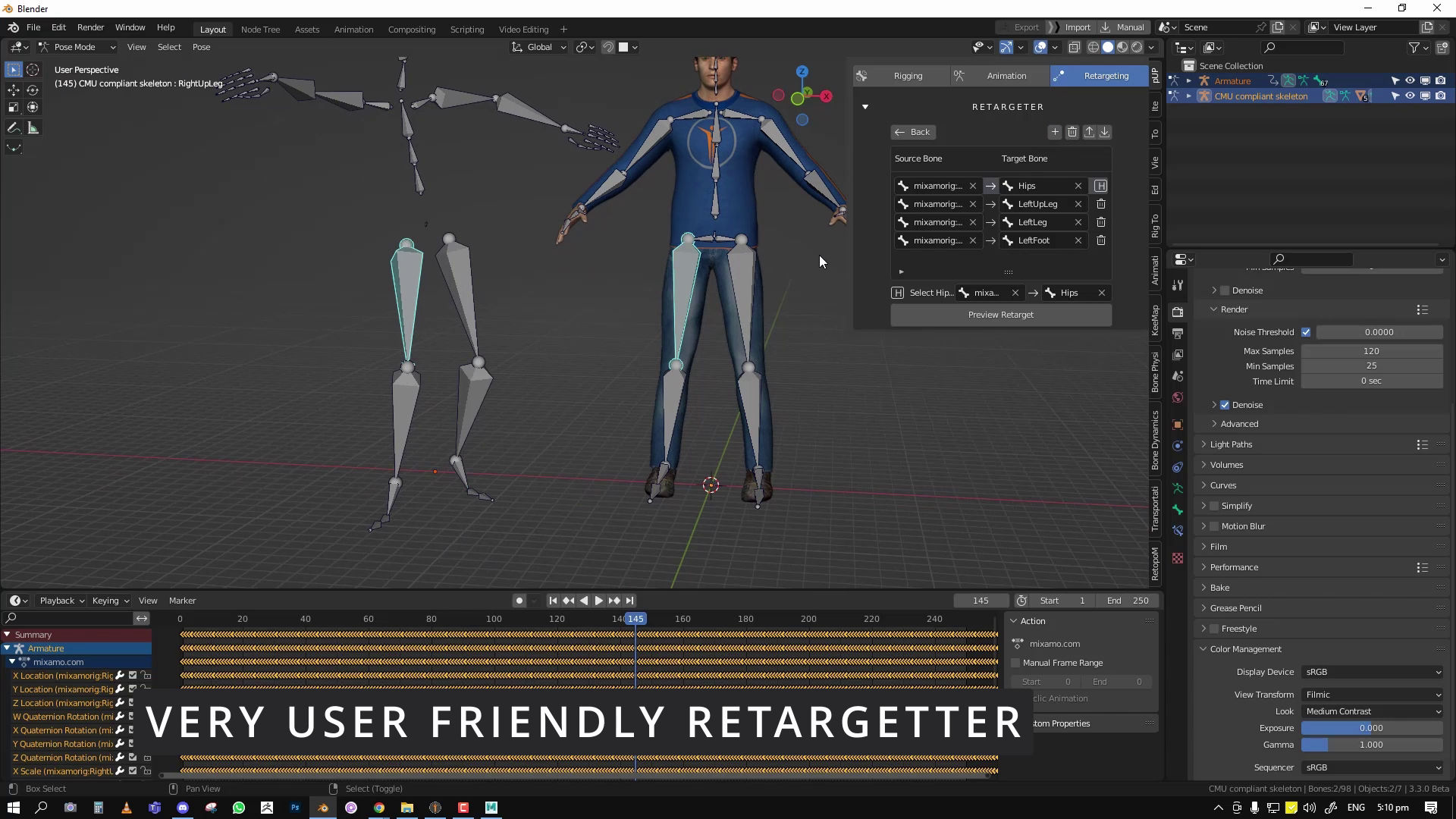
RigiMap 2.0 is a Blender add-on by Picto Filmo for applying motion-capture data to Rigify rigs. It connects an imported motion source to a Rigify rig, with a RigiMap rig between them for translating and adjusting the motion. The Superhive product listing reports Blender versions 3.6–5.1 and identifies the license as GPL.
Map motion capture onto a Rigify rig
Import the motion data into your Blender scene, choose its matching format in RigiMap, then use the plug button to map it. The listing names support for these inputs:
- FBX: Mixamo, ActorCore, MocapOnline, Perception Neuron, Plask.ai, Xsens, DeepMotion, Radical, Shadow and MoveOne.
- BVH: Rokoko legacy, iPiSoft and Mocopi by Sony.
- Also listed: Rokoko beta, Mocap.market and Quick Magic in FBX, plus Quick Magic in UE4 format.
- Blender's internal Rigify Meta Rig.
Once the motion is mapped, you can adjust bone rotations. The RigiMap rig carries an action that translates the motion; animating that action lets you adjust the capture or add movement over it, similar to a layered animation. RigiMap also includes an option to snap IK to the motion.
Edit and bake the animation
When the mapped motion is ready, bake both IK and FK to keyframes. The result becomes a standard Rigify action that can be used without RigiMap installed.
Version 2 setup and limits
RigiMap 2.0 changes how presets work compared with version 1. Preselections now match bone names rather than choosing actions for the RigiMap rig. You need to adjust that rig so the motion-capture rest pose aligns with the rest pose of your Rigify rig. The publisher describes version 2 as customizable and intended to work across motion-capture types.
Hand-pose presets are included for finger posing. The publisher notes that they rely on keeping the Meta Rig's default hand-bone rotation in relation to the palm-bone alignment. Feet Shake Reduction is no longer supported in RigiMap 2.0, so plan on other tools if you need to reduce foot movement in a capture.