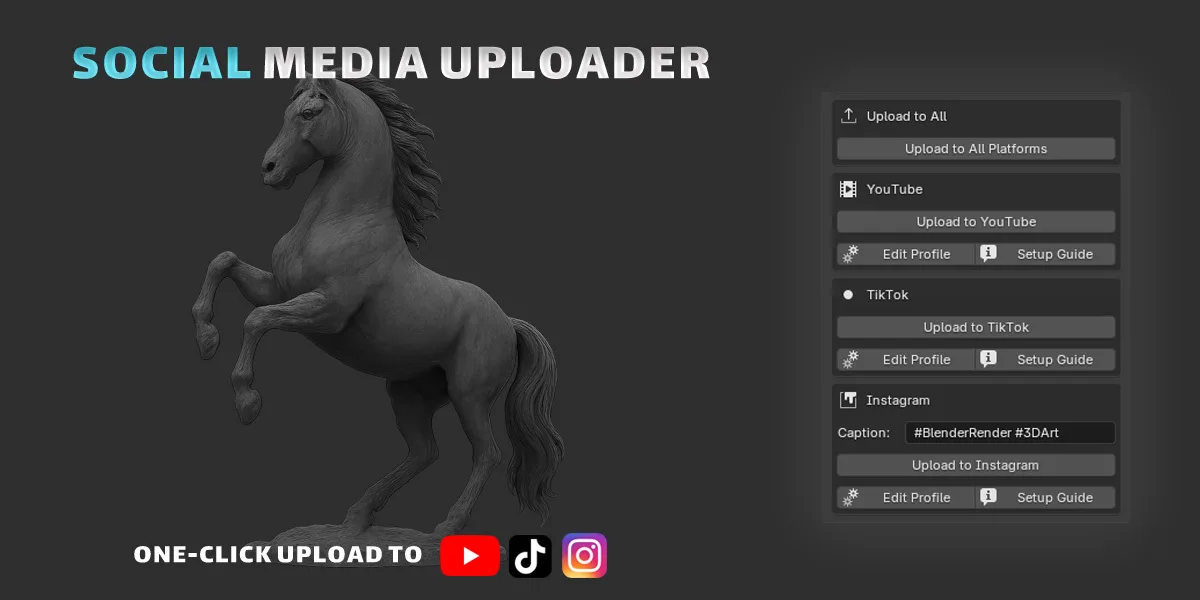
Reel Director is a Blender add-on for turning existing 3D scenes into social video for Instagram, TikTok, and YouTube Shorts. It brings format setup, camera movement, object animation, clay breakdowns, viewport looks, and rendering into one panel, with settings for vertical, square, and landscape frames.
Set the format before building the shot
Choose an output shape first: vertical 9:16, Instagram 3:4 or 4:5, square 1:1, or landscape 16:9. You can also select HD, FHD, 4K, or 8K, then adjust frame rate and duration. Applying the format in one step helps set up the scene for its intended destination before you tune the camera and animation.
Move the camera and animate objects
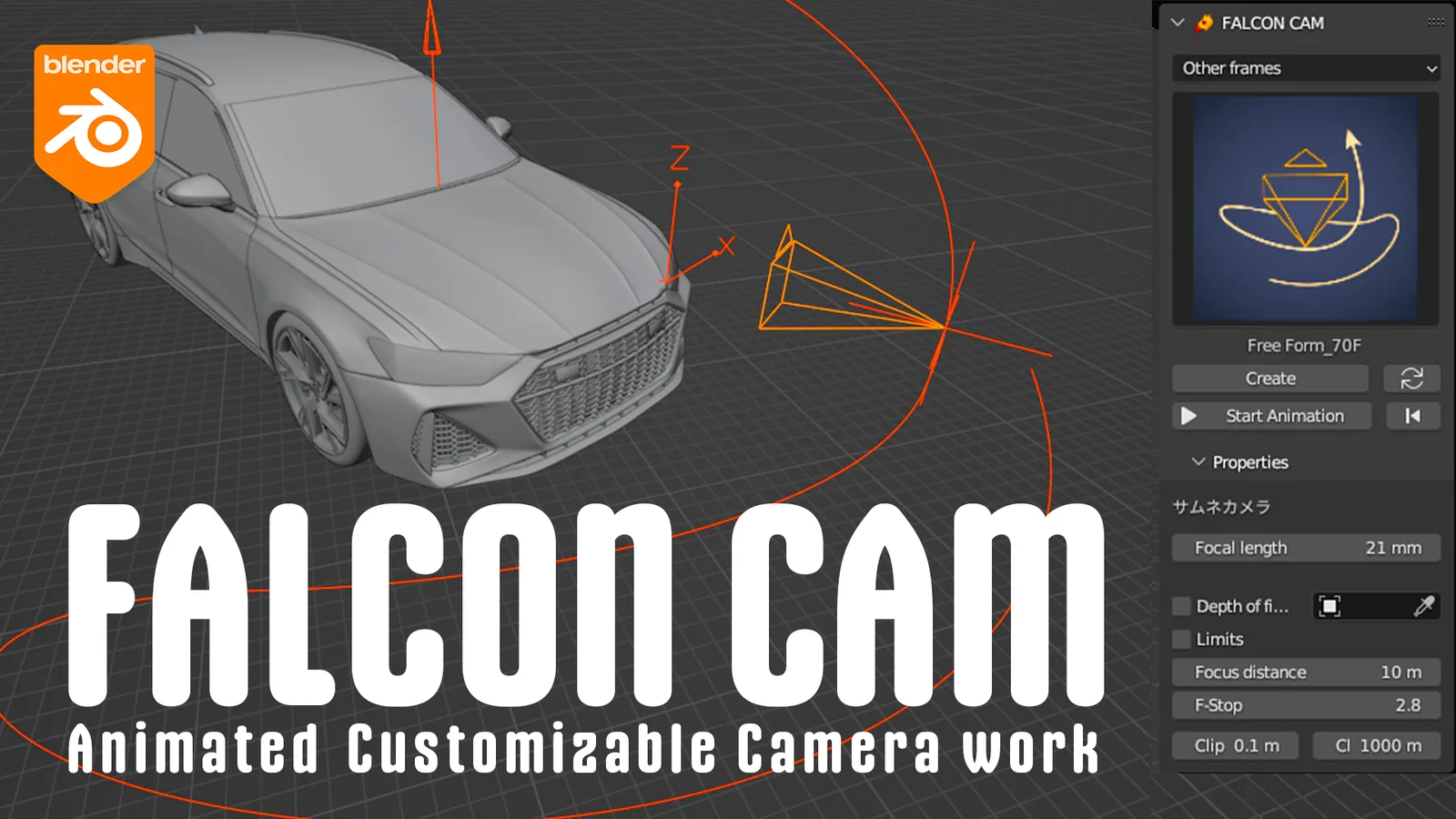
The base edition includes 32 curated camera moves for reveals, orbits, hero shots, architecture, and product showcases. Controls include speed, reverse, root rotation, focal length, and aim, with seed variations for supported moves. Camera effects include depth of field, rack focus, and handheld movement.
For objects, choose from 17 build, reveal, assemble, explode, slide, scale, and float animations. Apply timing in staggered, sequential, random, or all-together patterns, then restore transforms when you are finished.
Make clay breakdowns and viewport previews
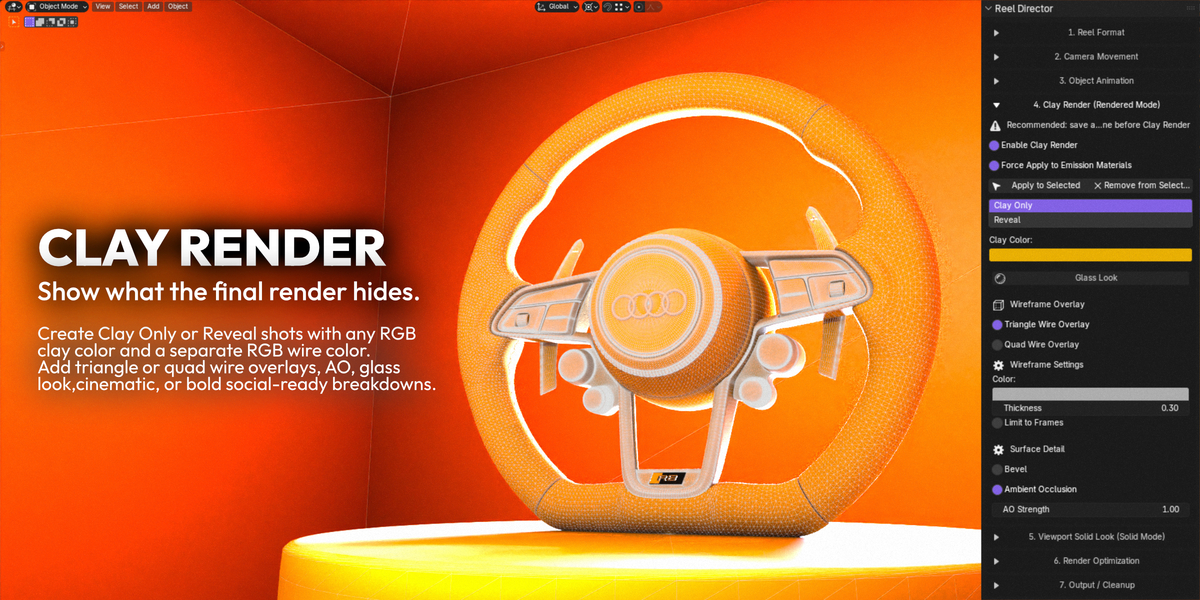
Clay tools cover clay-only renders and an experimental clay-to-final reveal. You can adjust color, triangle or quad wire, glass, bevel, and ambient occlusion. More than 20 viewport looks use MatCaps, cavity, shadows, outlines, or X-ray, with Solid or Material Preview output available.
Reel Director Pro adds per-object Clay Studio, so selected objects can keep separate clay and wire settings. It also includes built-in clay and wire presets, seeded combinations, and custom presets saved in the .blend file. These controls suit scenes where each object needs its own treatment.
Choose a render mode and output
Four render presets range from Fast Social Preview to Final Clean, with Safe Speed-Up and Low Noise Balanced between them. Reel Director enables persistent data and spatial splits where Blender supports them. The output tools can render image sequences, MP4 where Blender supports it, HDR EXR, and hero frames, and let you set output paths.
When the setup is no longer needed, the tools can restore original transforms and materials or remove the generated setup. The add-on lists support for Cycles and Eevee.
Compare the Base and Pro editions
The base edition includes format setup, 32 camera moves, object animation, clay breakdowns, viewport styling, render optimization, output, and cleanup. Pro includes that workflow and raises the camera-move total to 36. It adds premium moves, camera filters, per-object Clay Studio, Native Wool Style, Lattice Surface, and compositor presets. The listing labels Native Wool Style for Blender 5.2 and later.
The product is listed as a Blender add-on and marked Blender Extension Compatible. Its displayed Blender version range is 4.2 through 5.2, and its license is GPL. Check Bevel Graphics’ current Reel Director listing on Superhive for the latest compatibility and edition details.